

Responsive Report Writing Case Study
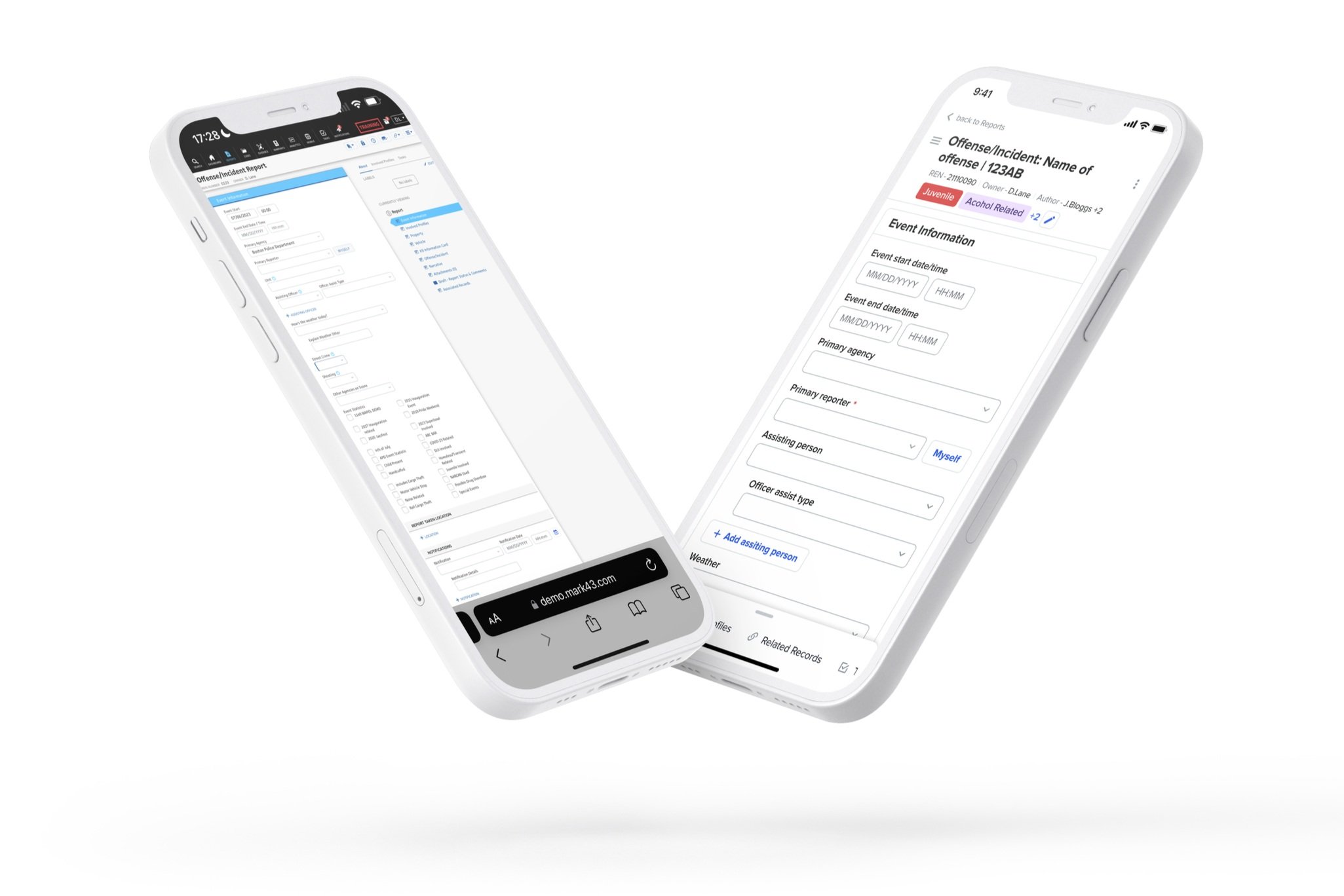
The Goal:
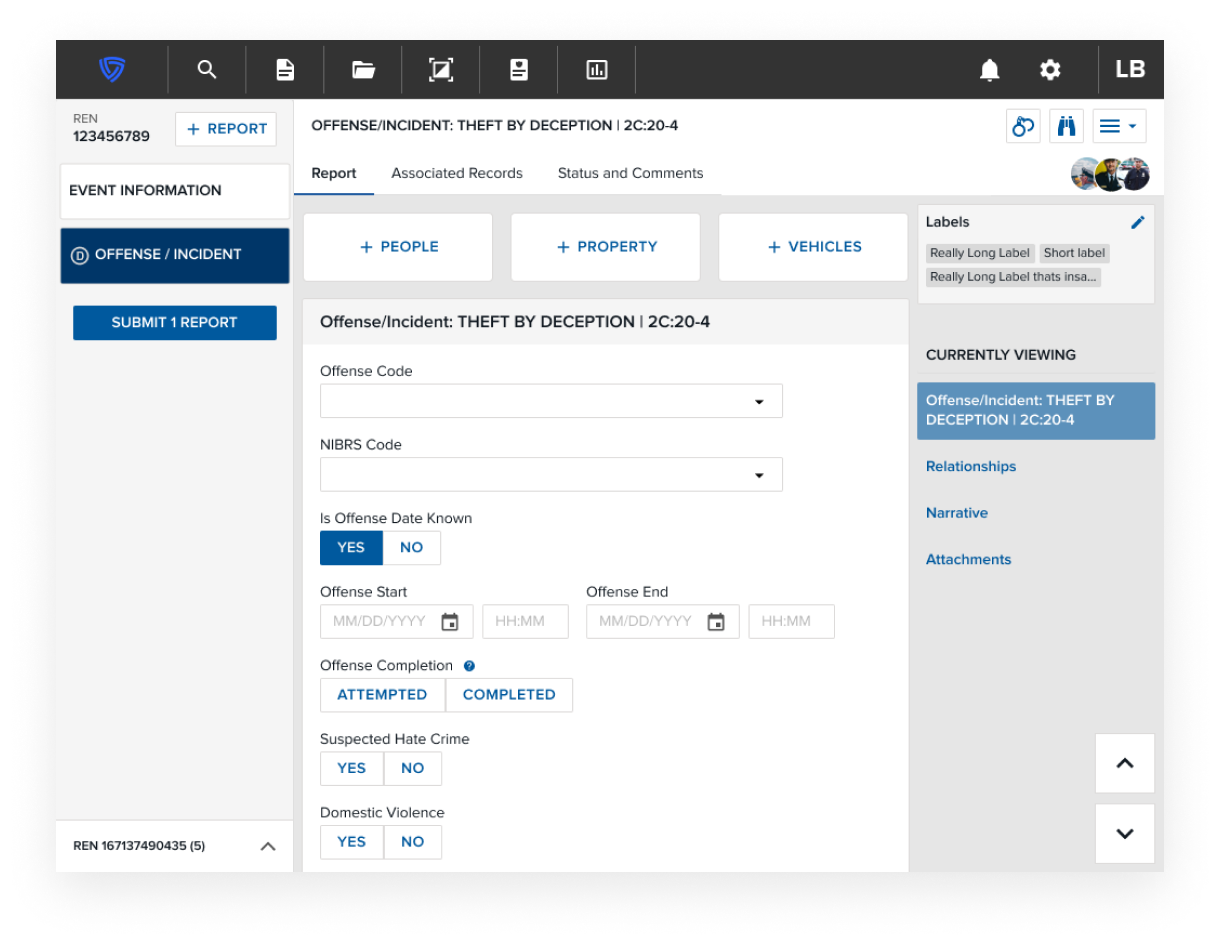
Allow users to utilise Mark43 RMS report writing workflows from their mobile devices
The Problem
Report writing accounts for a large portion of a typical patrol officers workload, that many do not enjoy. The public image of policing in the US is currently damaged and officers feel the best way to repair this is to be seen and engage with the community, however the bureaucracy of report writing does not allow them the time to be out in the field as much as they would like.
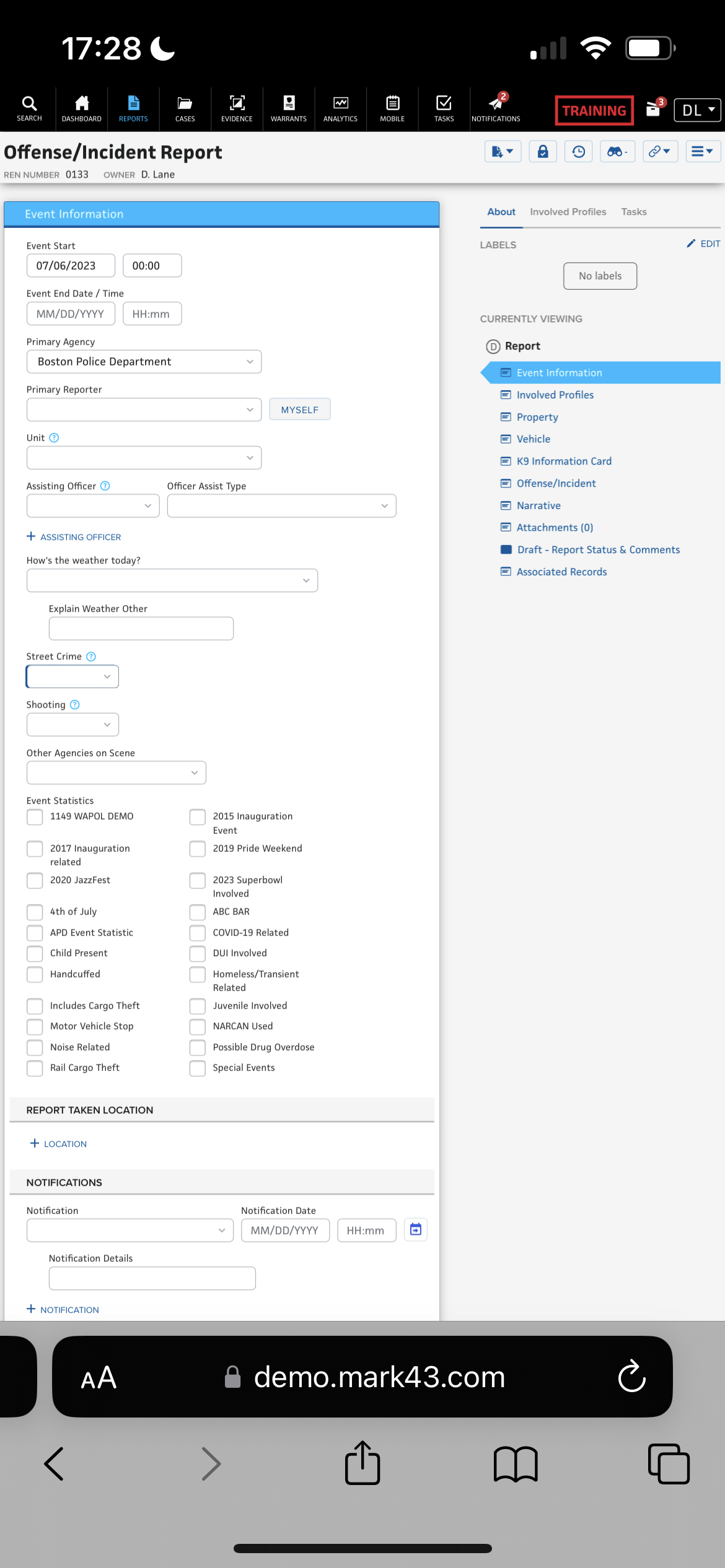
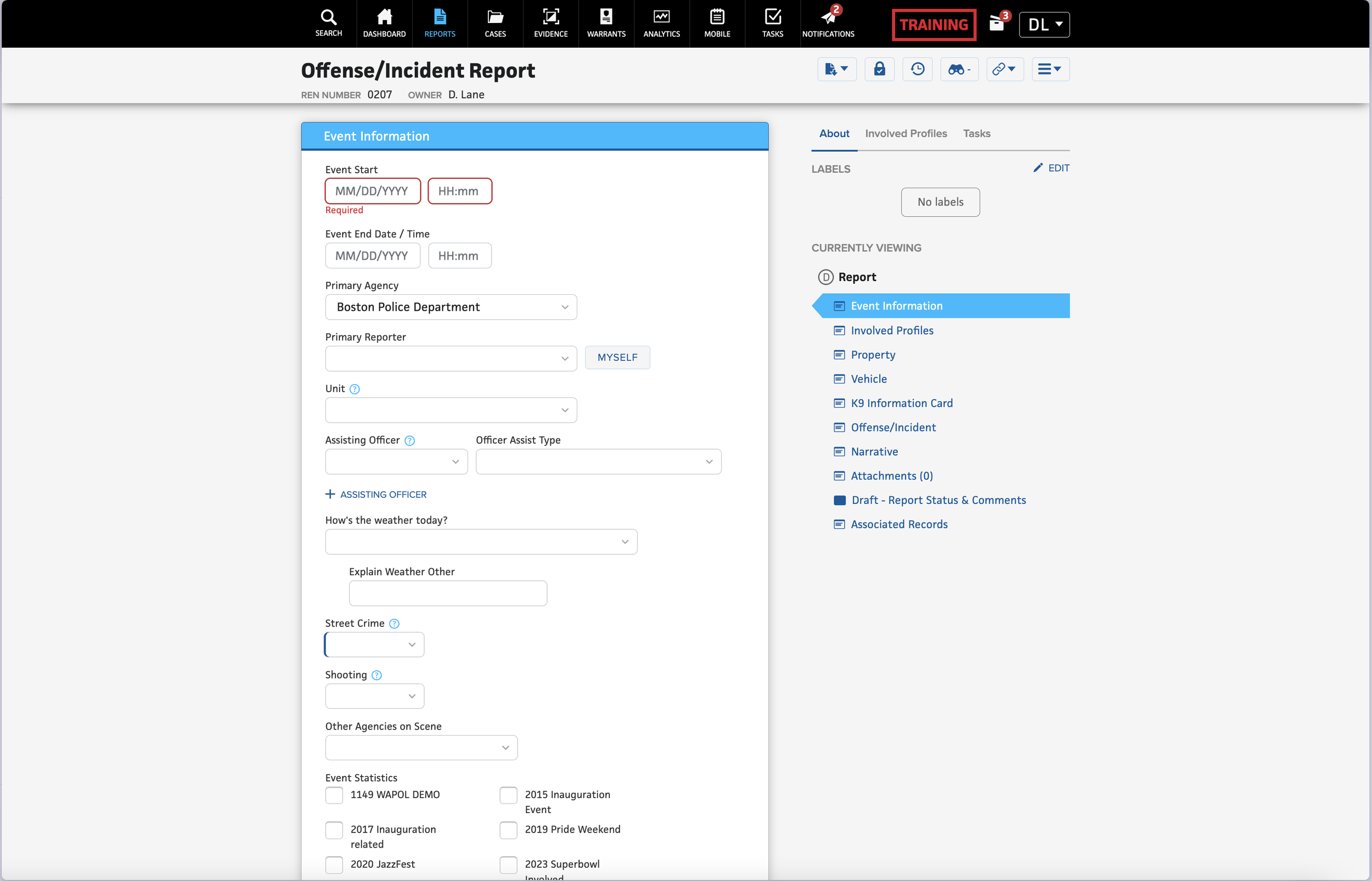
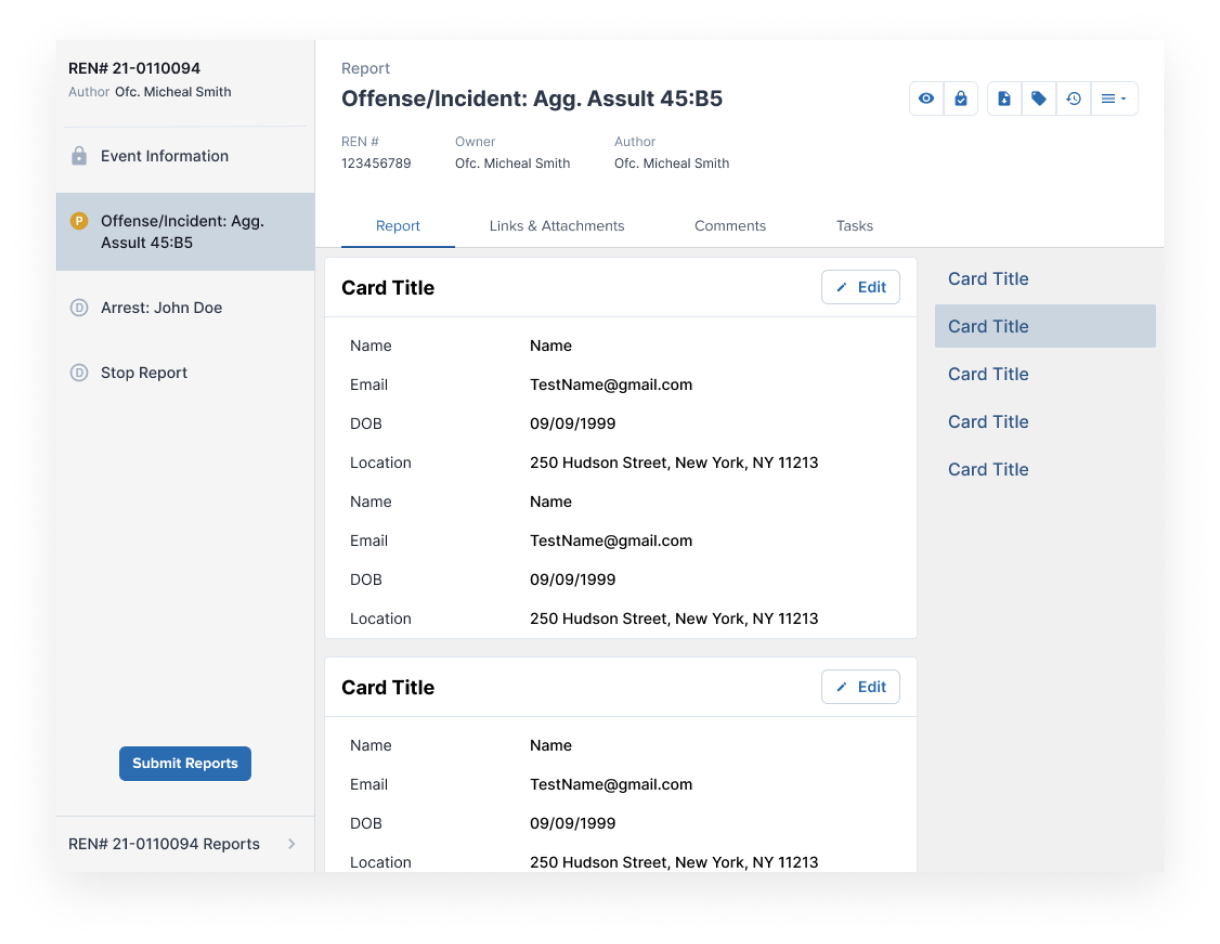
Currently RMS users can only write, review, and submit reports intuitively on the RMS desktop client. The RMS is not a responsive webpage and therefore the mobile experience is severely compromised. Users need the ability to conduct report writing on the various devices they use in their daily operations, which include mobile and tablet devices.
Positioning
The future of an officer’s workflow will begin with their mobile devices. The industry has started to move towards a ‘mobile first’ vision of police work, specifically for report writing.
This project will position the RMS report writing module as a product that meets industry best practices and standards. Responsive Report Writing begins our phased approach to not only matching parity with where our competitors are with mobile integration and data capture, but also presents an opportunity for Mark43 to have a key differentiator in the marketplace.
Long Term Vision
Responsive Report Writing on all Form Factors is the first component of improving the report writing workflow. Following the form factor update, we will look to iterate on Streamlined Reporting and and implementing Smart Report functionality. Through our long-term vision, we have an opportunity to change RMS workflows from simply being Data Entry to a more Data Evaluation workflow.
Objectives
Enable users to have parity of functionality for the “Reports” module and workflows on all form factors, including mobile devices such as phone and tablets
Users should be able to complete their report writing workflow entirely from their mobile device, or start it on one device and complete it on another
Leverage mobile best practices to shorten the time data is entered on a report.
Current State
Responses
“90% of the time I write my reports from my MDT in the vehicle. But its frustrating when waiting at the hospital or at jail with a detainee and I can’t take my MDT with me”
“At the moment I take a lot of notes on my pad and then have to type them up later on in the precinct or car. It would be great to be able to capture person or vehicle details on my phone so I’m not writing this out twice”
“For most reports, I wouldn’t write them on my phone. The narrative would take too long. But for things like citations, it would be great. At the moment I fill in a paper form and then records has to type it up”
“We have department issued phones now and it does seem stupid not to use them where we can”
“We have to re-enter so much information at the moment, it takes ages. To be able to start my reporting at the scene would save so much time, even if I don’t finish it straight away”
“I firmly believe that the 2 key components are going to be your body cam and your phone. The mobility portion is going to be a game-changer”
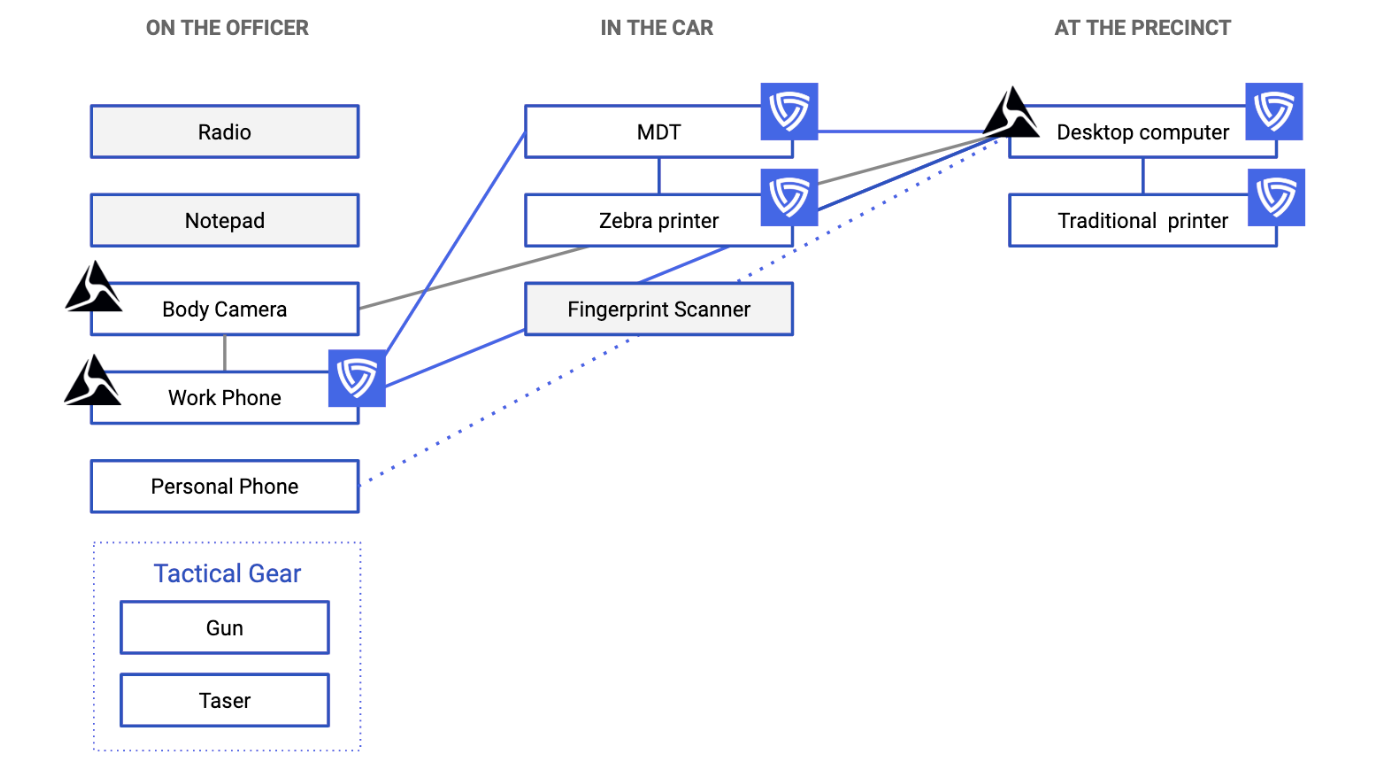

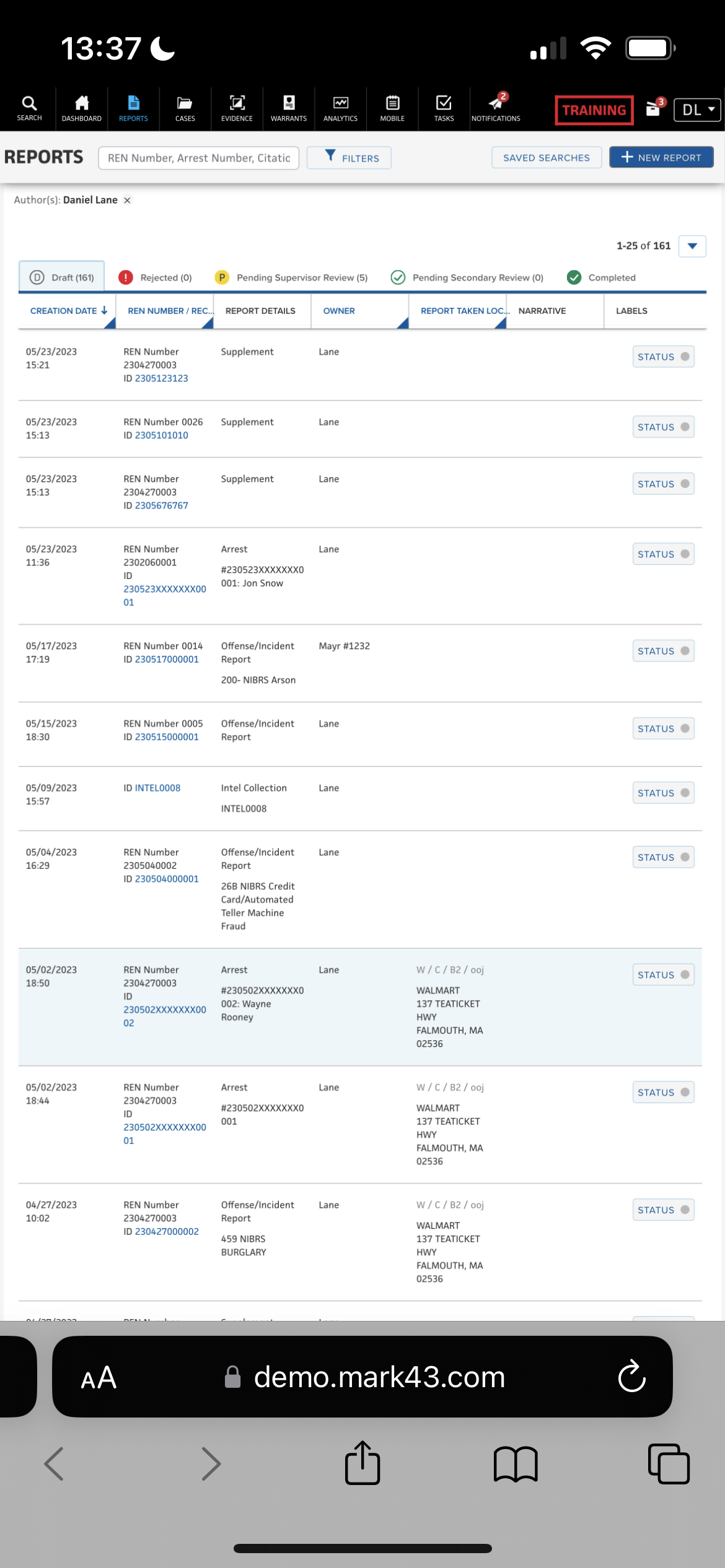
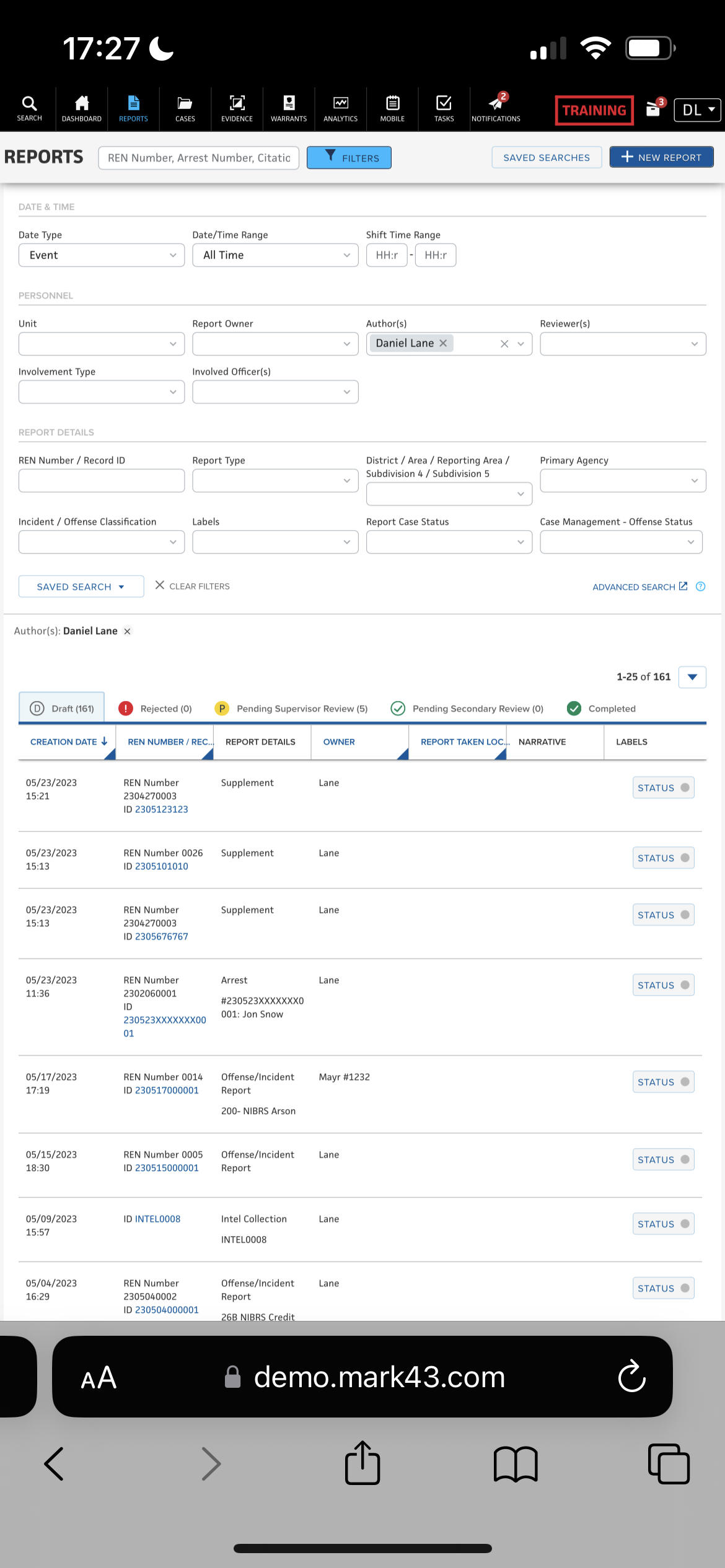
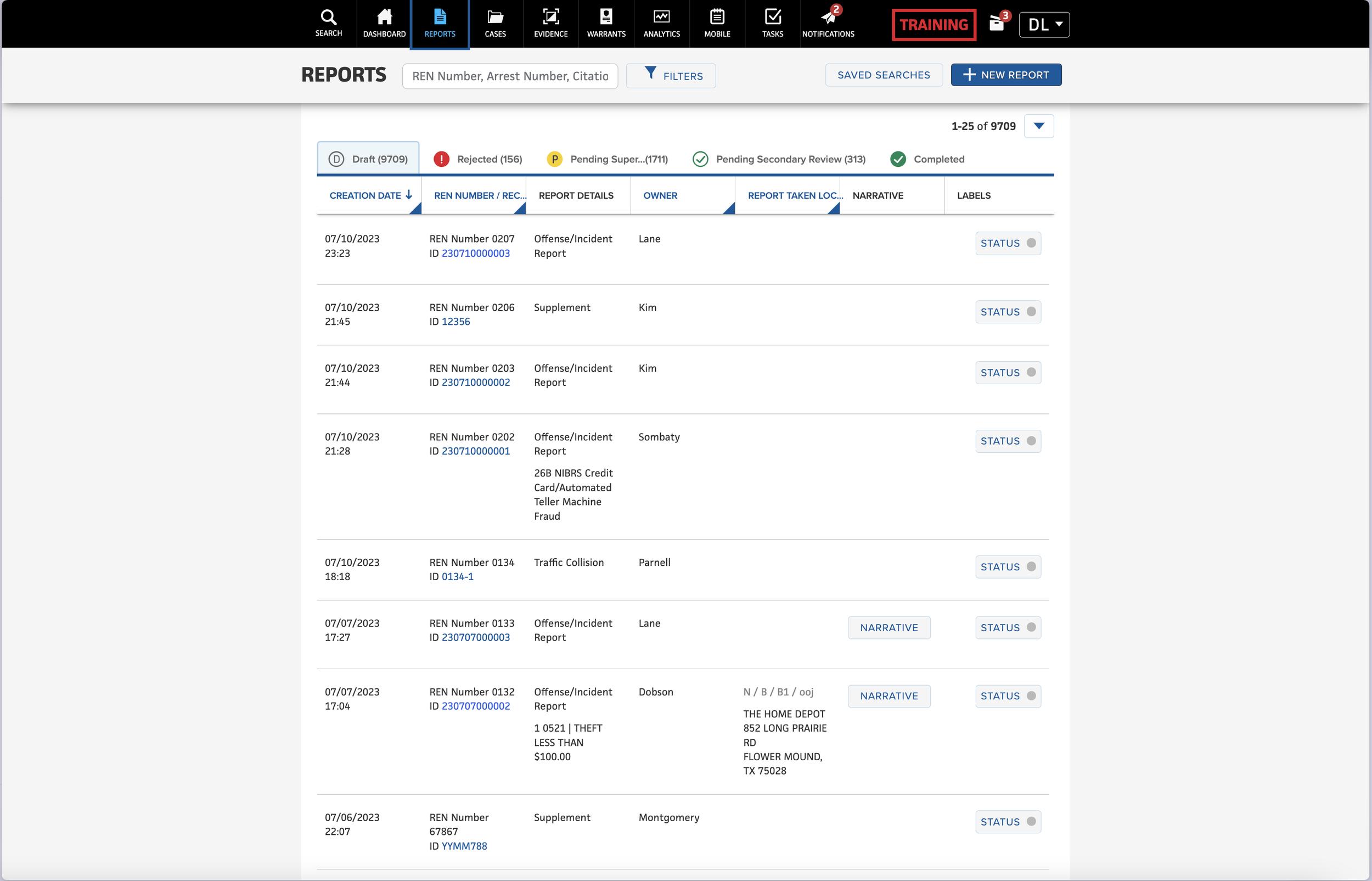
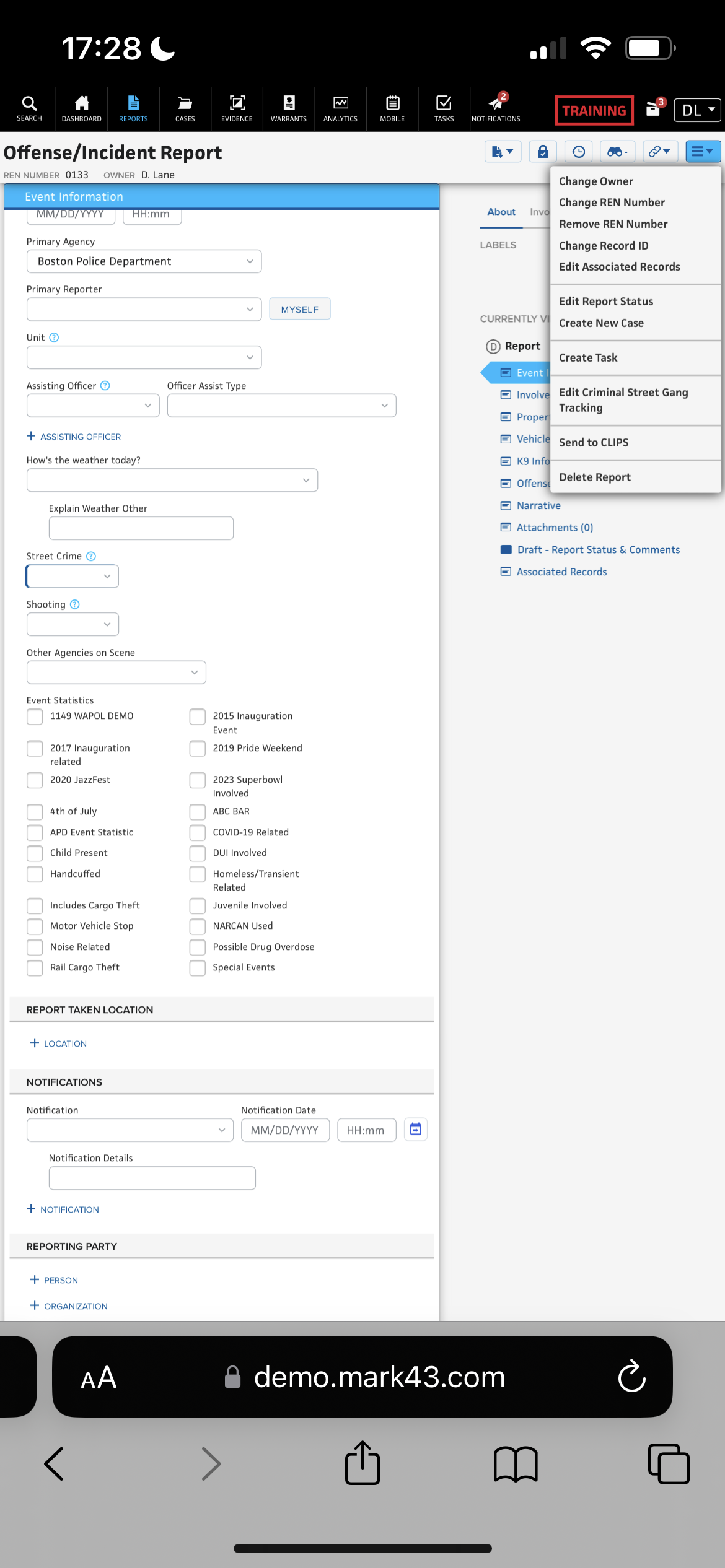
Mark43 RMS is not currently responsive and although the web page is accessible via mobile, users are presented with the desktop view, making interaction very cumbersome. More users are becoming familiar with typical mobile patterns, of which we are not currently taking advantage.
Discovery
Why pursue mobile?
Industry shifts and policy changes - The law enforcement industry and related government policies are shifting to actively promote mobile development. In addition, we have seen infrastructure improvements laying the groundwork for modern technology, guidelines and promotional campaigns, as well as more detailed and advanced data capture and reporting requirements.
Mobile Adoption Trends - We estimate that MDT or tablet in cars are a standard-issued technology and about 85% of departments issue smartphones to at least a portion of its personnel.
Departments are looking for mobile innovation - It has become more clear since initial mobile research done in 2018 that there is a gap in the industry for leading/innovative technology and departments are looking for a vendor who is thinking ahead to what the future looks like for policing, especially in regards to mobile capabilities and devices.
Survey
User Interviews
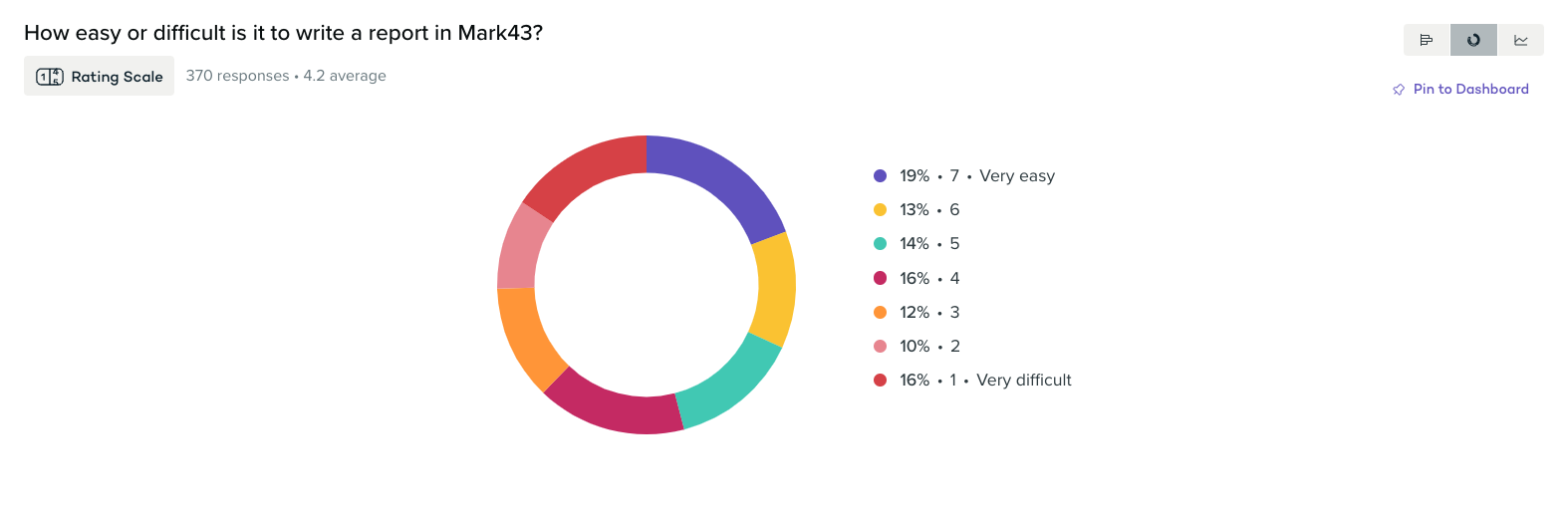
In order to gather a wide understanding of the needs of users and the real life use cases for utilising mobile devices for report writing in the field, I conducted 15 interviews with officers. Our primary user for this will be a patrol officer, however in order to catch edge cases I also conducted interviews with supervisors, detectives and records personnel. These interviews were conducted with users across different agencies (US States; Maryland, California, Oregon, Georgia and Massachusetts as well as within the UK) in order to capture as many variable workflows as possible.
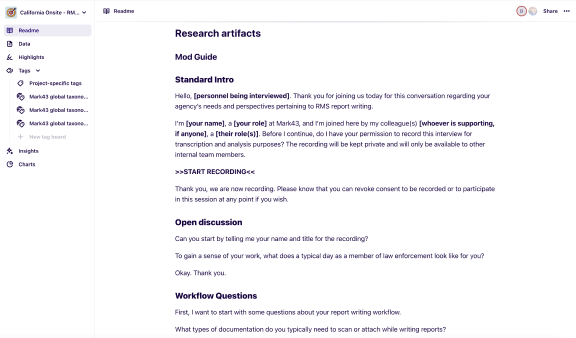
The format was a primary interview using a script that was designed to help us capture answers to our biggest questions and validate assumptions, but to also allow for users to speak freely about their use cases and positive/negative feelings towards writing reports on a mobile device.
Tooling
Stakeholder Interviews
We also wanted to understand the perspective of leadership in the push towards using mobile devices for report writing. We spoke at length with Chief Ishii at Hawthorne PD around his vision for technology aiding officer workflows. He believed that within the next decade, most departments across the country would be utilising smartphones and the technology they provide in order to write better reports, faster. Pointing towards technology such as document scanning, transcription and translation.
Theming
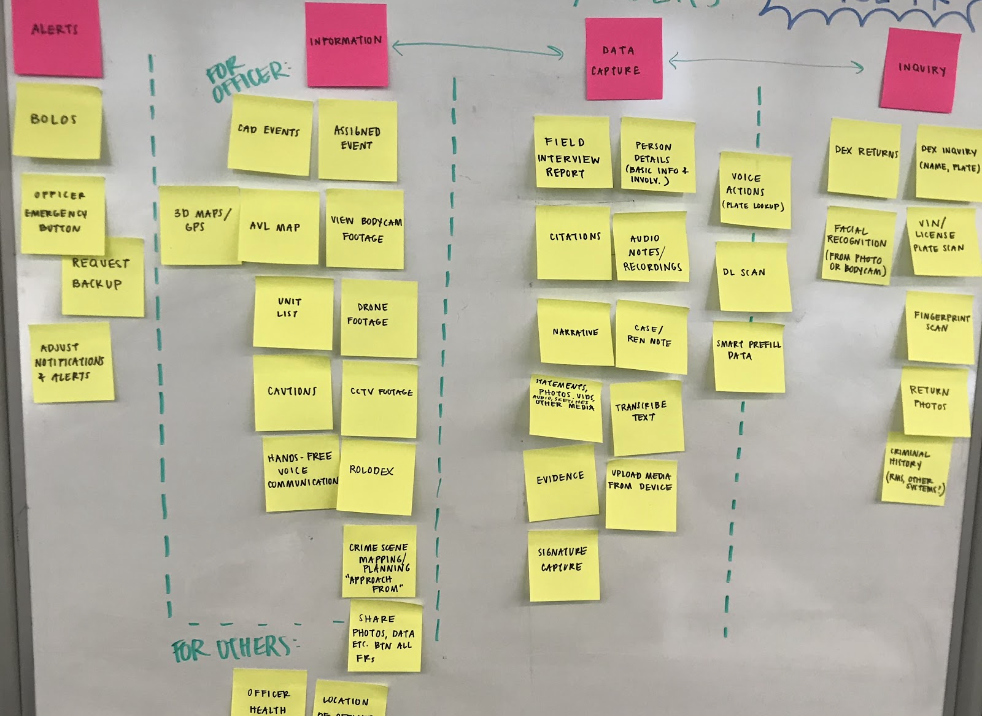
The User
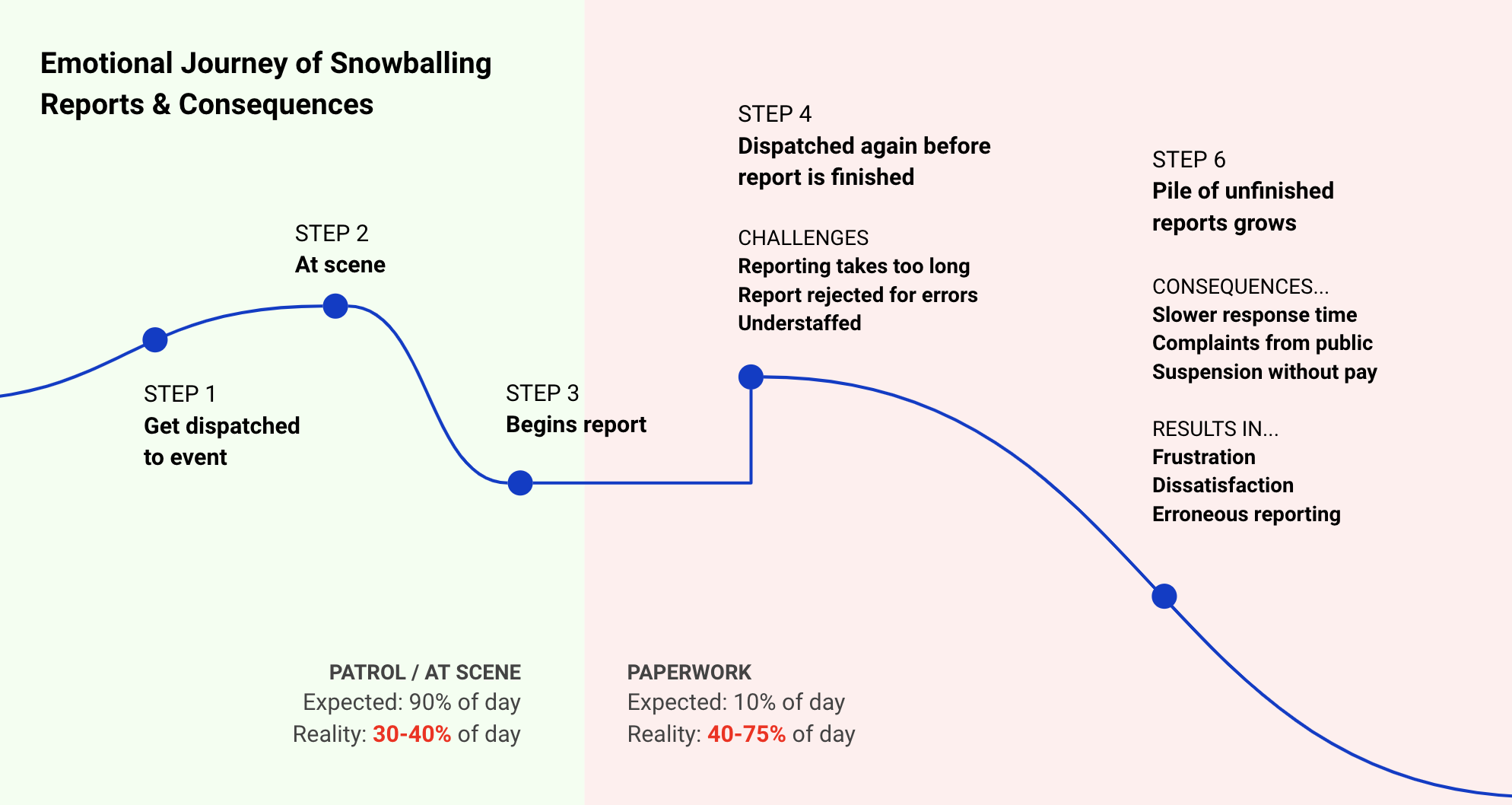
Emotional Journey
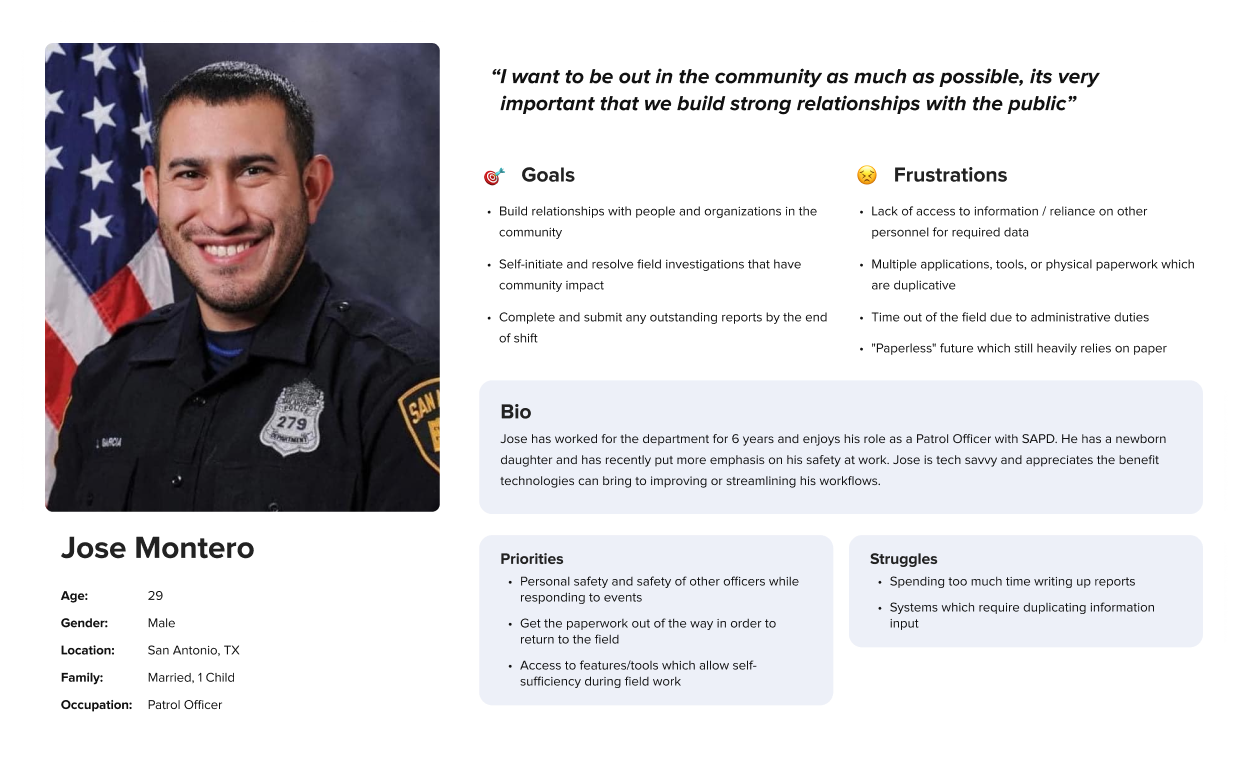
Persona
Report Writing Service Blueprint (Extraction)
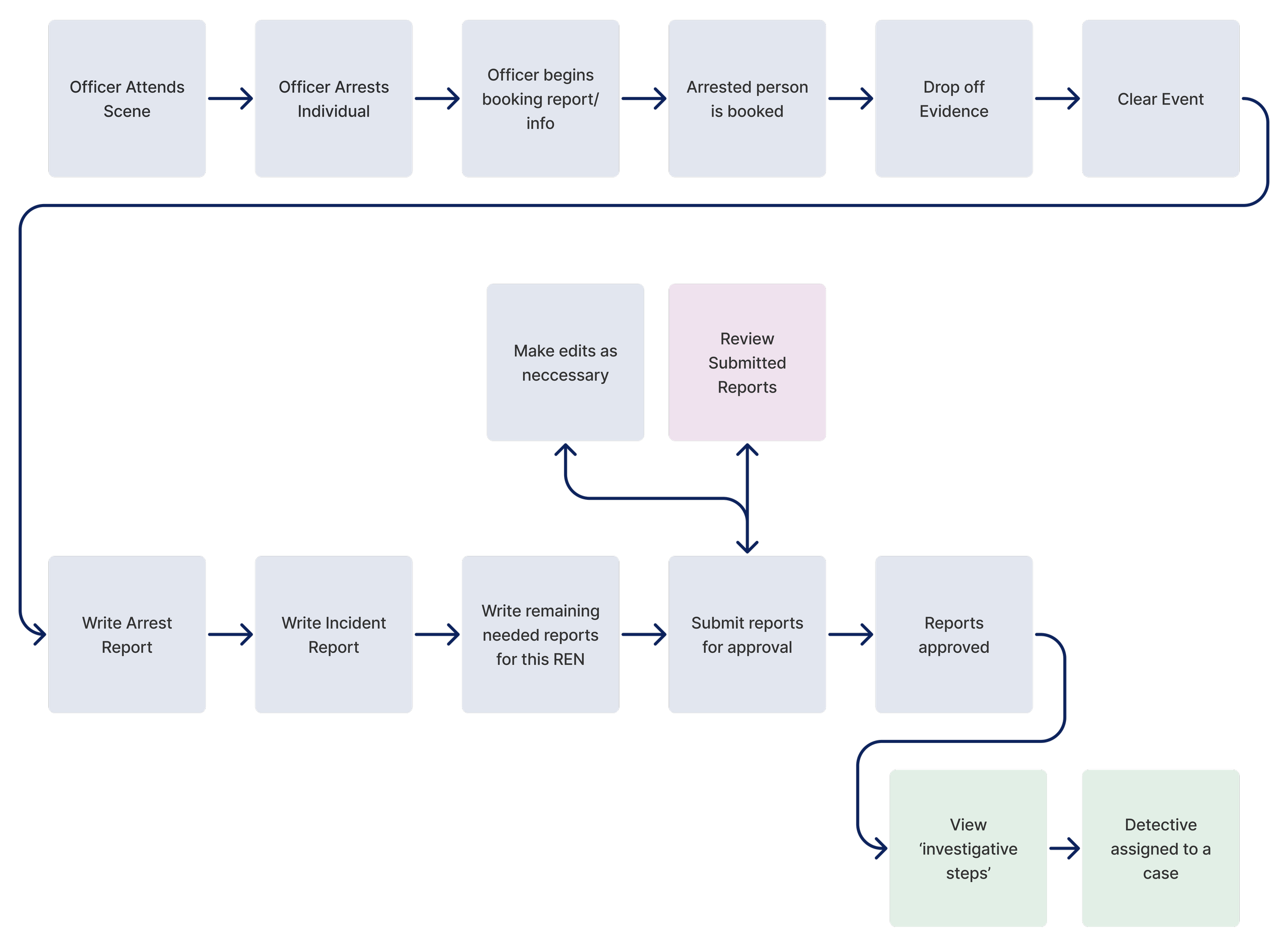
*Not the full service blueprint
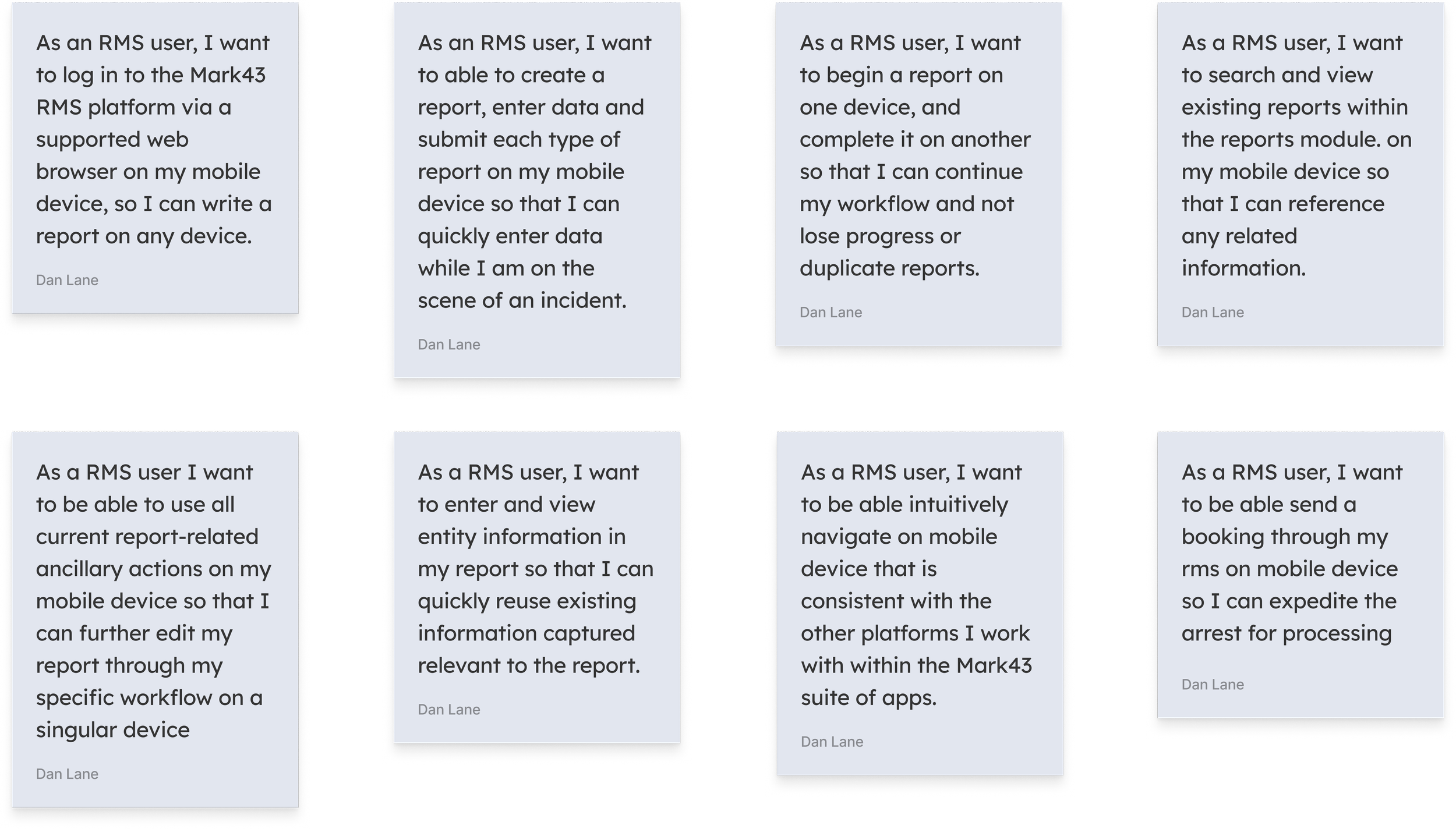
User Stories
Ideation
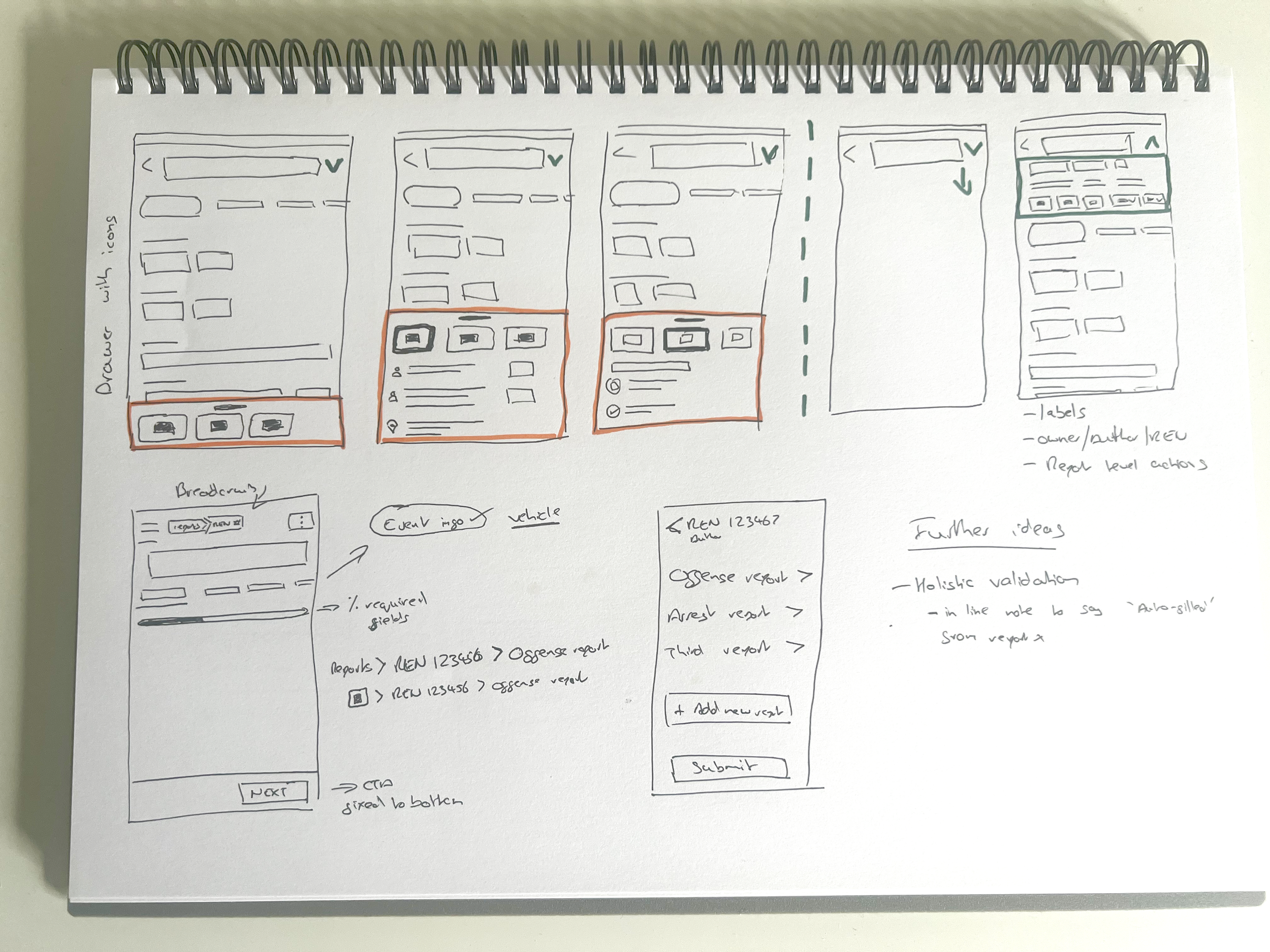
Wireframes
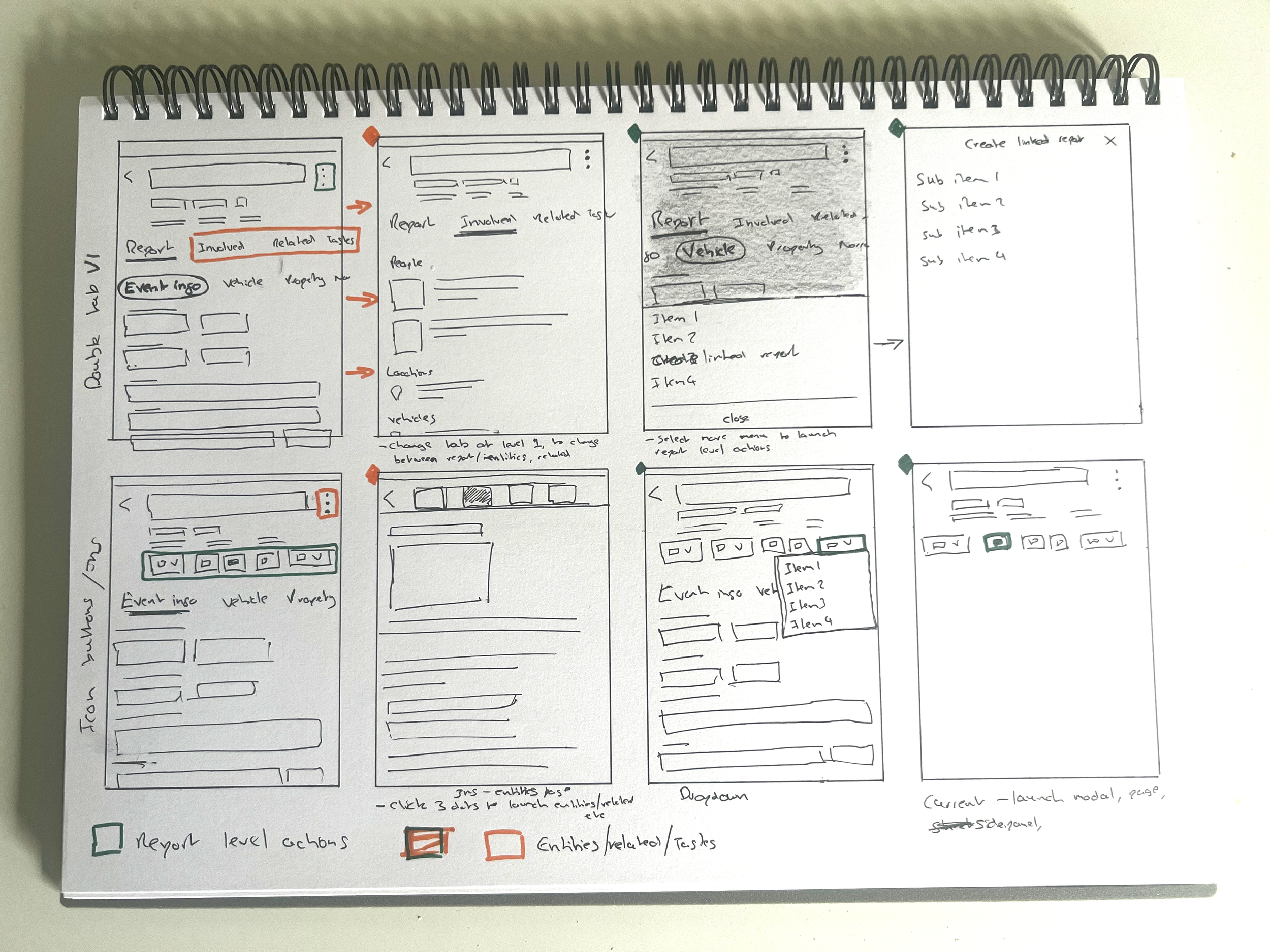
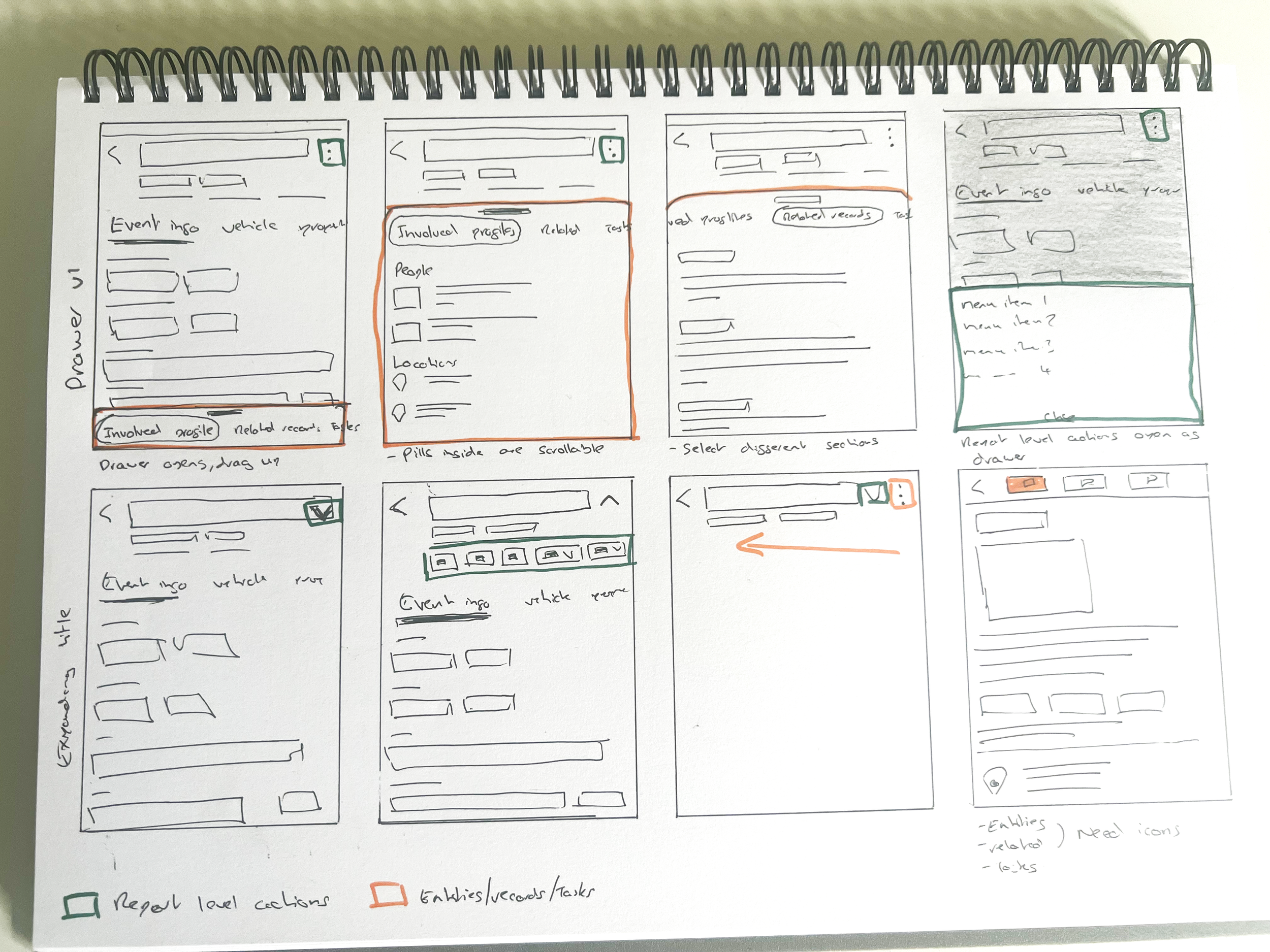
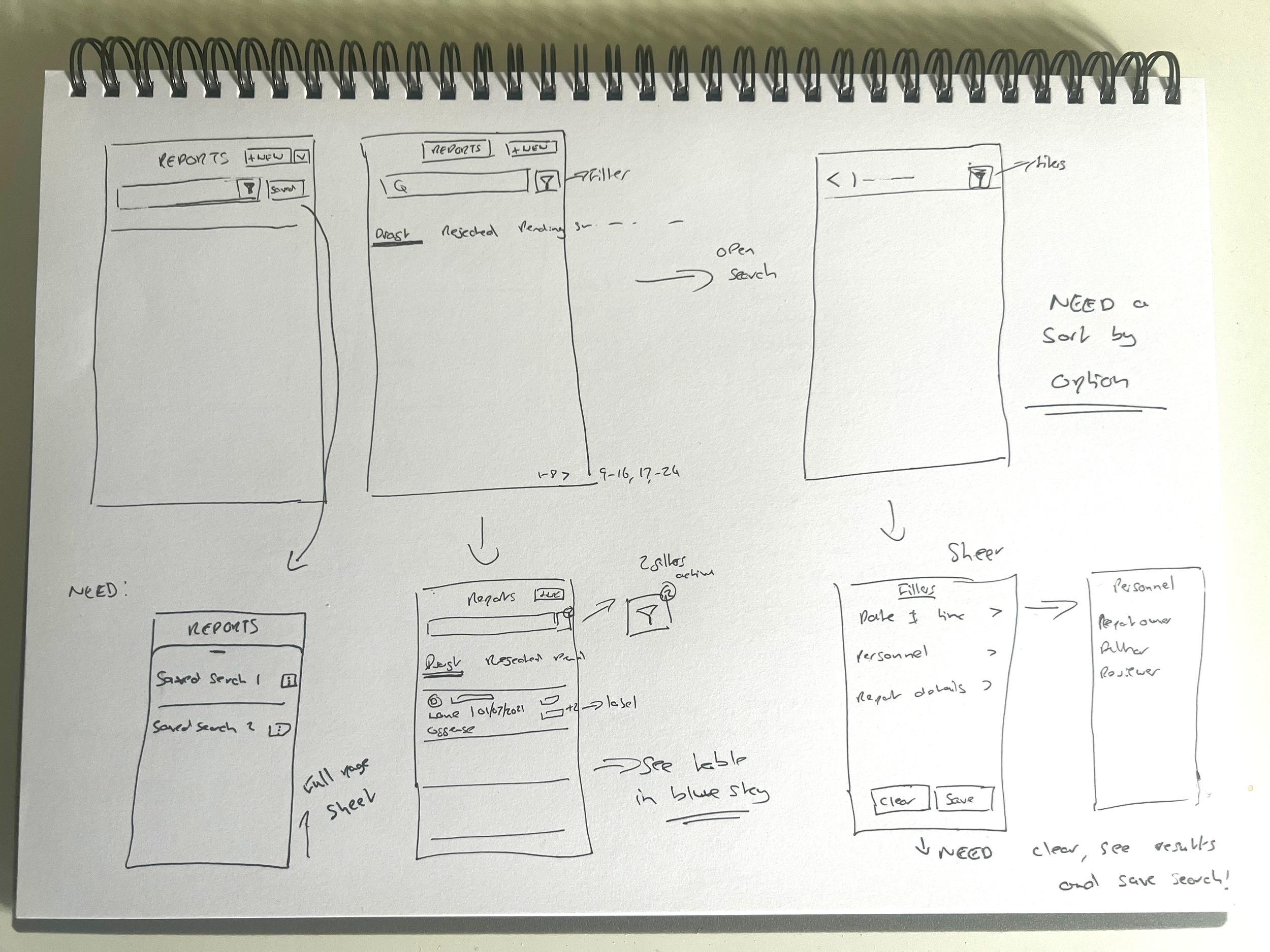
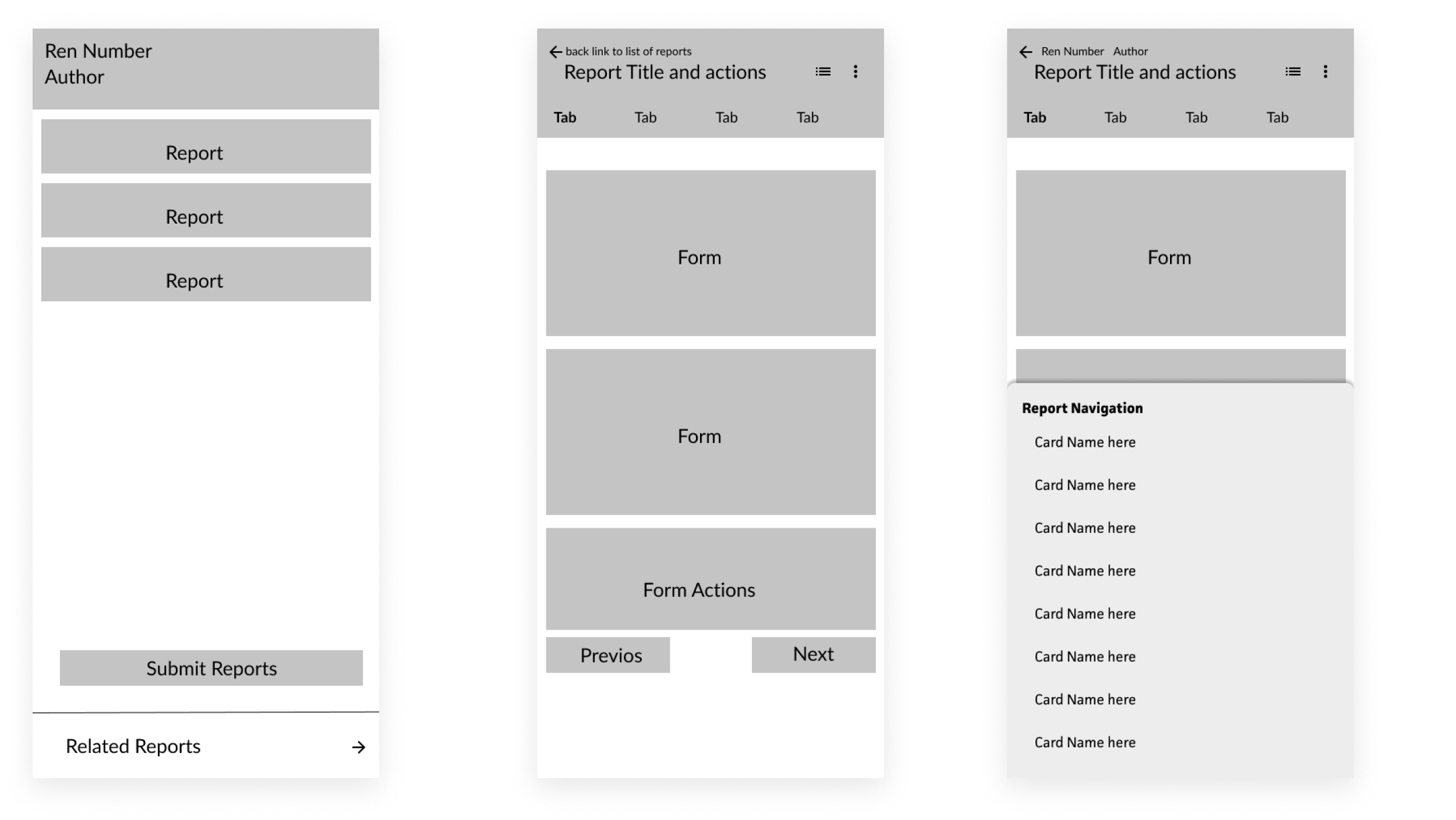
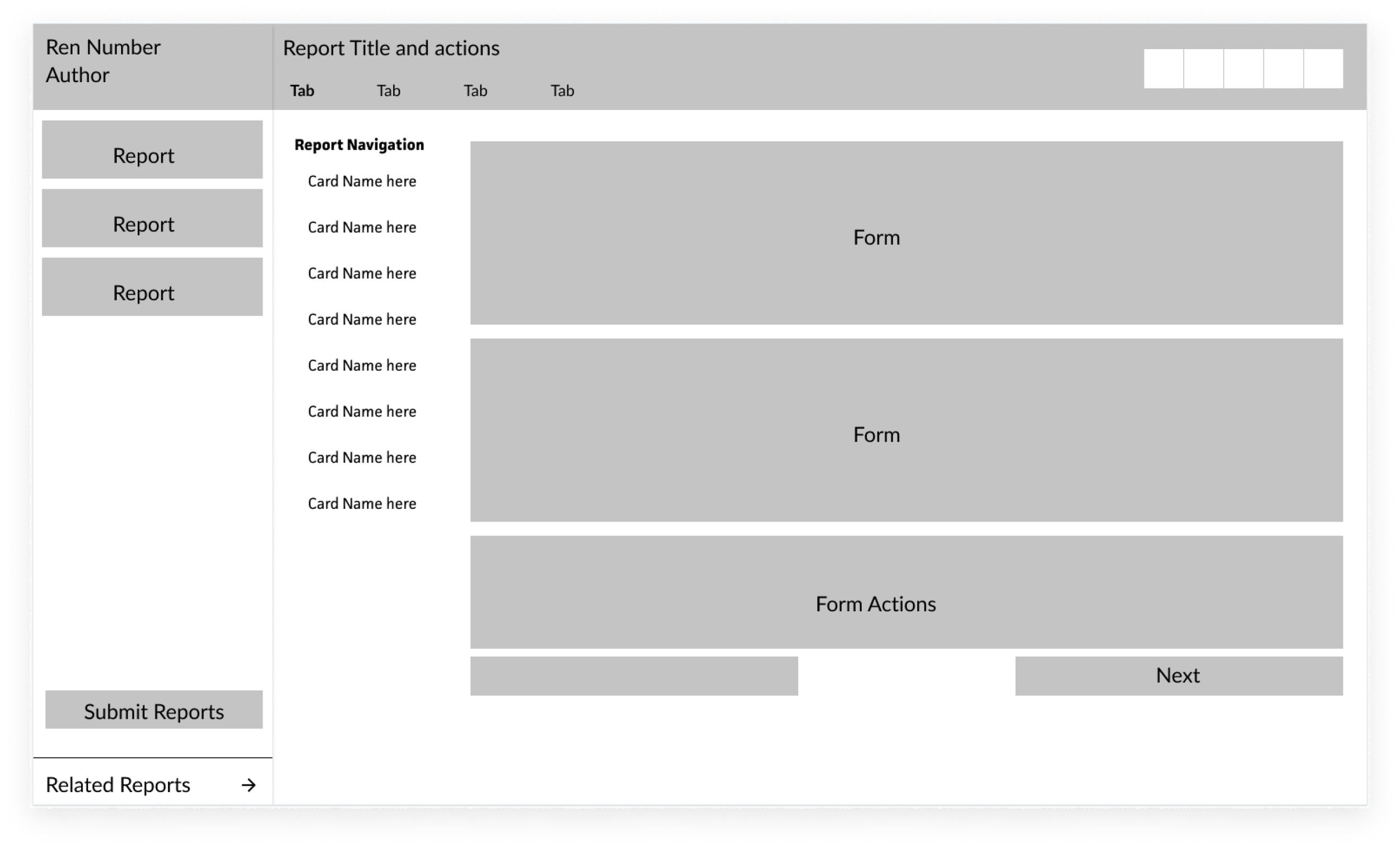
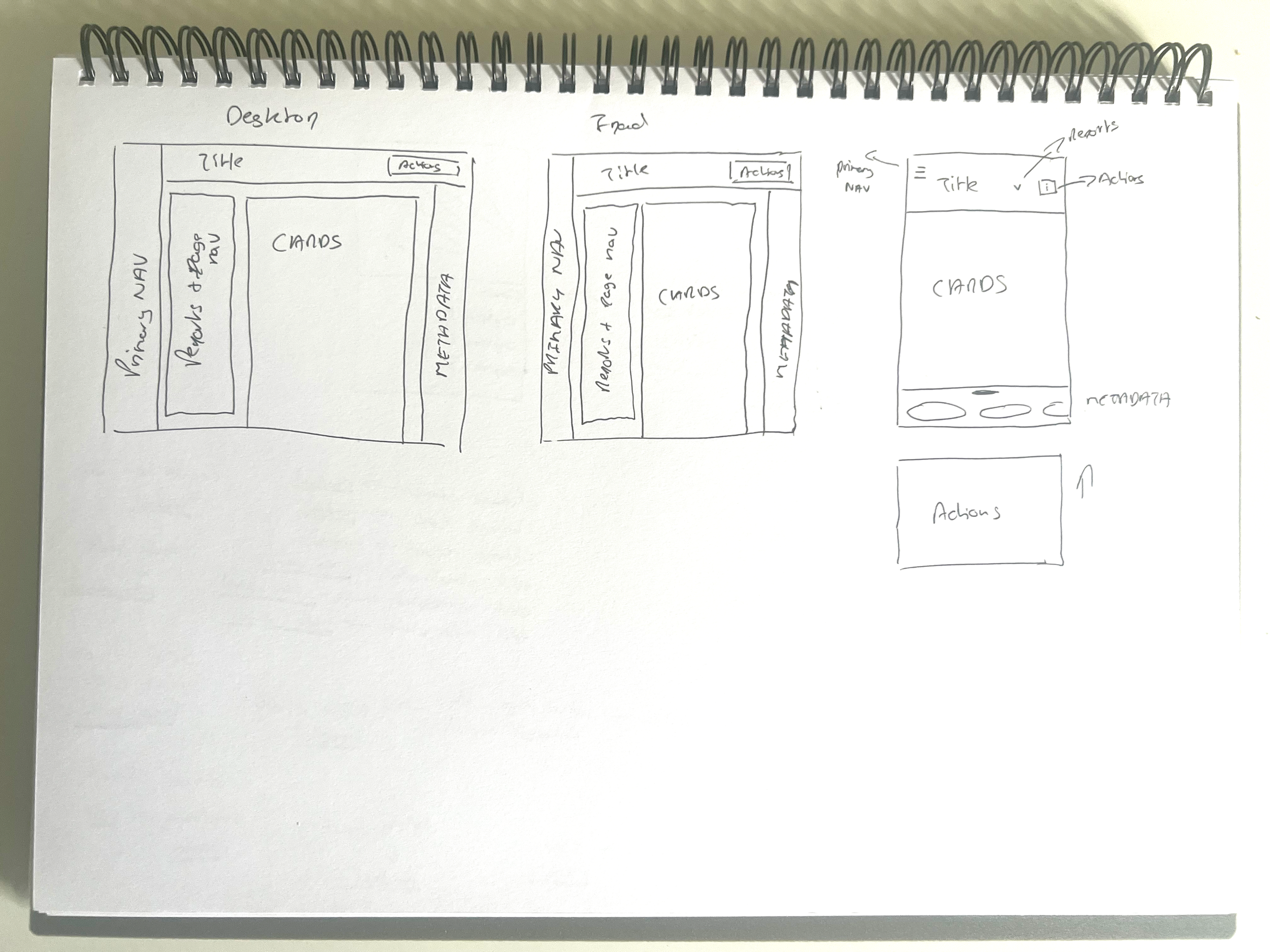
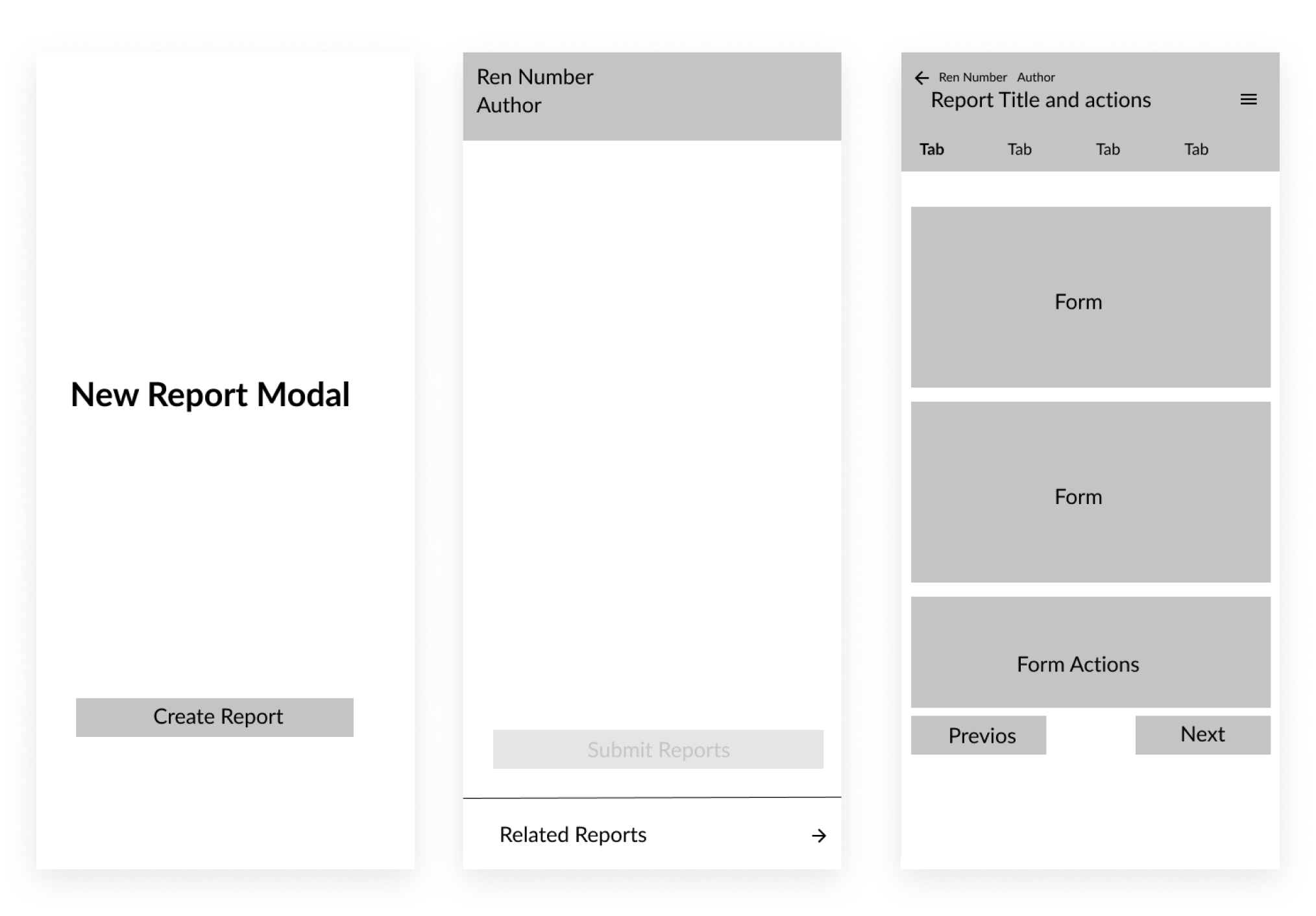
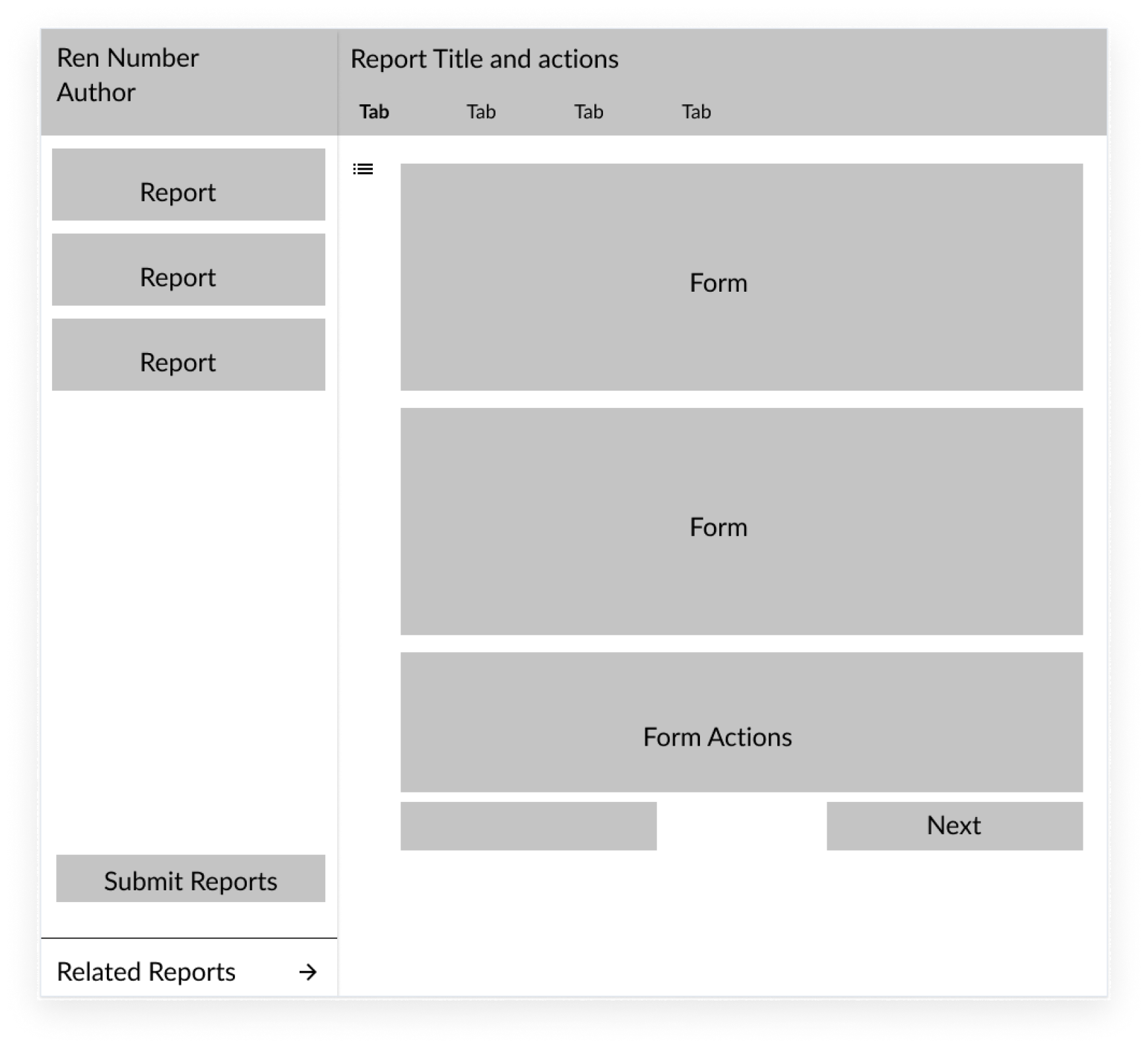
Iterations
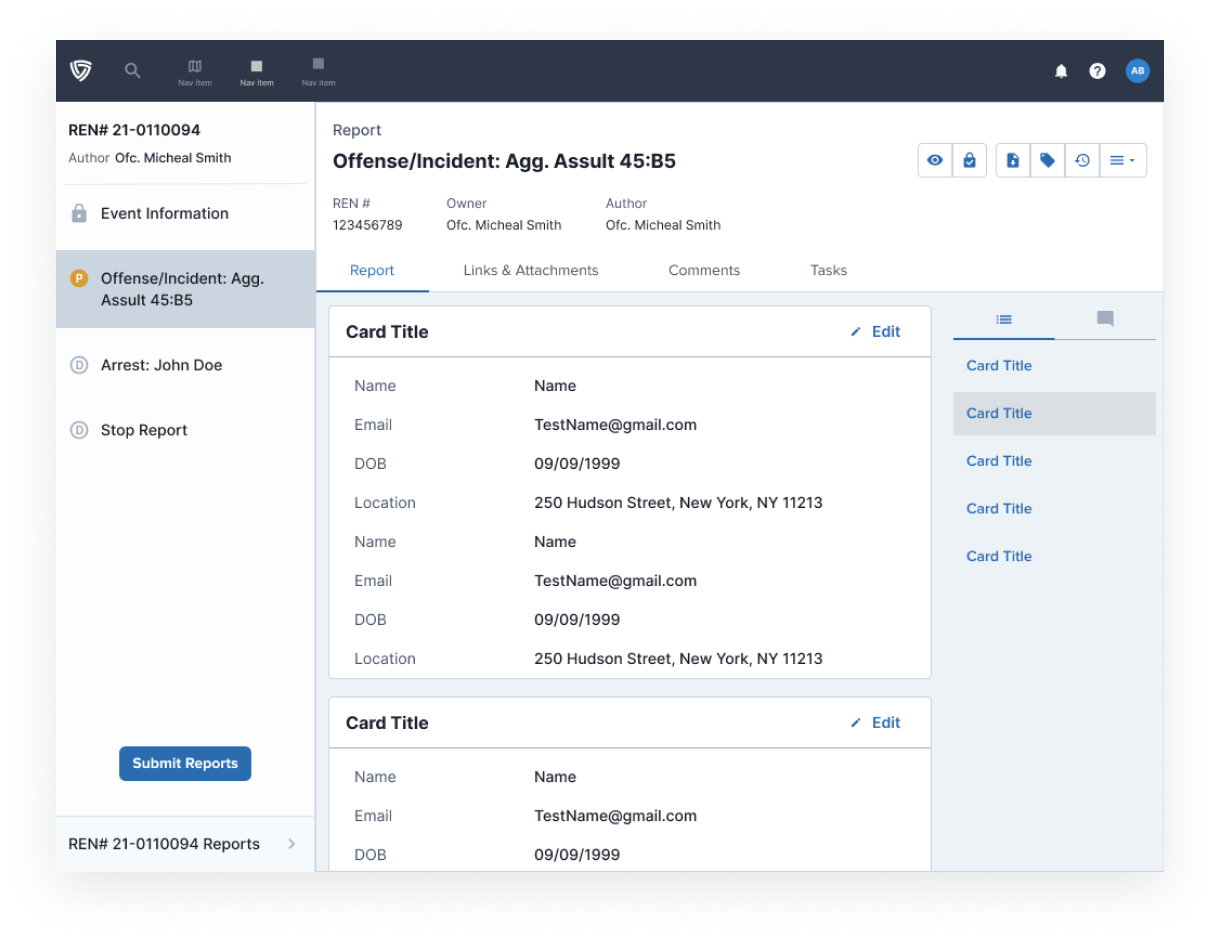
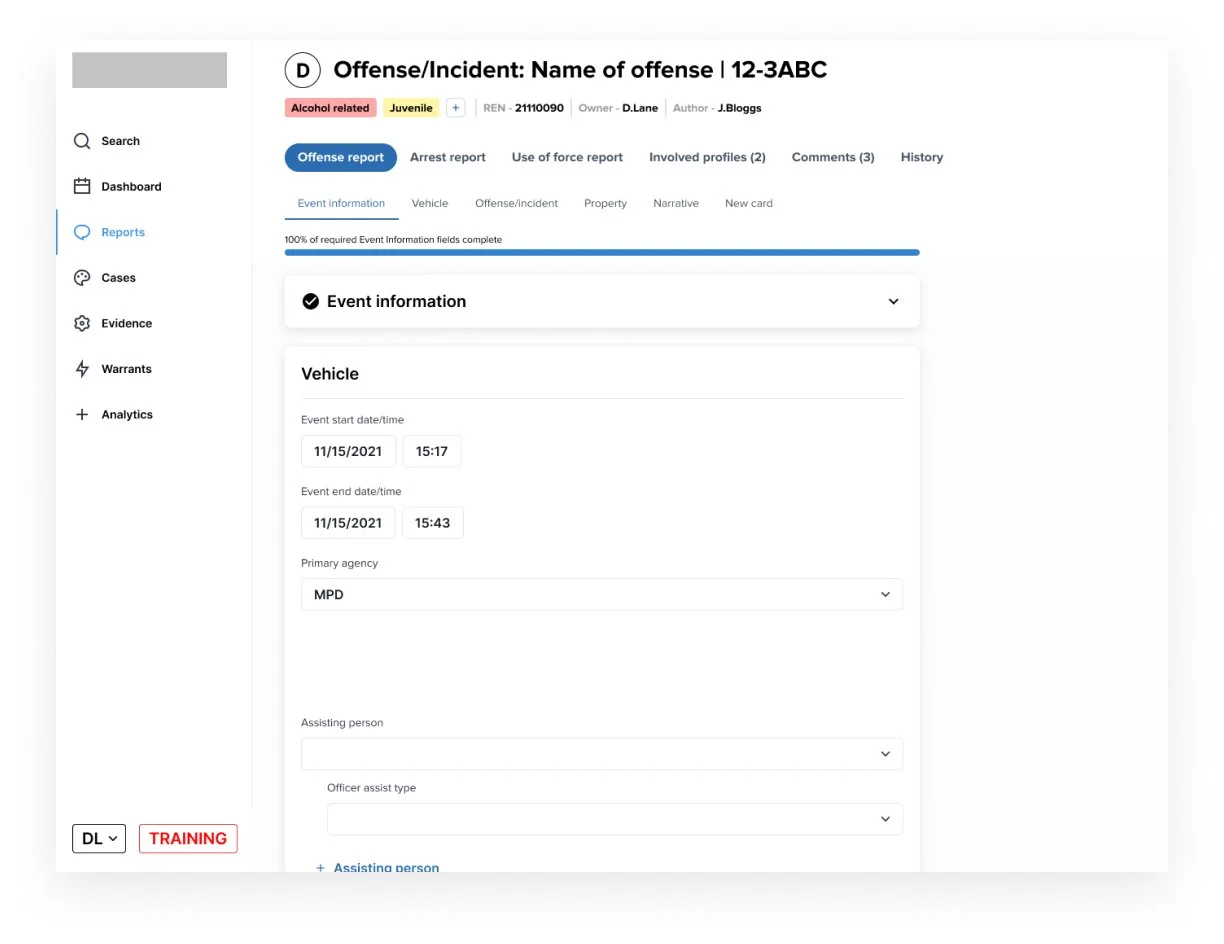
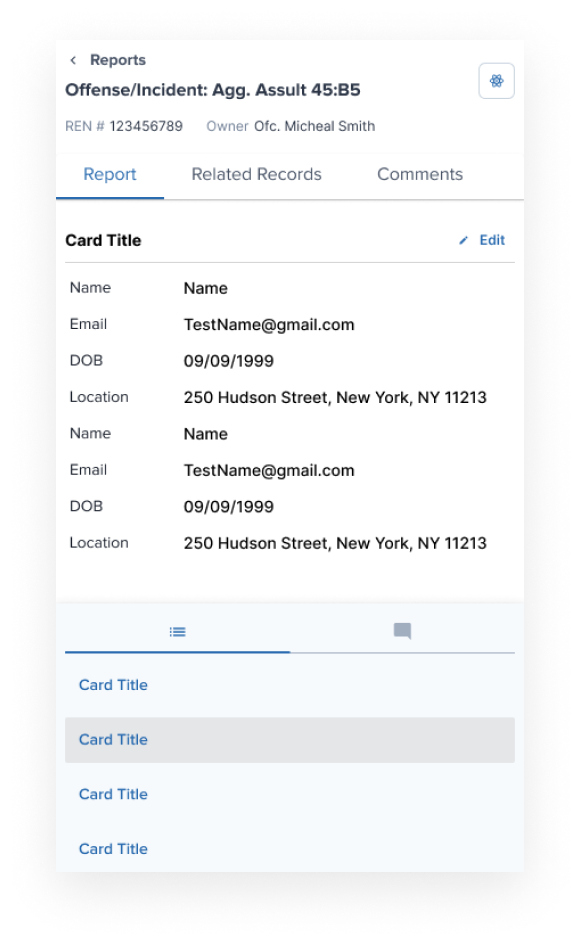
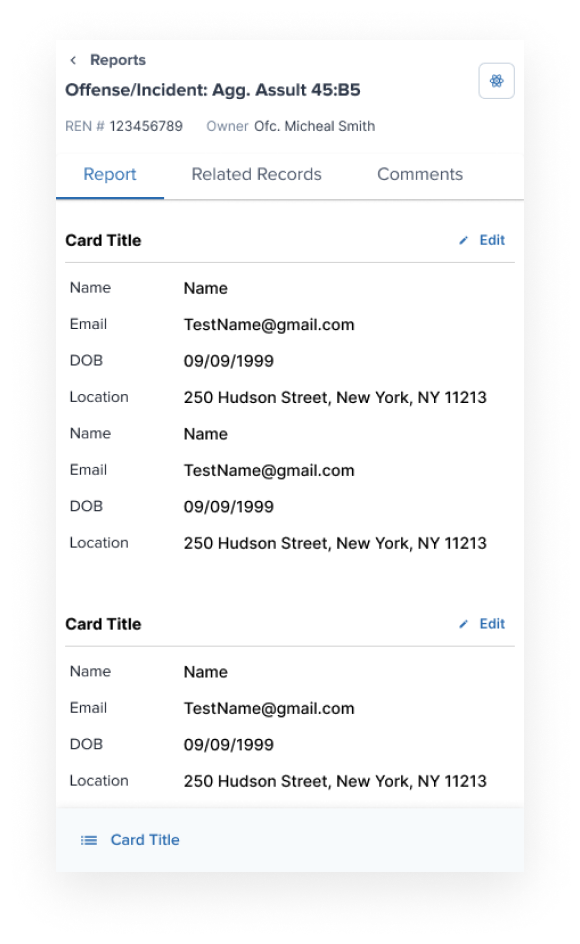
Iterations V2
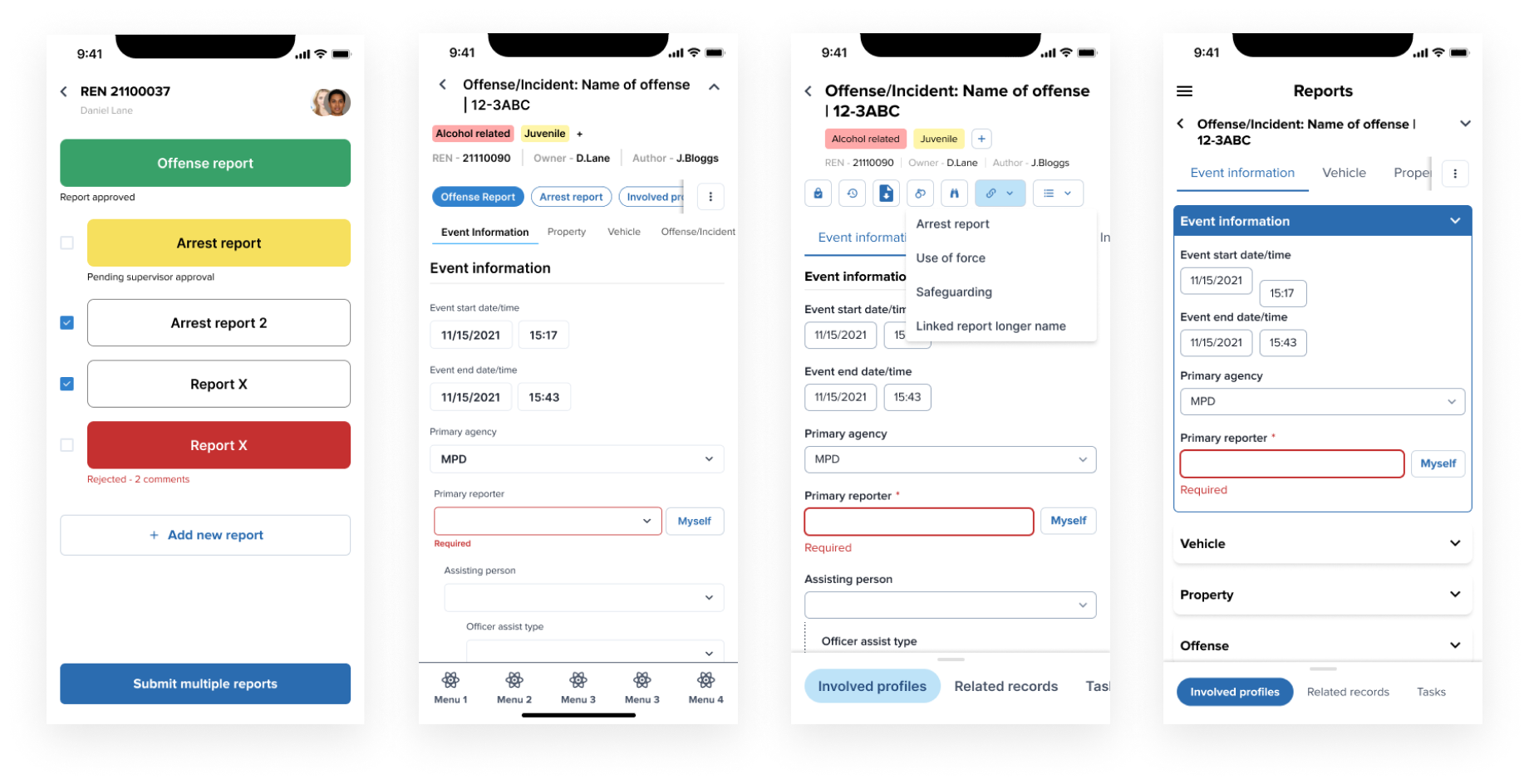
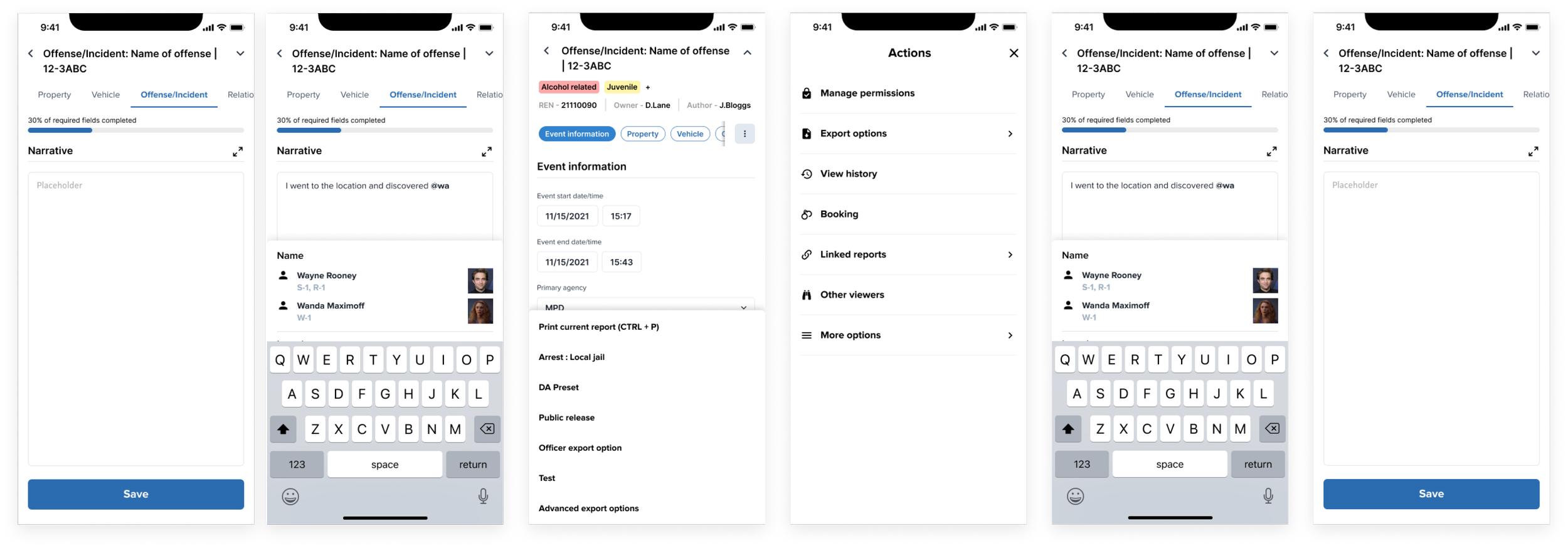
Exploration of Mobile Patterns
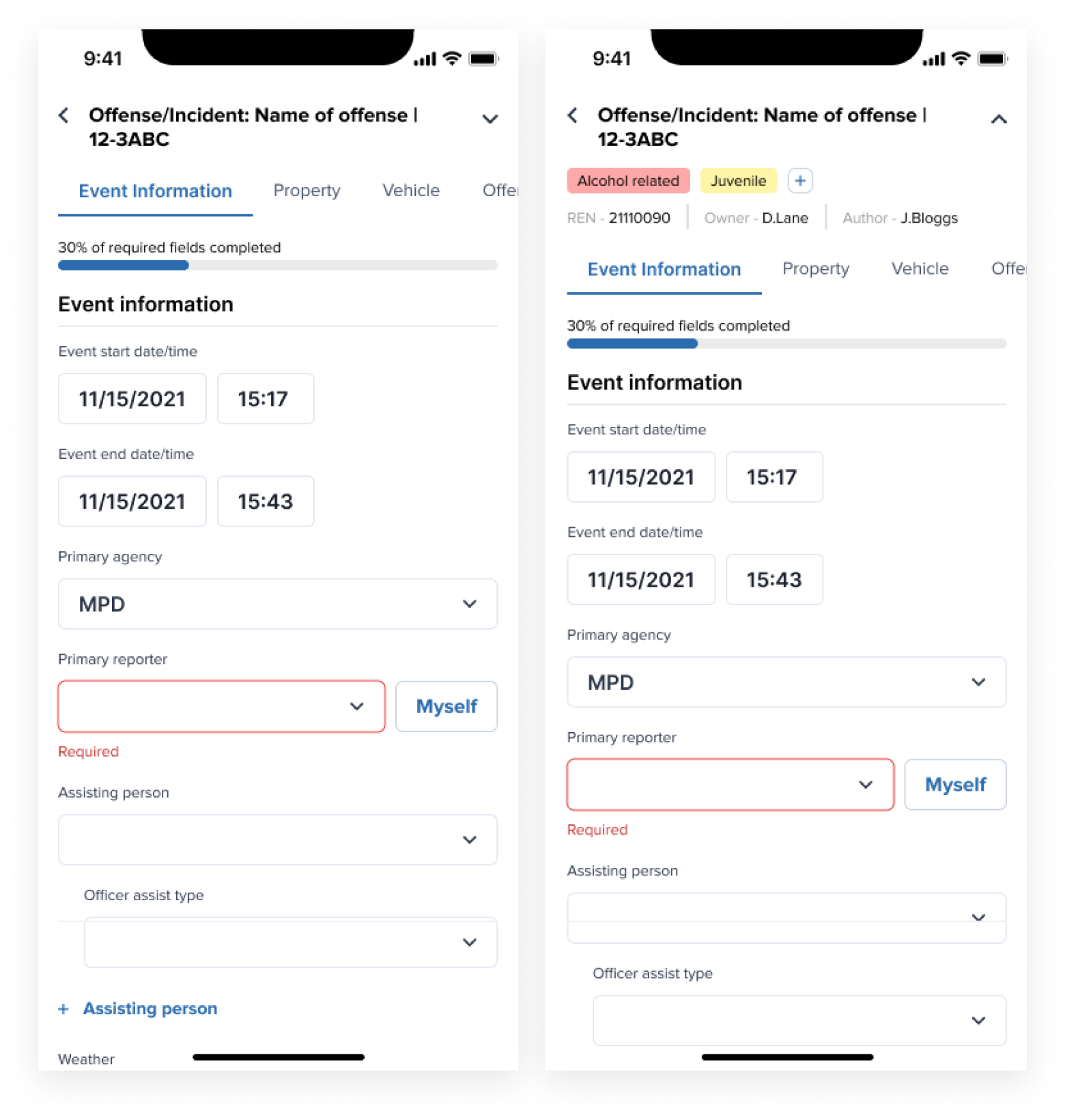
Expand/Collapse
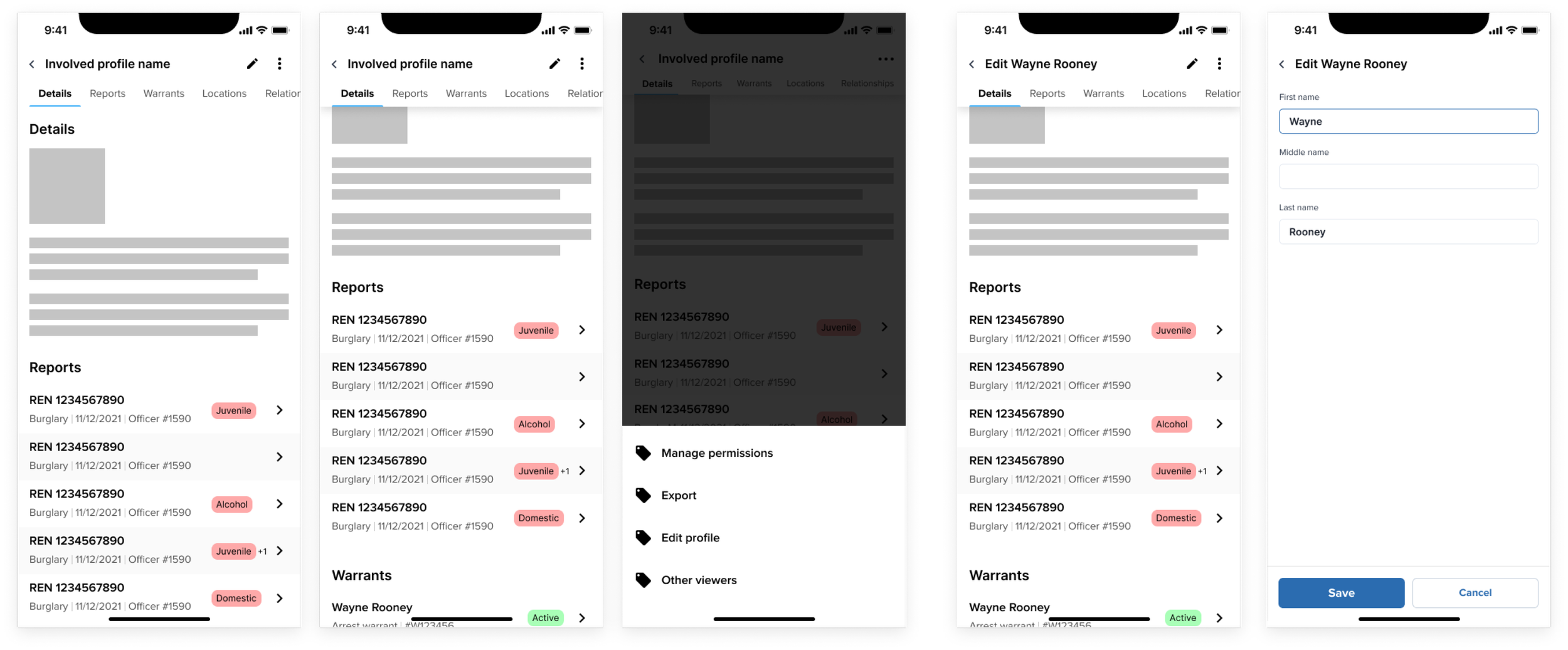
Ancilliary Actions
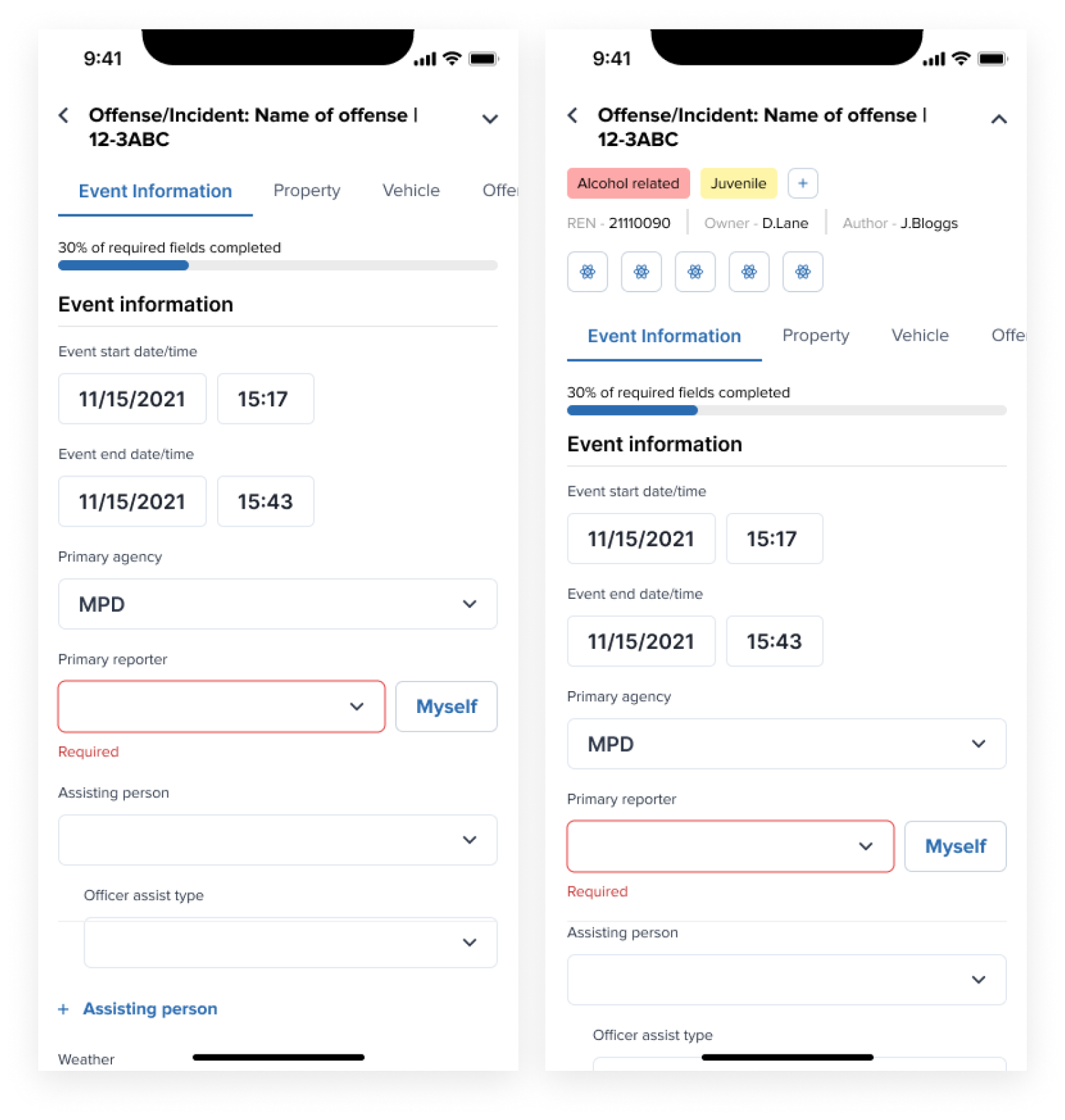
Dual Tabs
ARC Design System
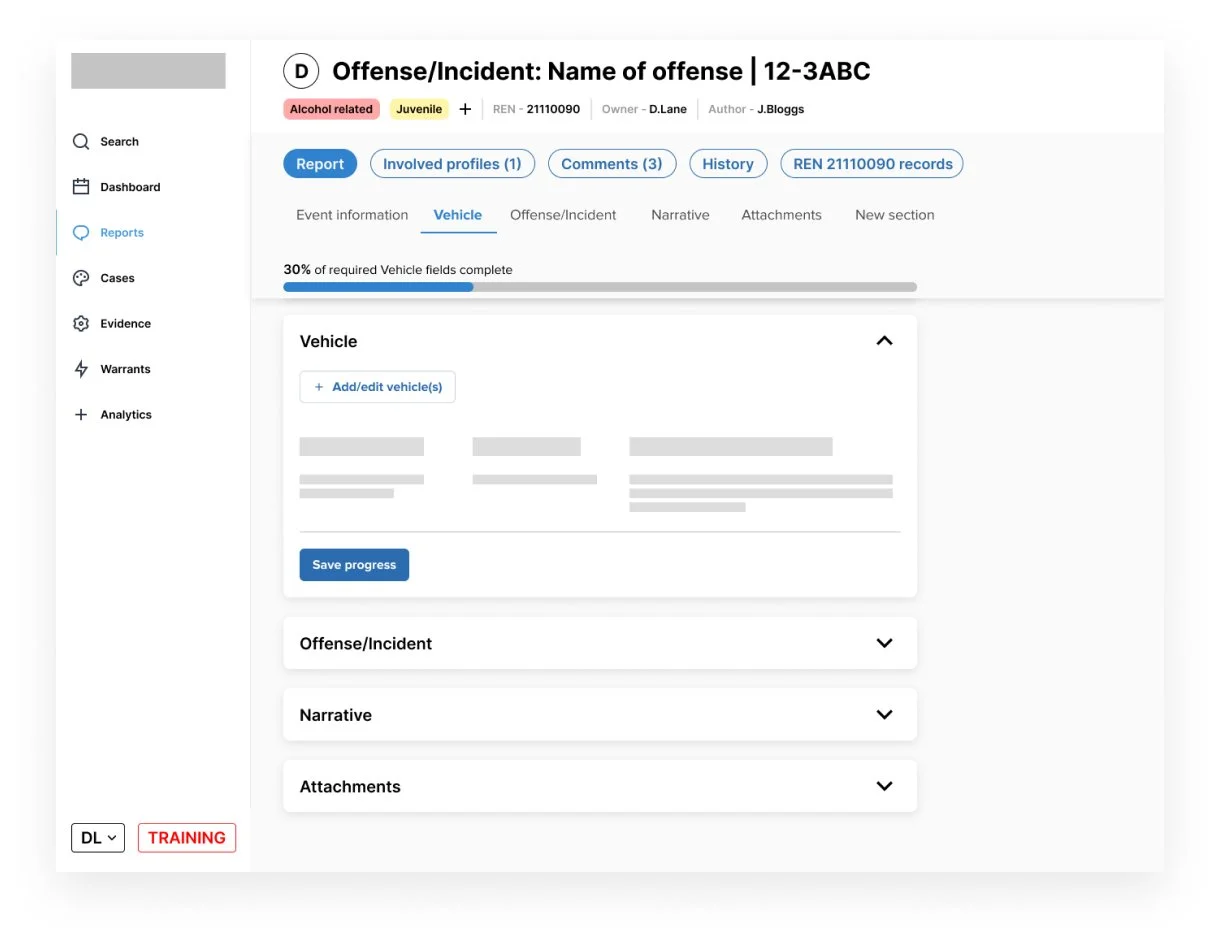
This project coincided with the revival of the design system at Mark43, named ARC. At this stage the goal of ARC was to comprehensively revamp tokens, colours, components and layouts to enable a cohesive Mark43 experience.
The strive towards platform level design principles in order to give users a more complete experience across the suite of Mark43 products meant a design system was essential and the responsive report writing project would be the first to adopt this. I worked alongside the design system team to complete an extensive gap analysis and determine which components were going to be key to allow us to drive forward not only this project, but to lay the groundwork for Mark43 to move into the mobile realm and shape the roadmap for the design system.
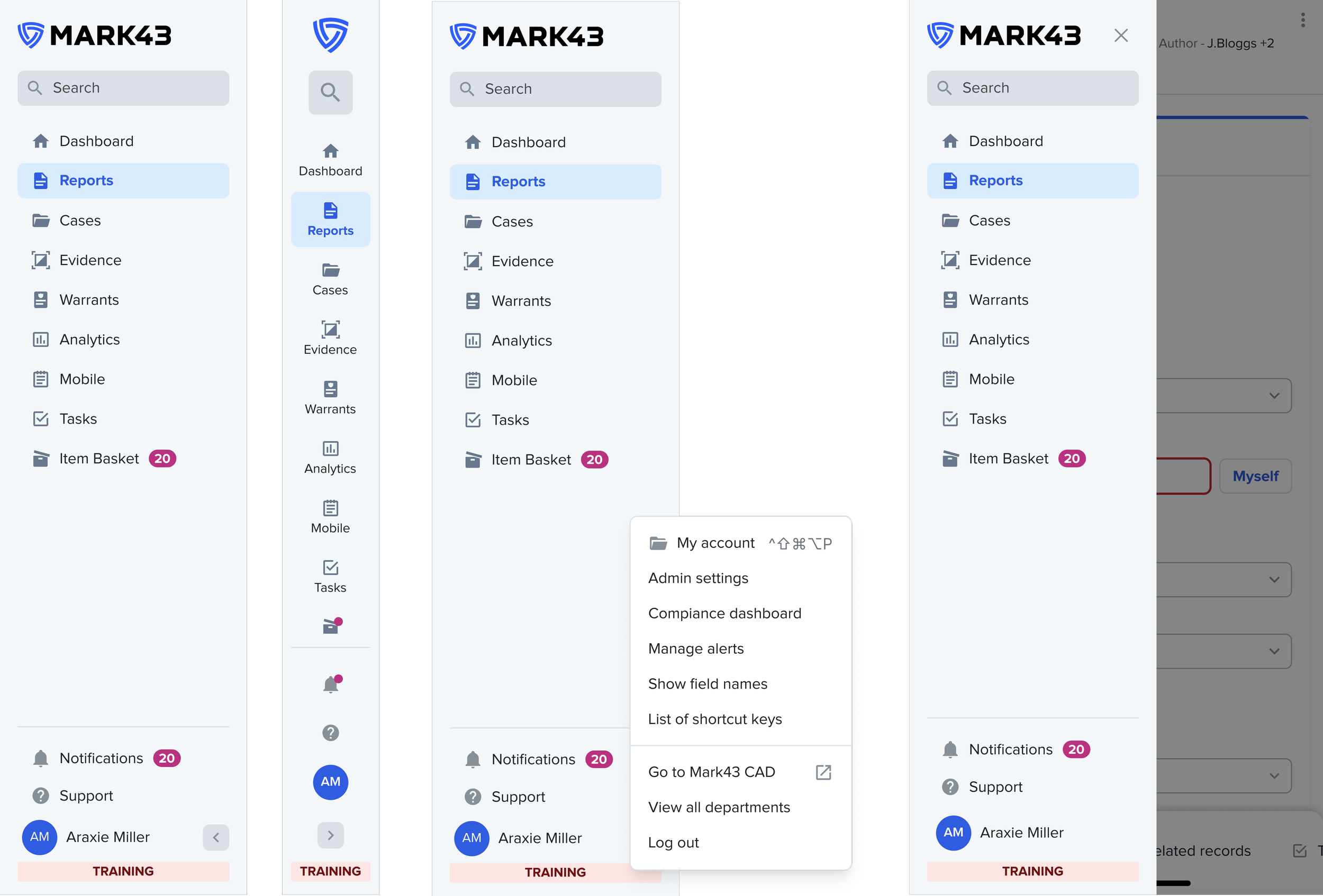
Navigation Element
Installable PWA
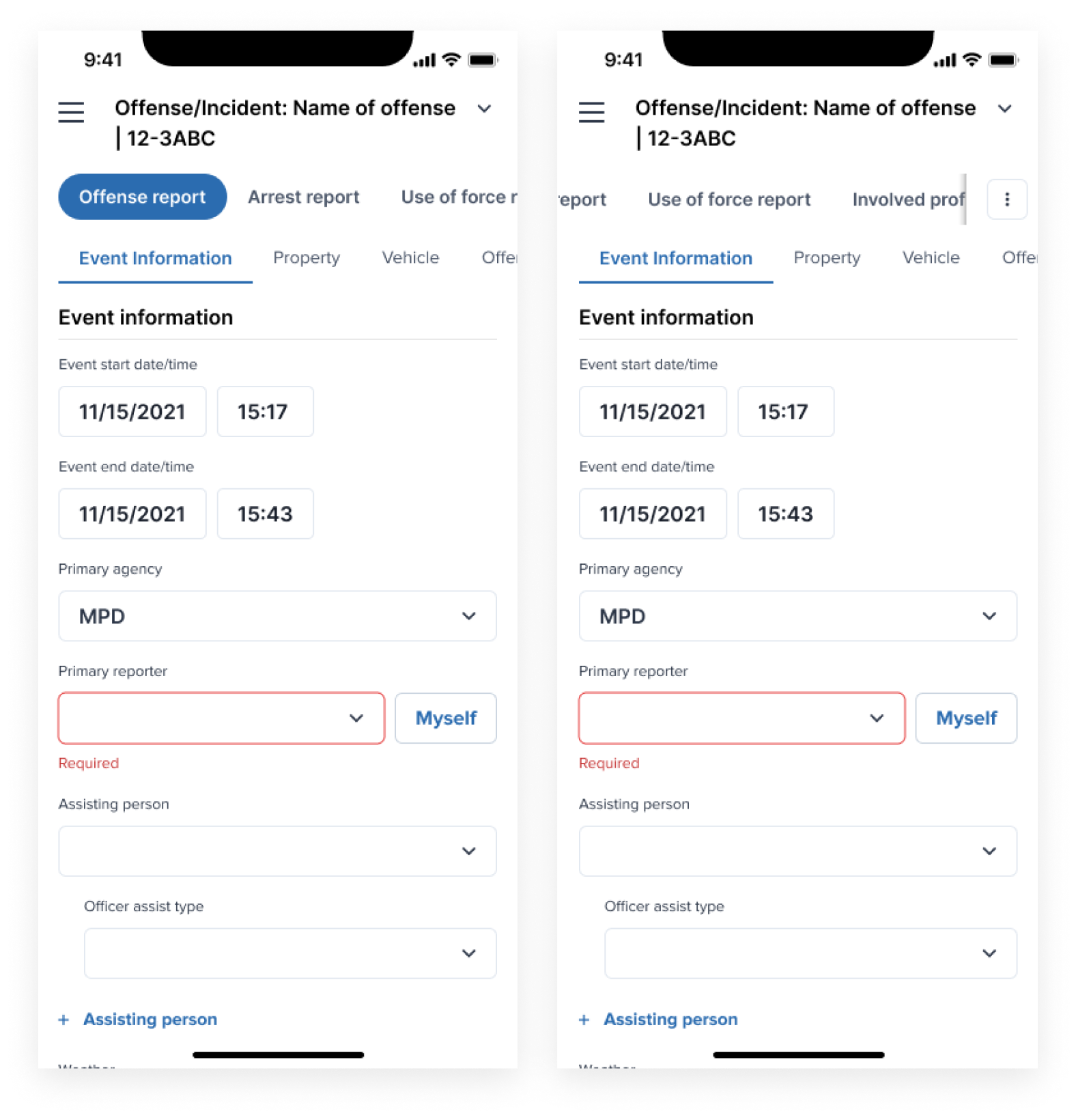
The decision was made to make Mark43 RMS an installable progressive web application. This meant users could treat the site as a native app, allowing for more screen real estate by hiding the browser control UI. In order to allow for this, a new navigational element was required for users to return to the previous page. After some concept testing, a single ‘back’ element was chosen.
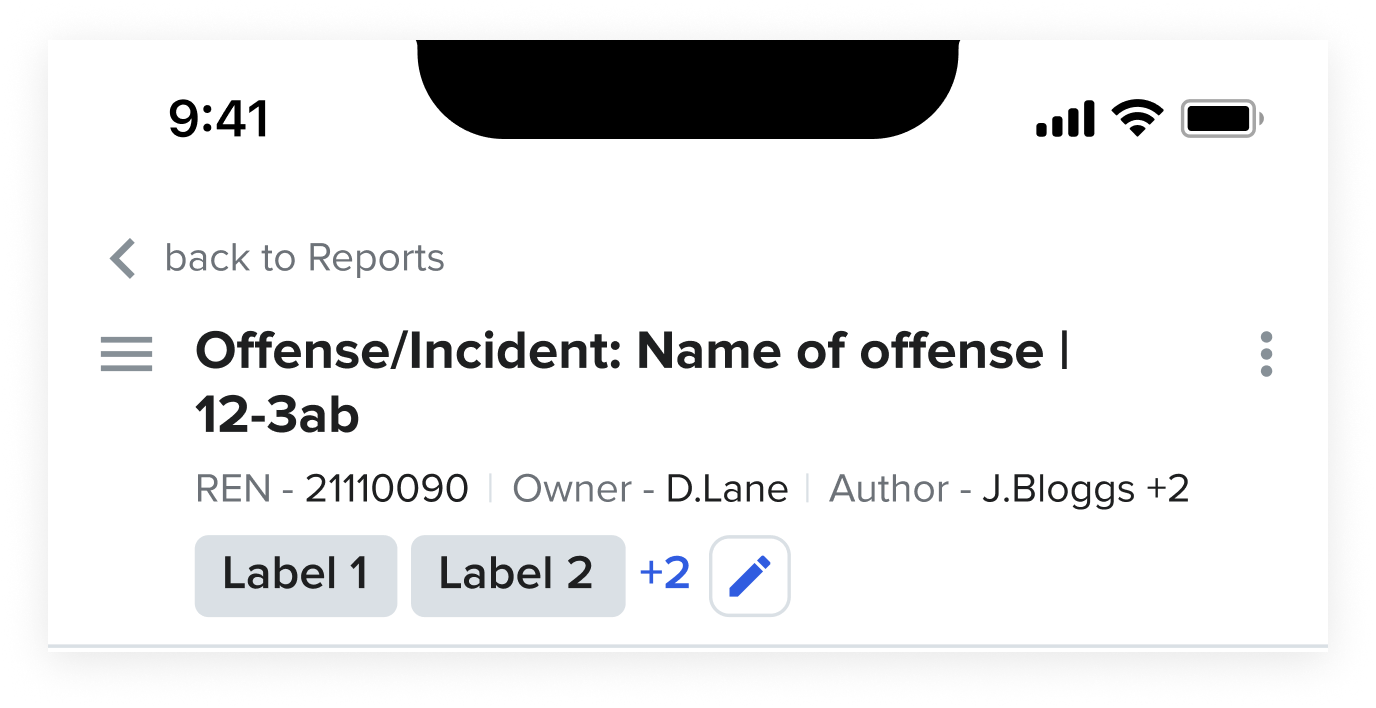

Utilising Native Functionality
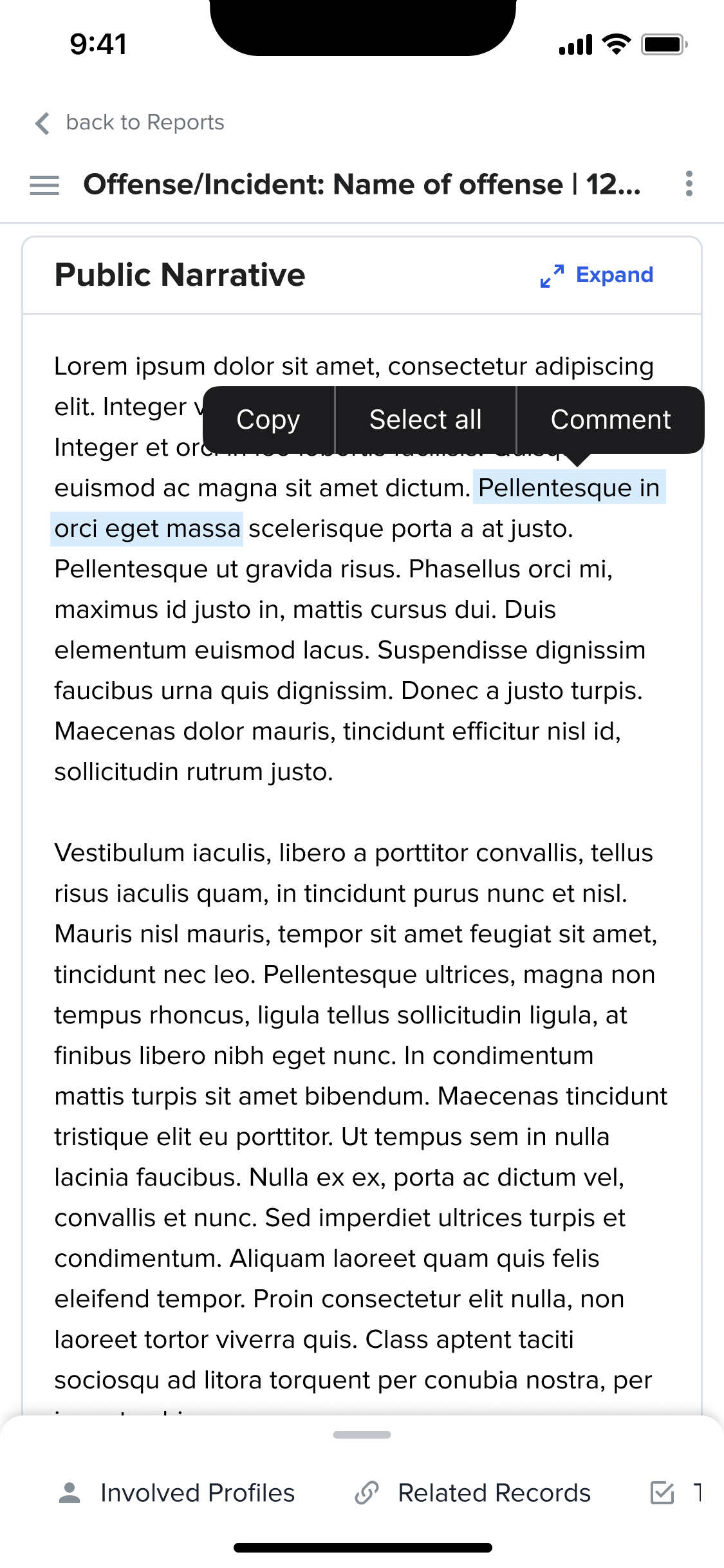
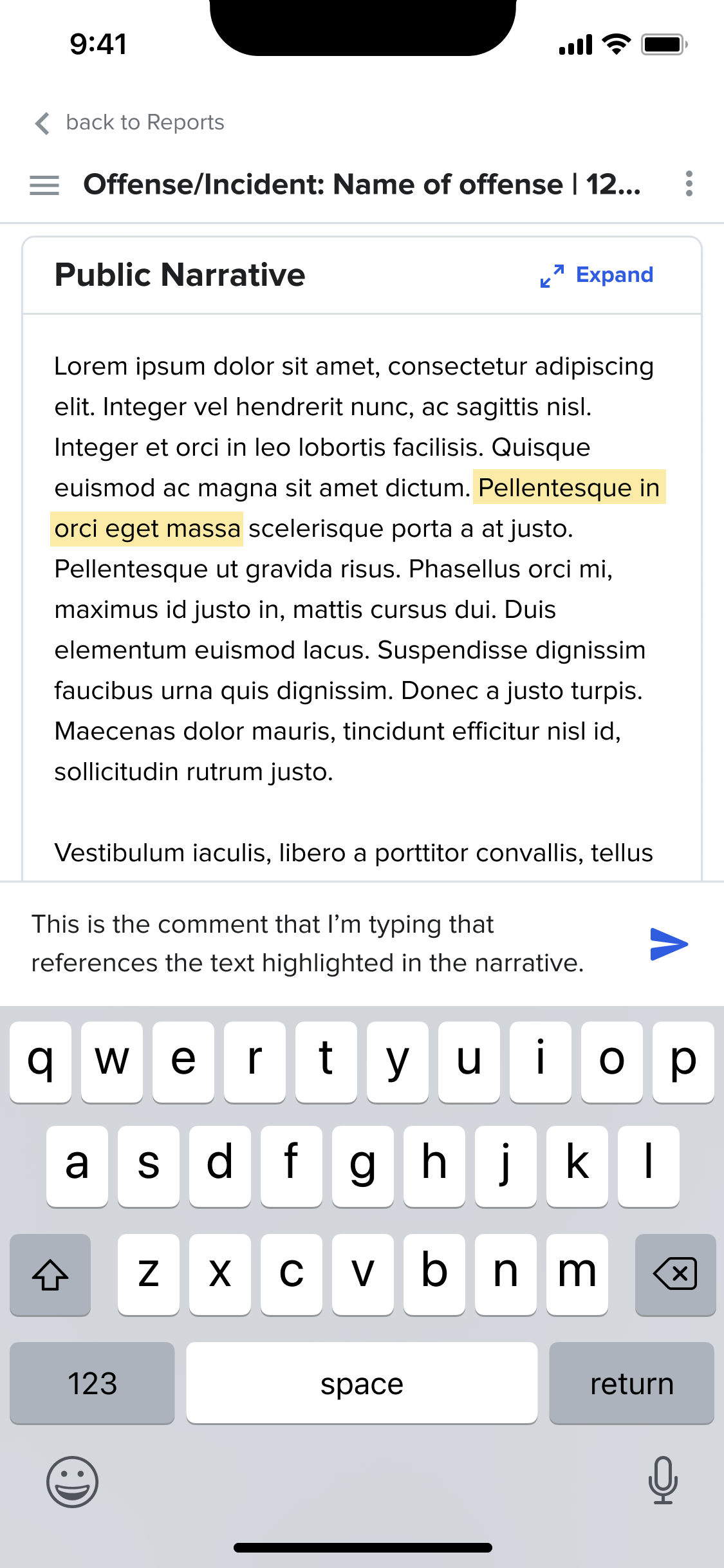
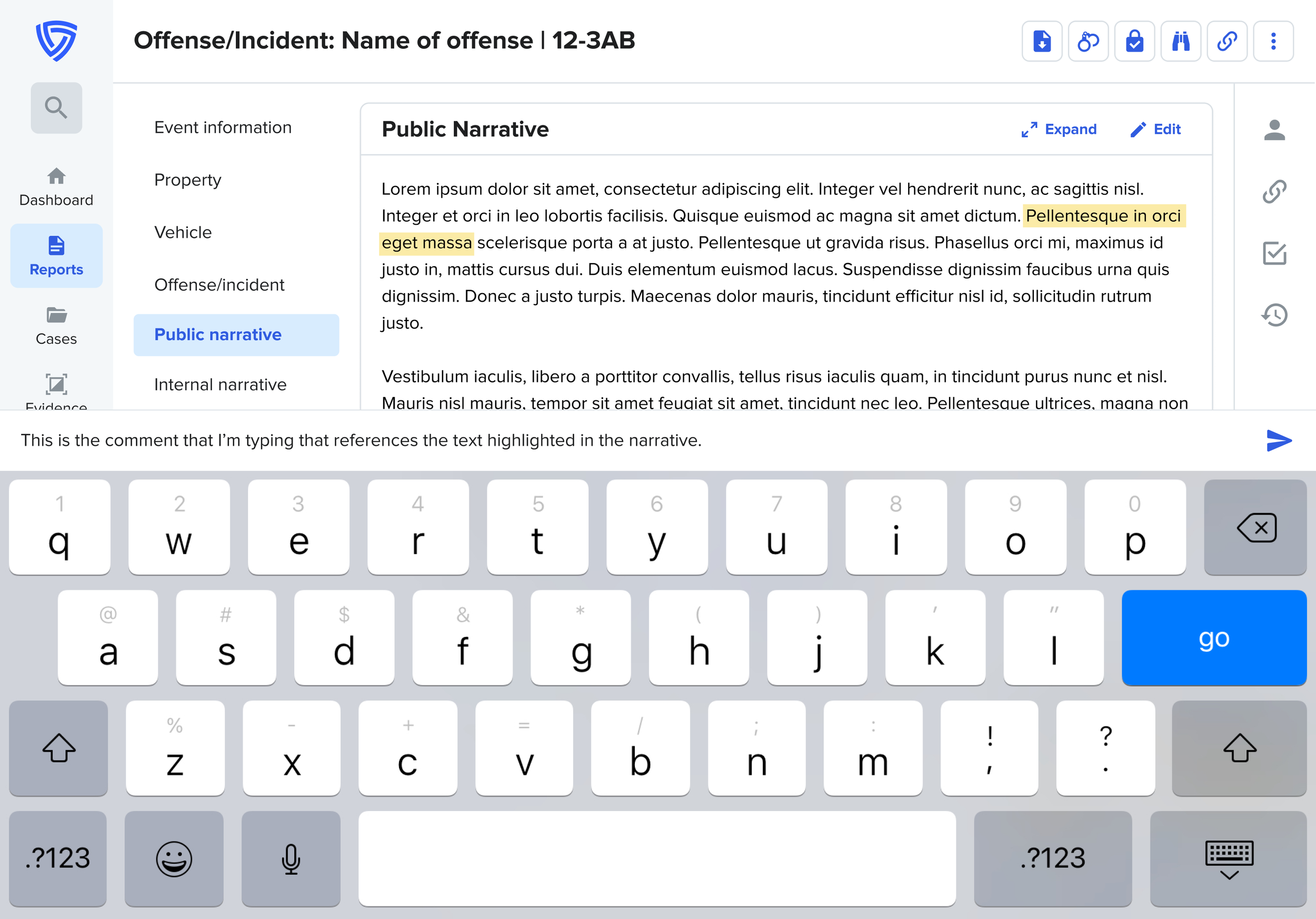
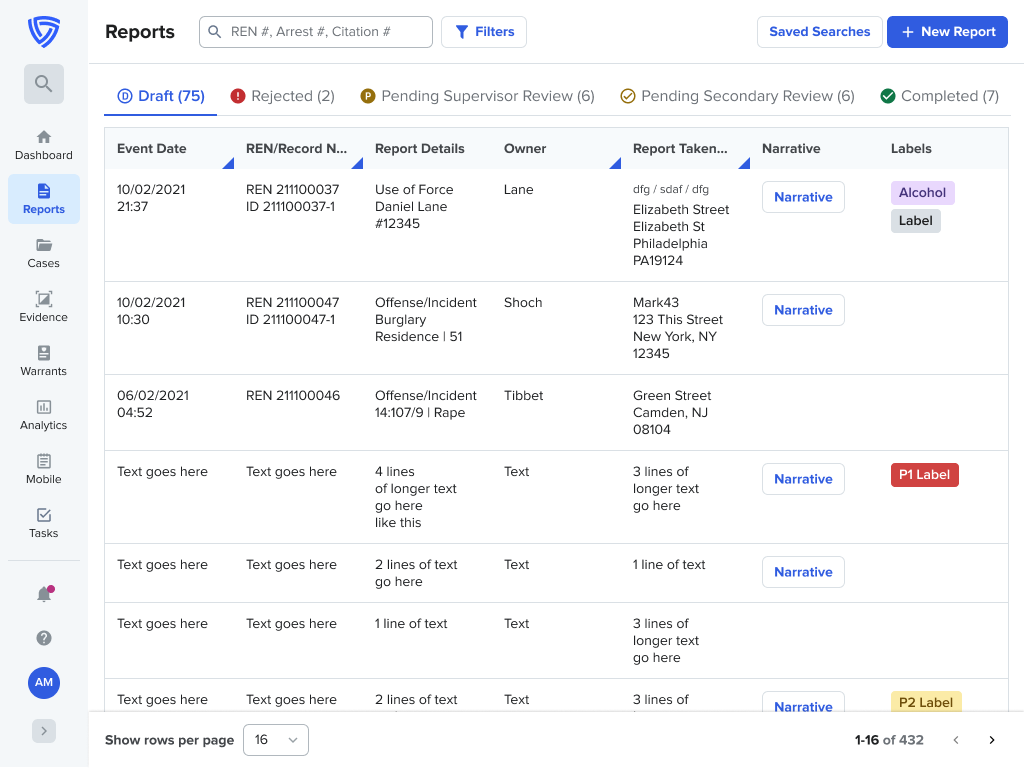
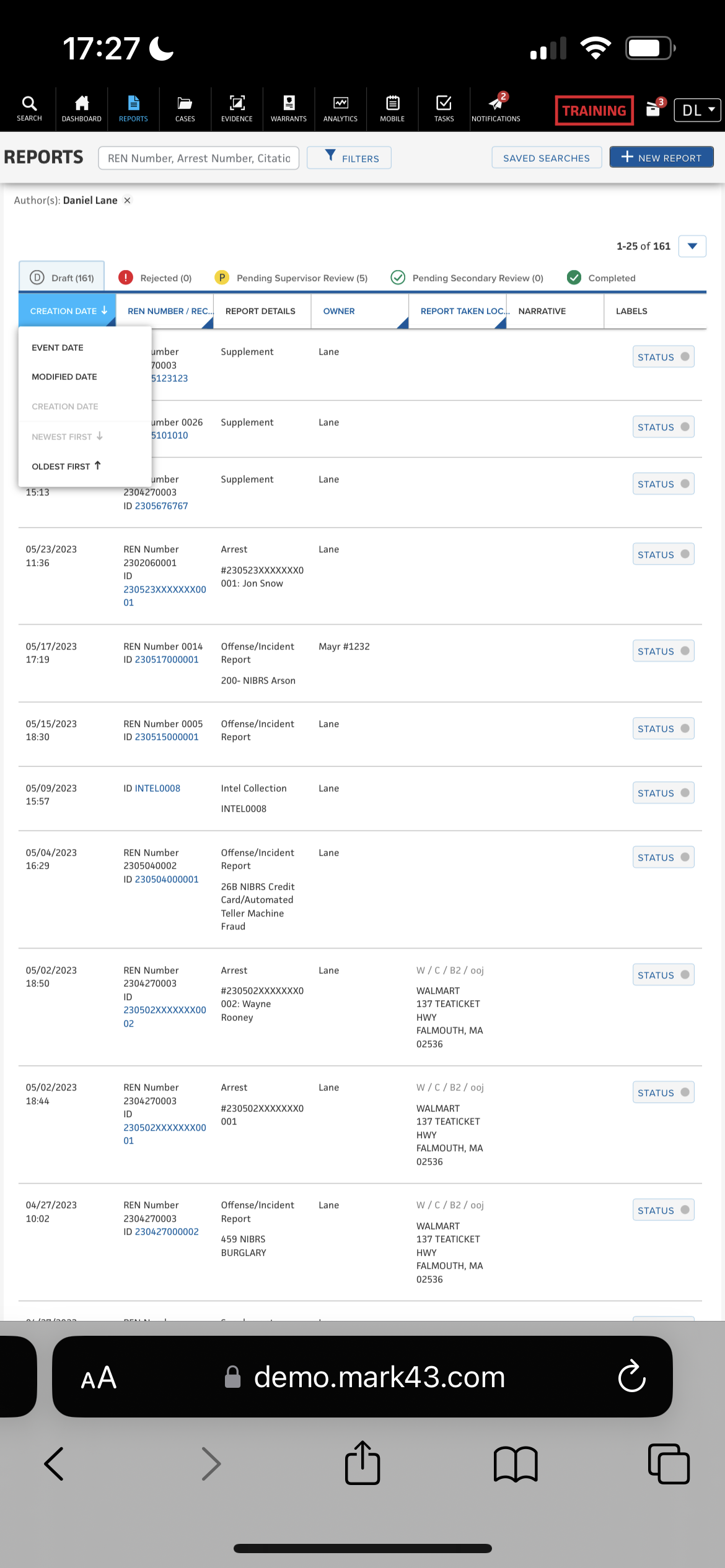
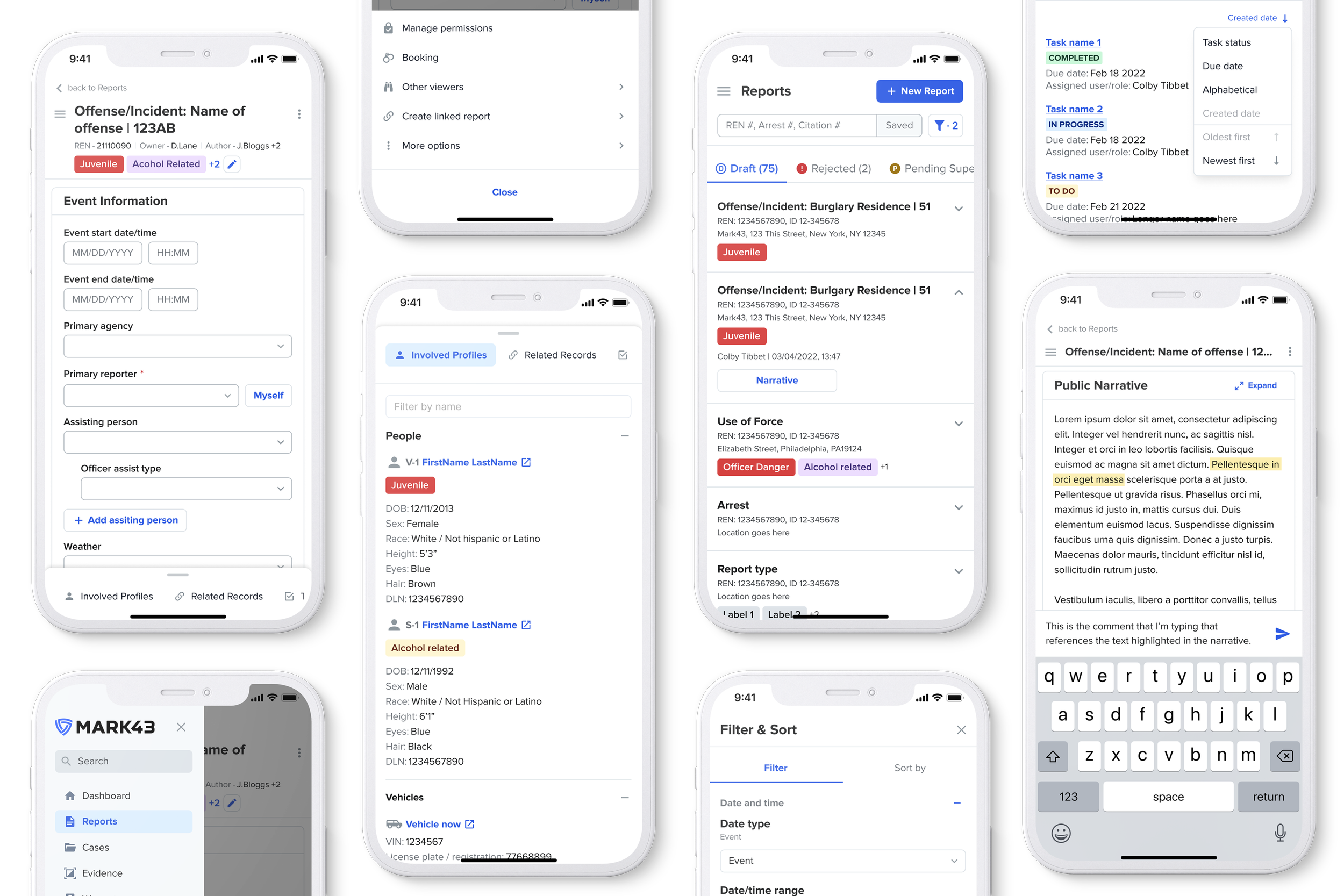
Mobile Table to List
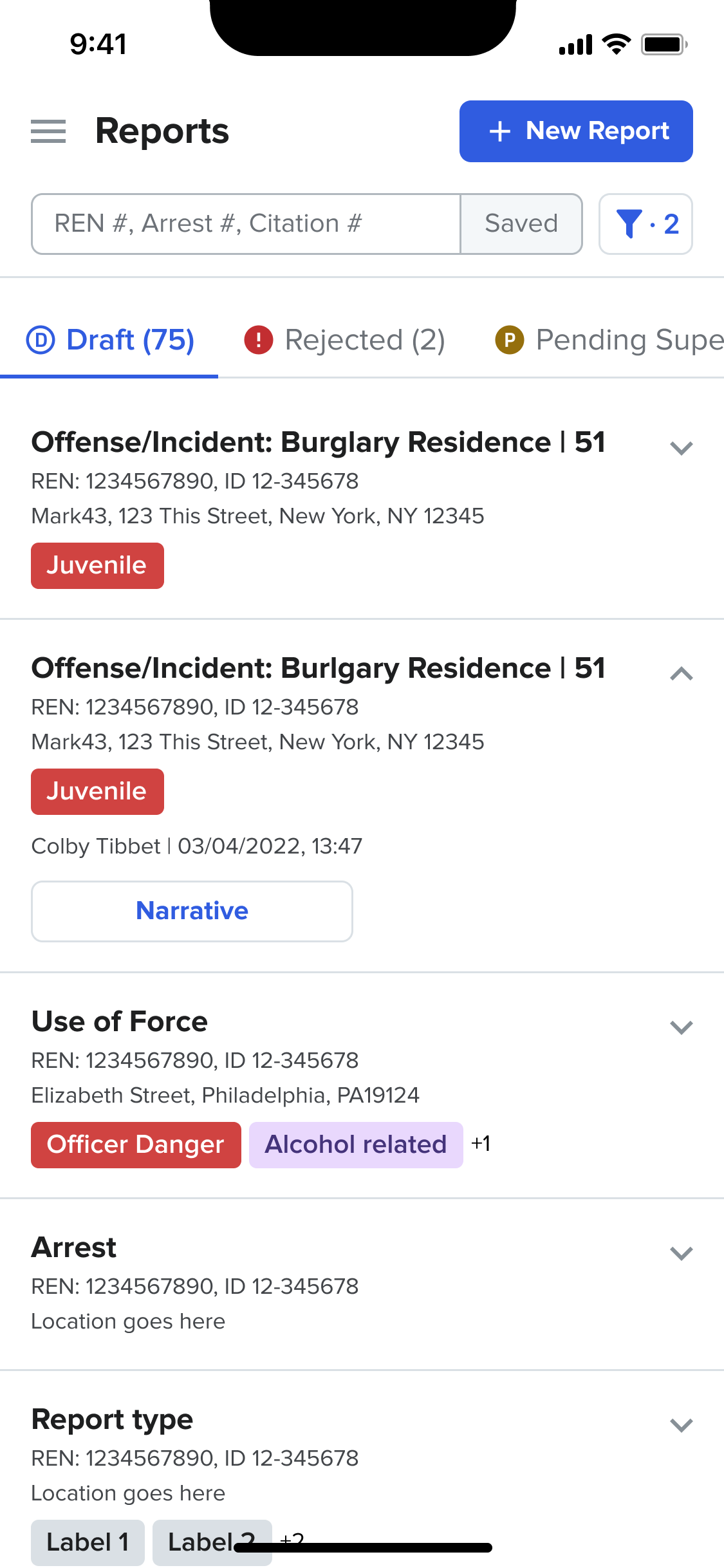
Reports Dashboard
Default
Default
Report Page
Menu Options
User Testing
Unmoderated Testing
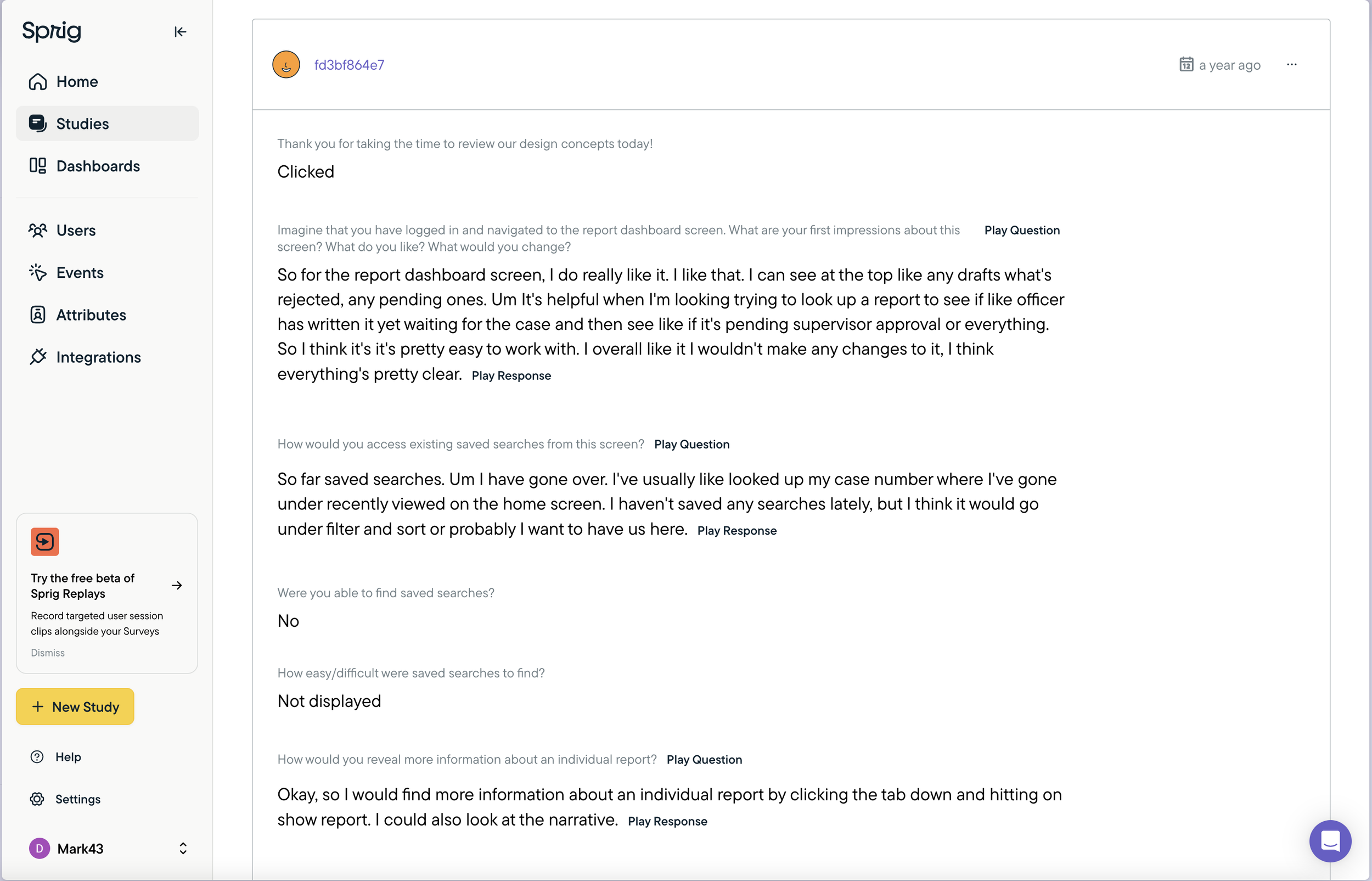
For unmoderated testing, I used Sprig to create a set of tasks linked to a figma prototype to gauge overall impressions, gather task success rates and ease of completion. A number of different, short tests were put together and sent sporadically in order to not overwhelm the tester.
Mobile
Reference Profiles
Sorting
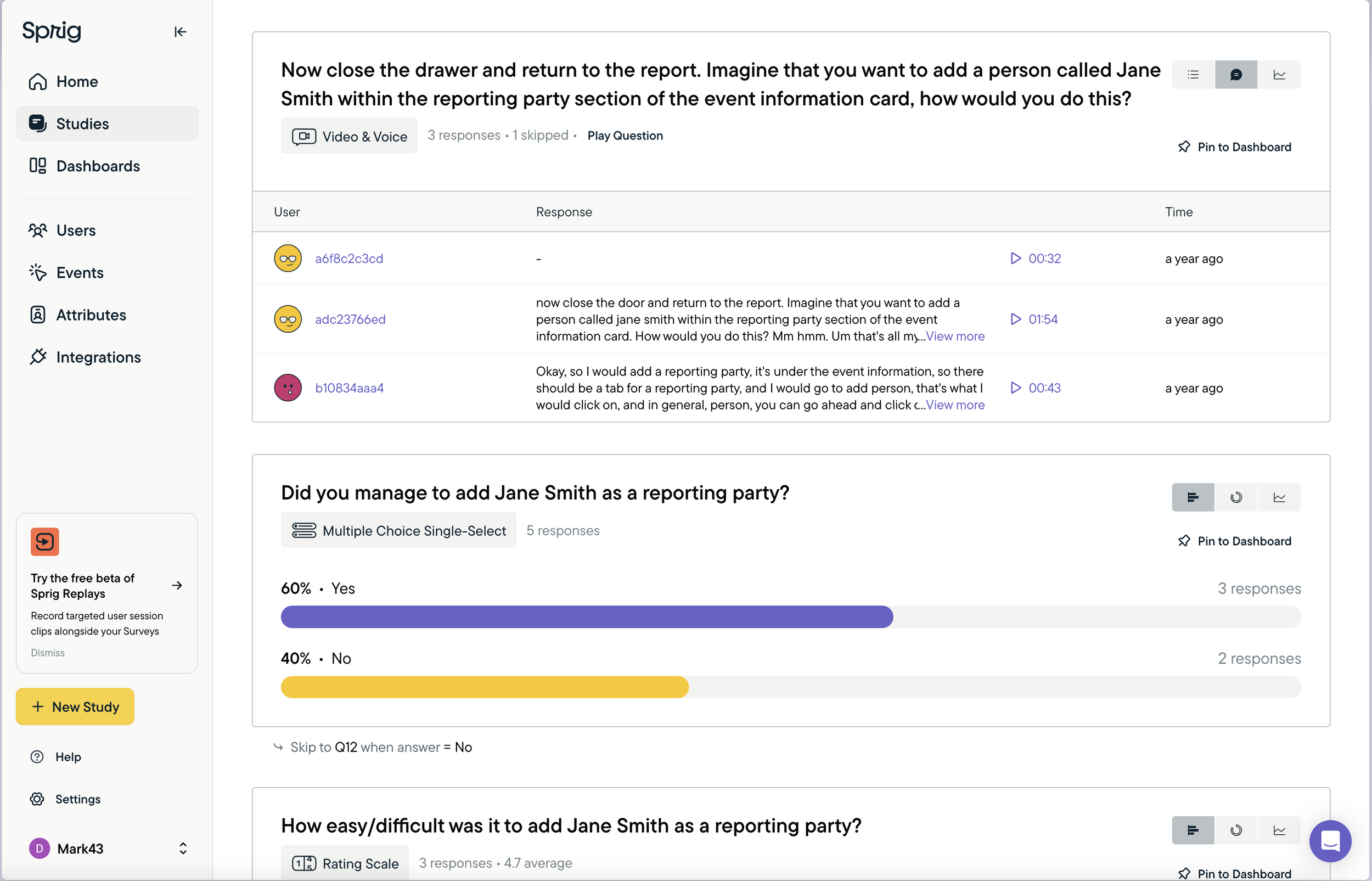
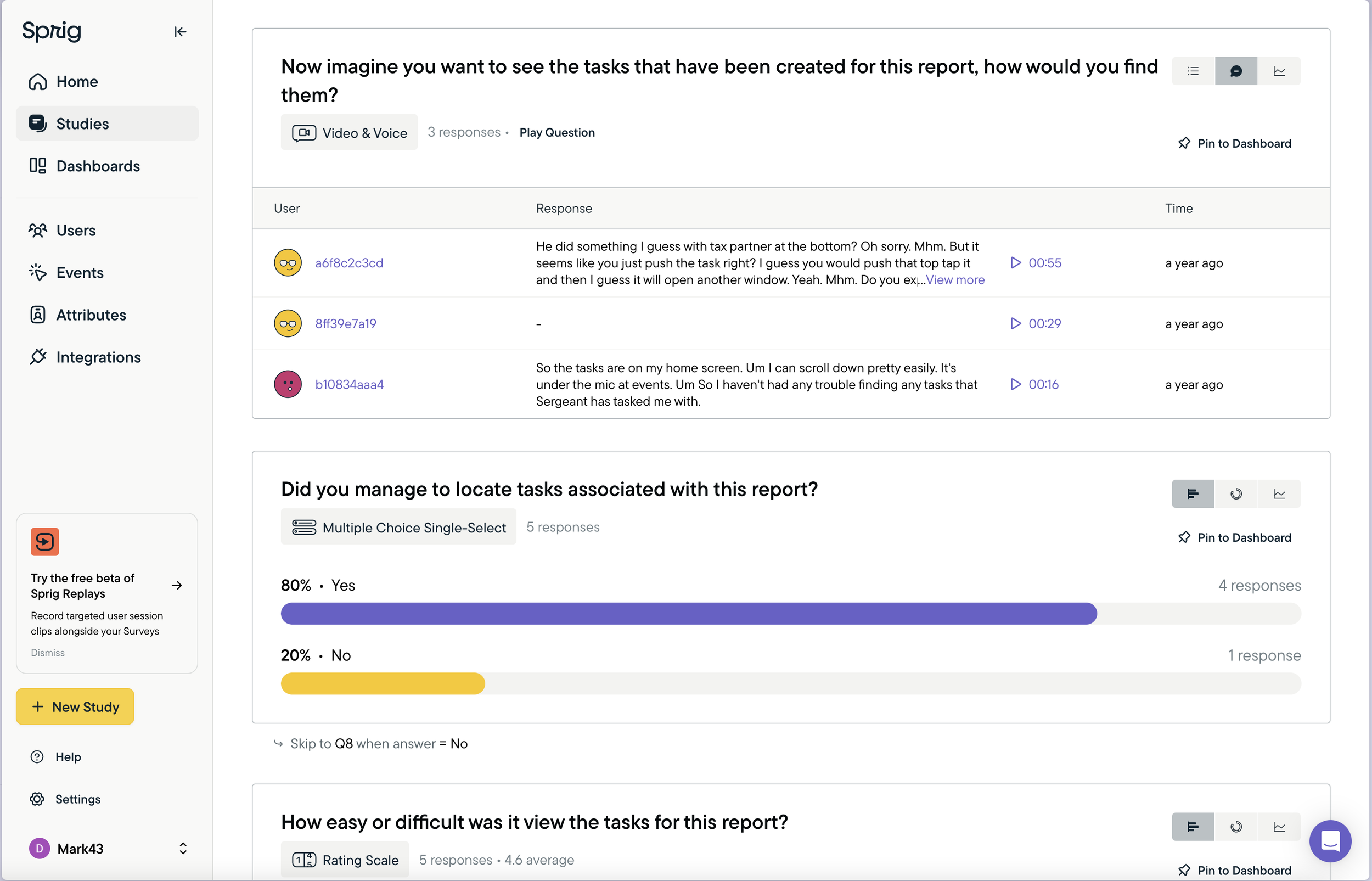
Sprig allowed us to gather some initial feedback and compile themes as to where we could make improvements. Unfortunately at the time, Sprig’s mobile testing was not very strong and users struggled to interact with a mobile device mockup on a desktop screen. Intuitive actions such as tapping, scrolling and swiping were not possible and this let to some user frustration.
Moderated Testing
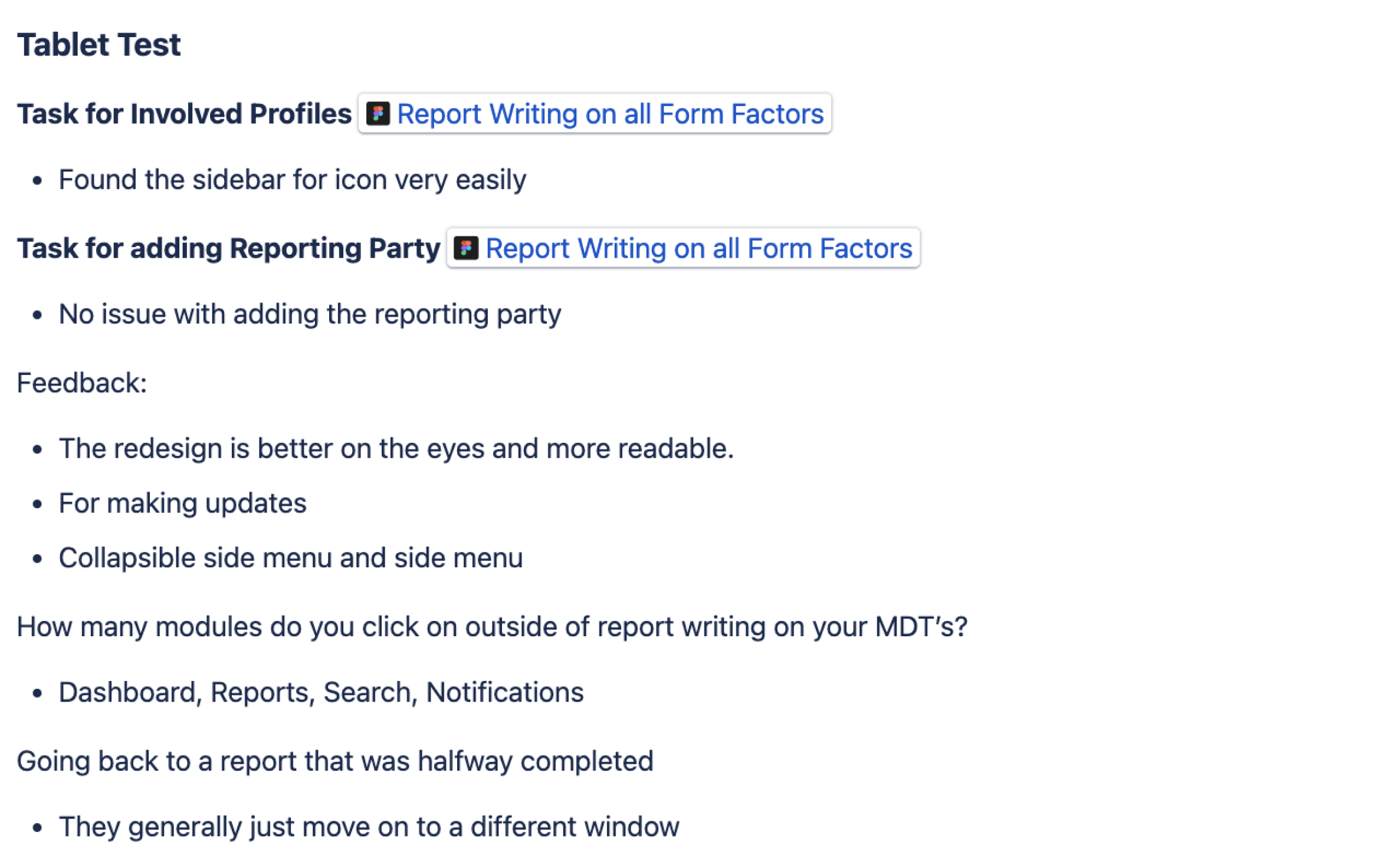
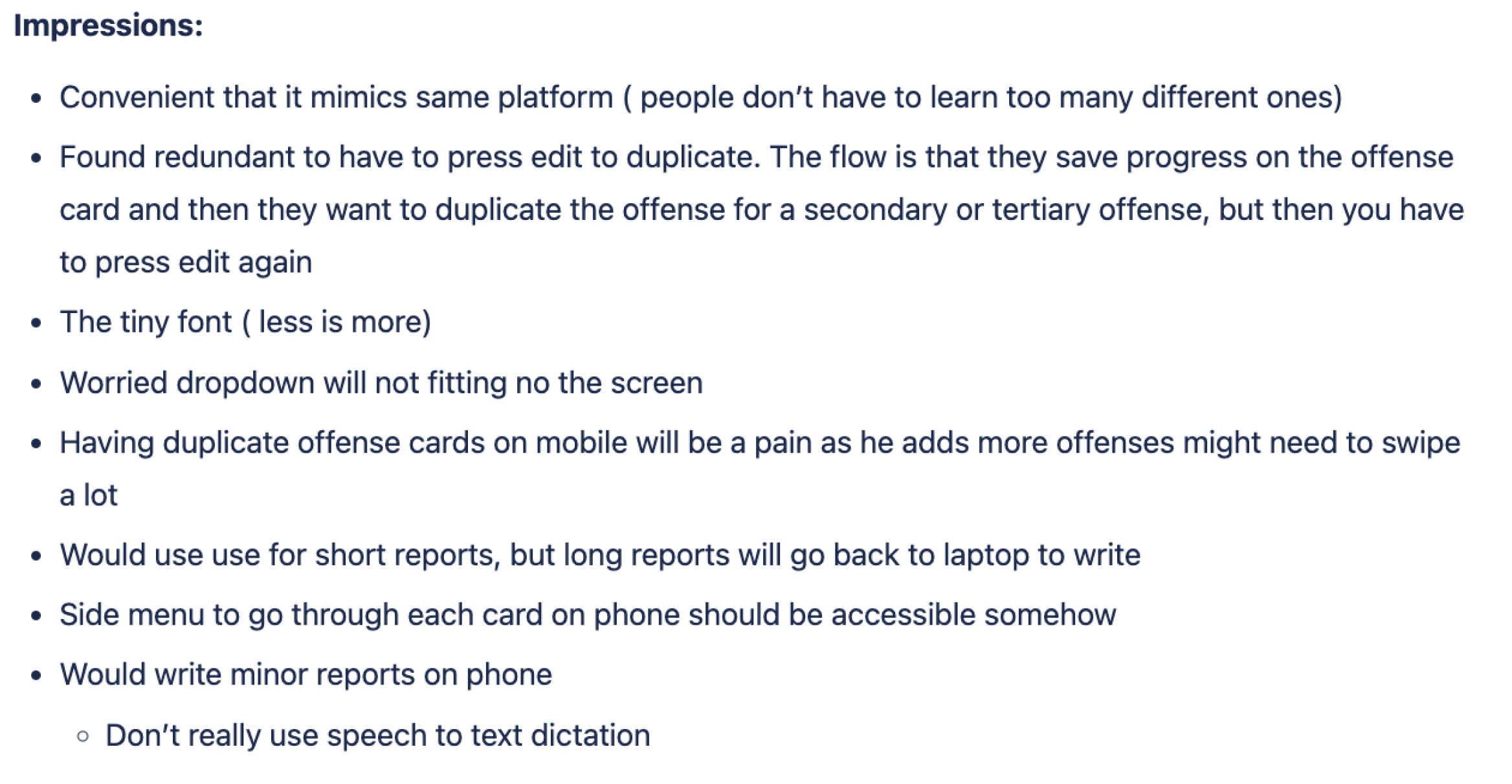
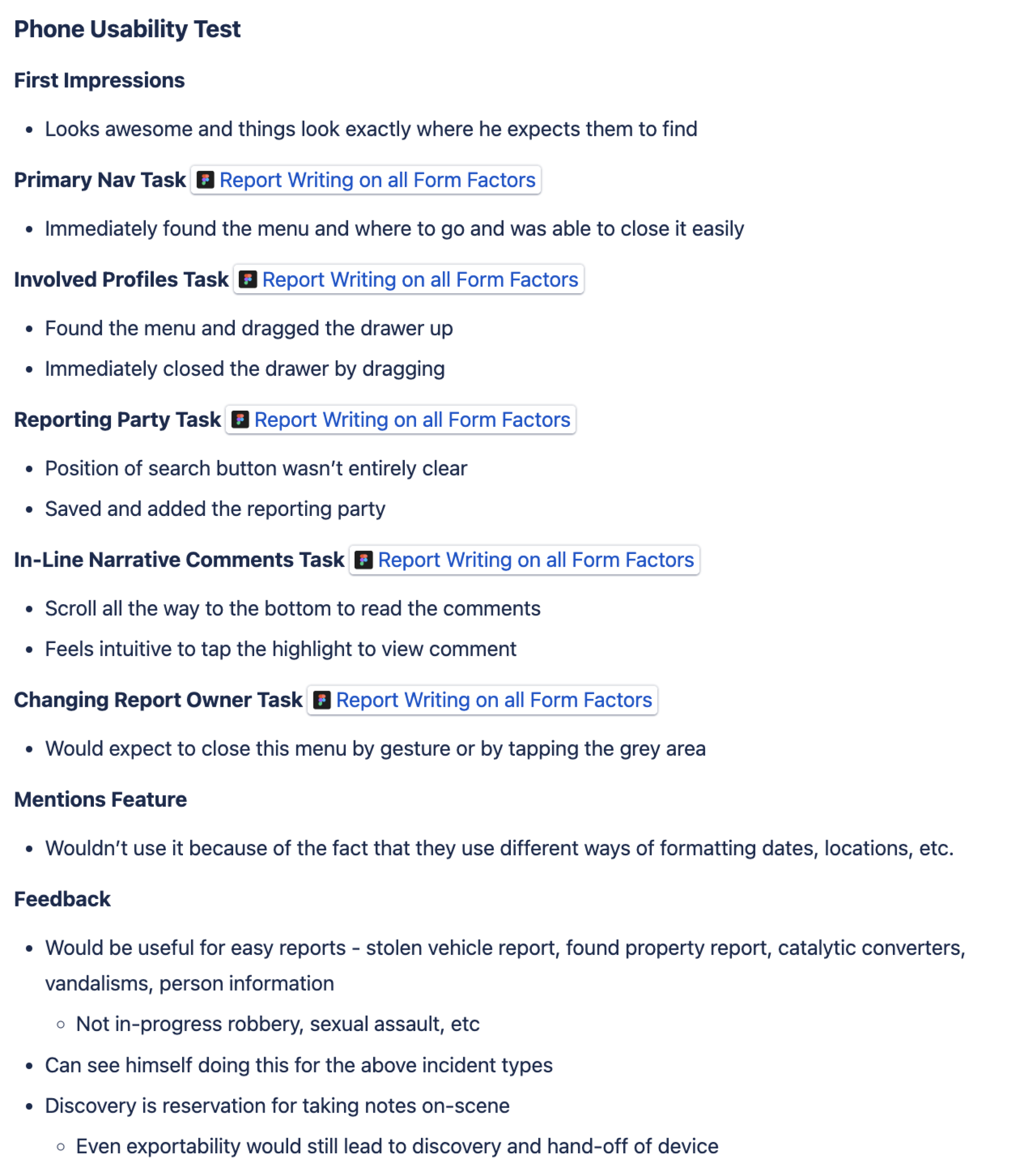
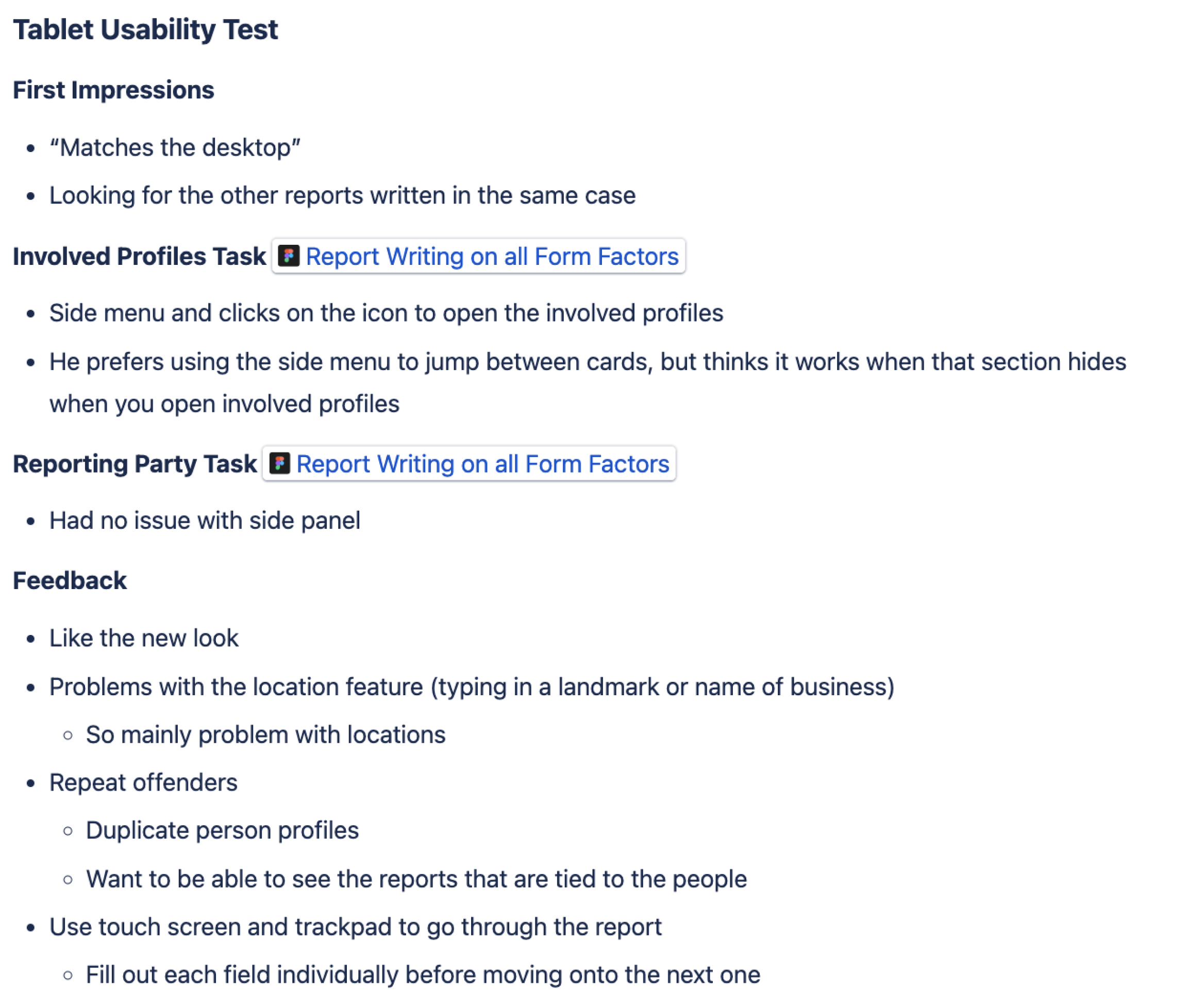
For moderated testing we took some learnings from the unmoderated test and applied them to the designs and prototype. Going on-site and interacting first-hand with our primary users allowed us to much more efficiently gauge where they were struggling, by listening and watching. This time we took a mobile device (phone and tablet) to test the prototypes and the users were able to get far more hands on. The change to having a mobile device in hand yielded far more positive results and feedback.
Overall we visited 6 different agencies, testing designs with 20+ users over 3 different personas; patrol officers, supervisors and detectives. All have differing needs from a mobile device in the field.
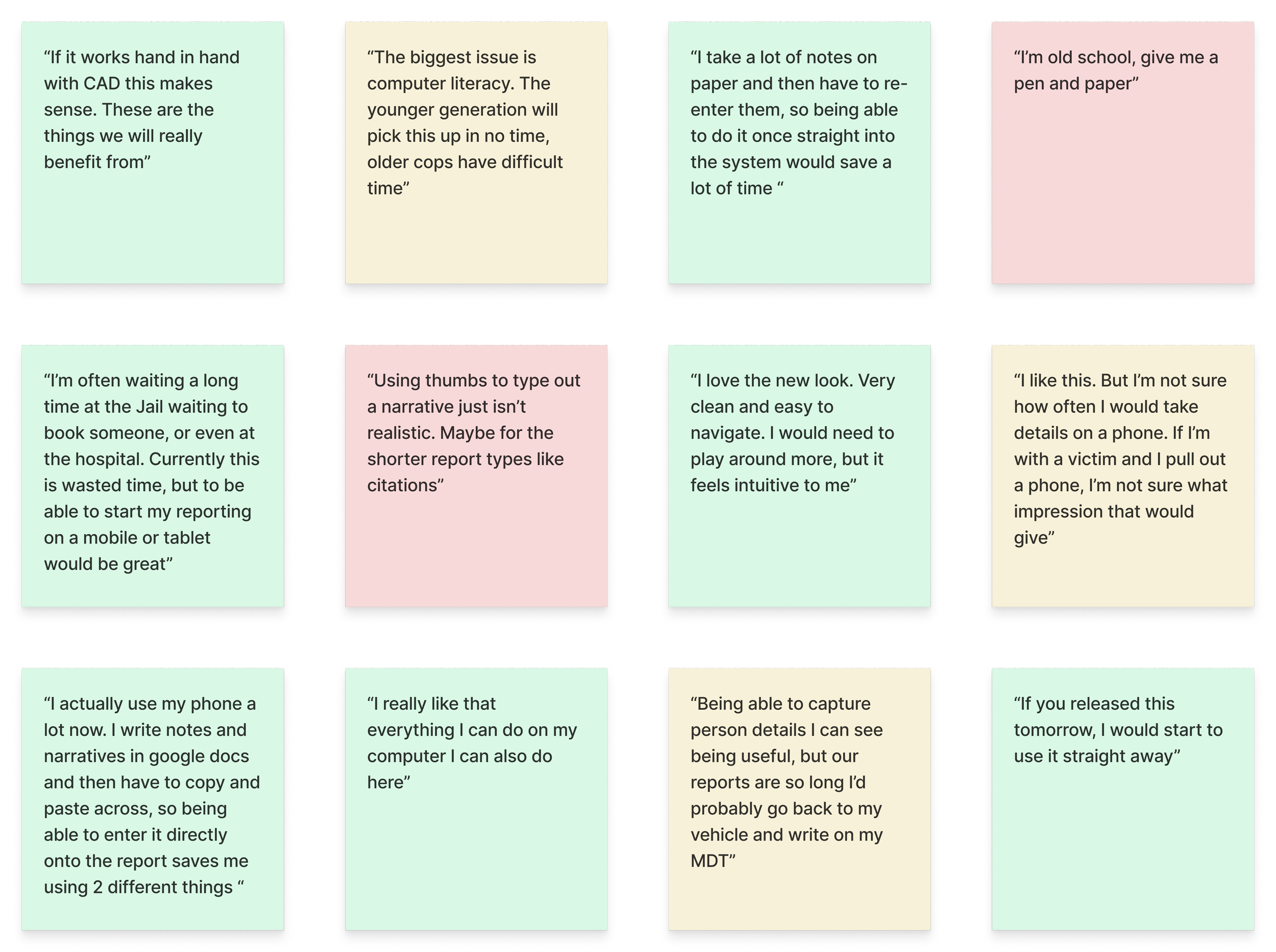
Patrol Officer Kevin Lemus
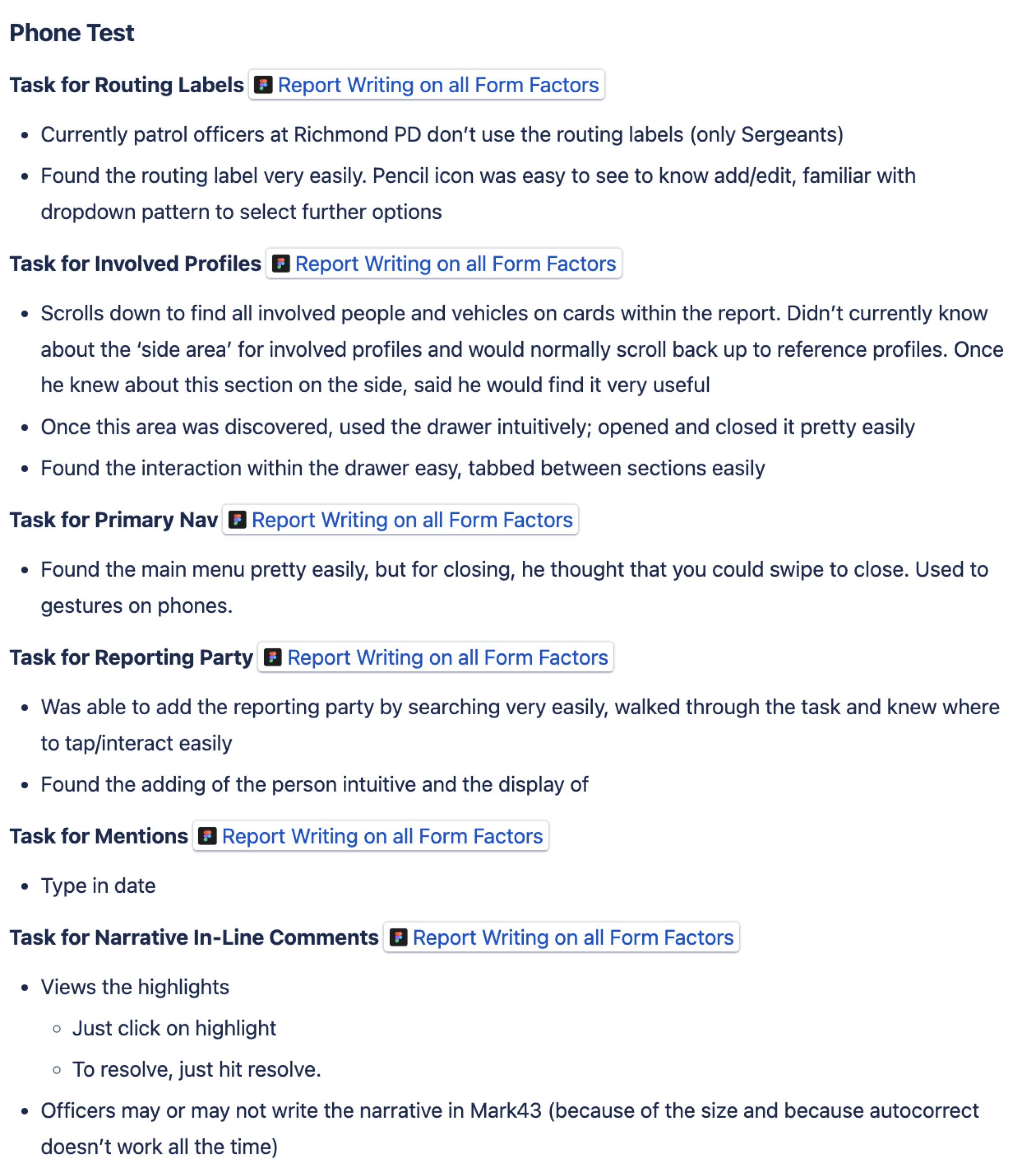
Sorting
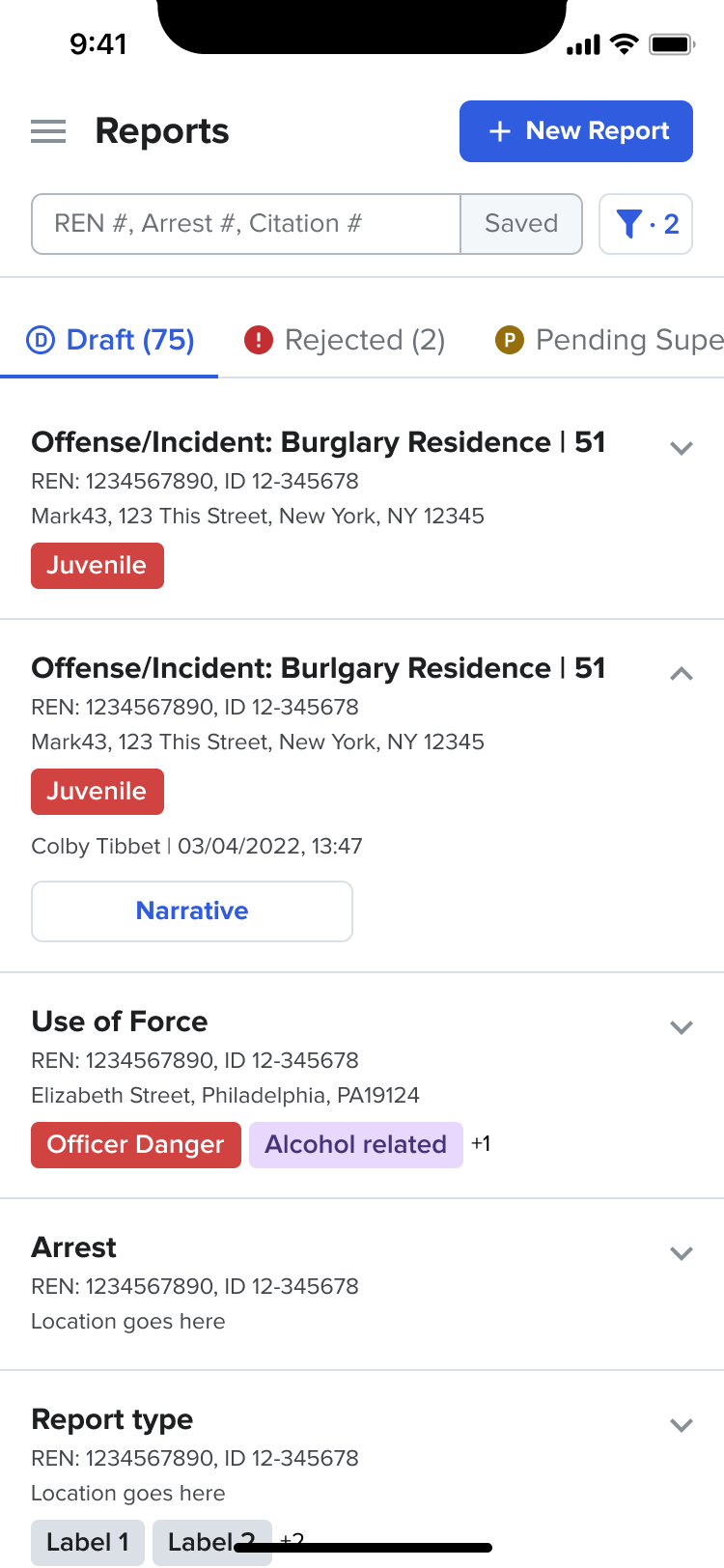
Patrol Officer & Investigator Jamie Guzman
Key Takeaways
Overall positive reaction to being able to use RMS on a mobile device
Younger officers adapted more quickly to mobile designs due to familiarity
Need to look at ways to make mobile patterns more accessible to less comfortable users
Writing a full report on a mobile device is not realistic, but being able to start data entry to complete later was well received
Majority of users completed tests without too much friction
Updated UI received strong positive feedback
Reports dashboard may not be used very often on a mobile device
Enthusiasm around being able to use device technologies to write reports in the future
Desire for other RMS modules to be adopted in a mobile format
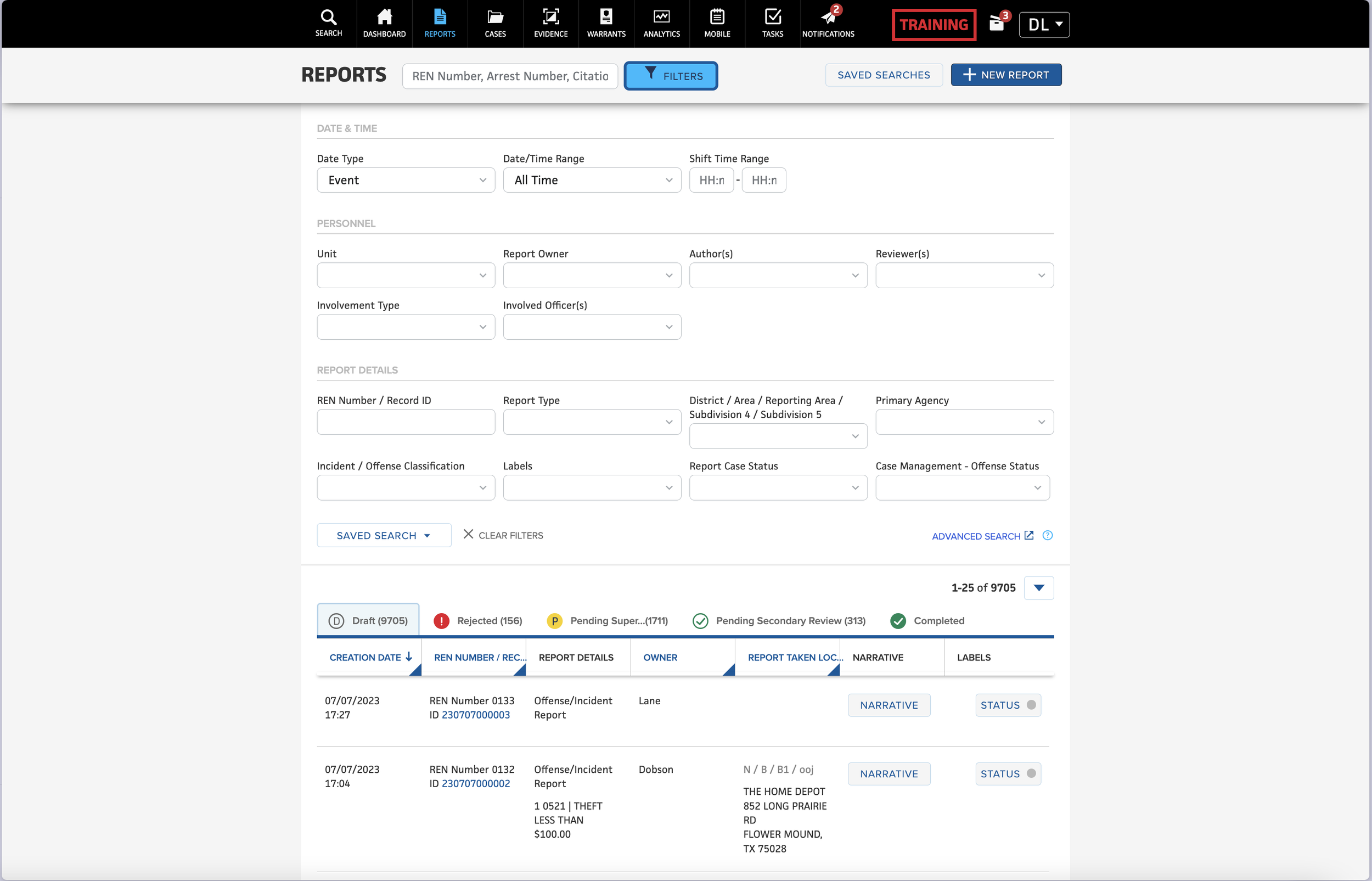
Update Comparison
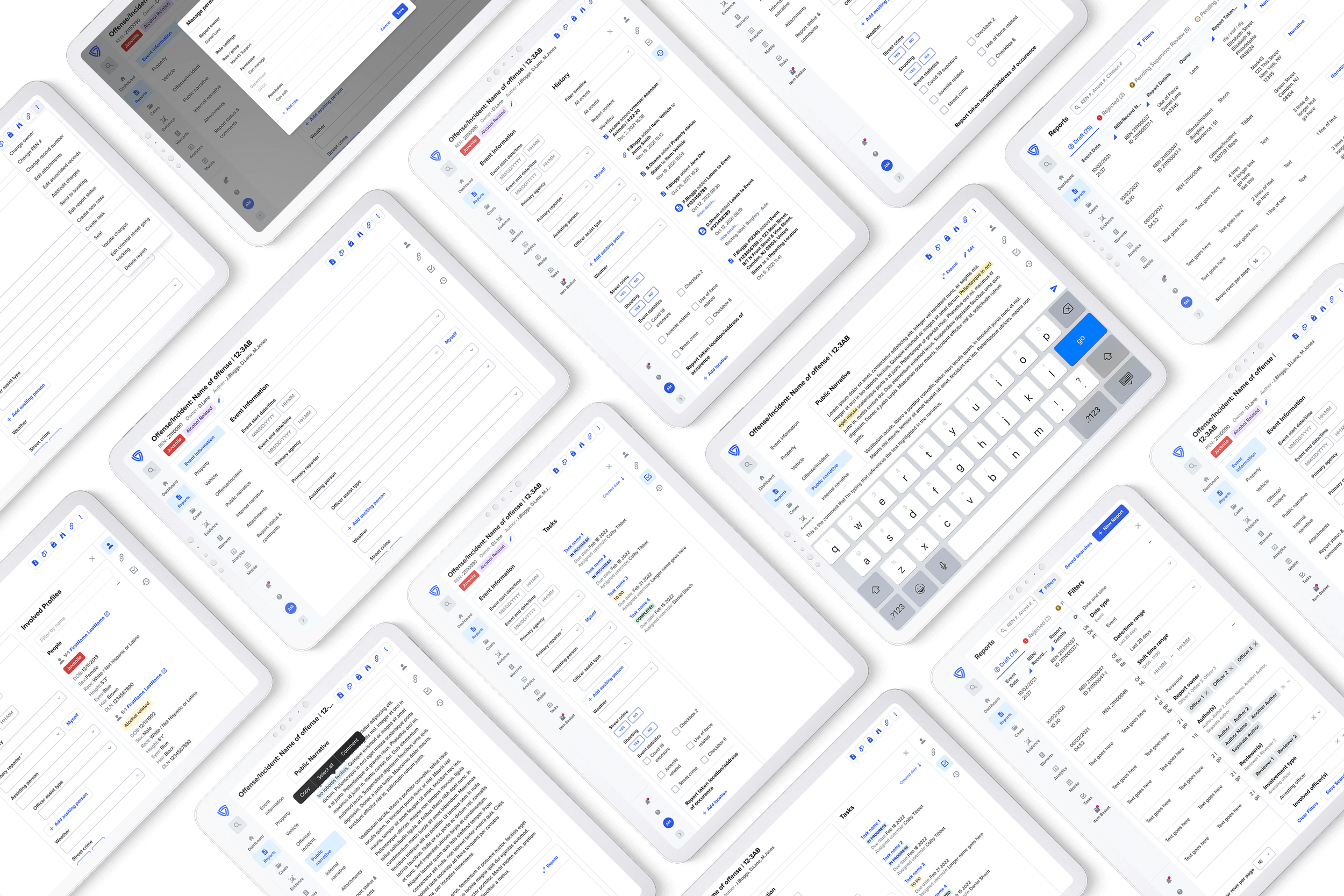
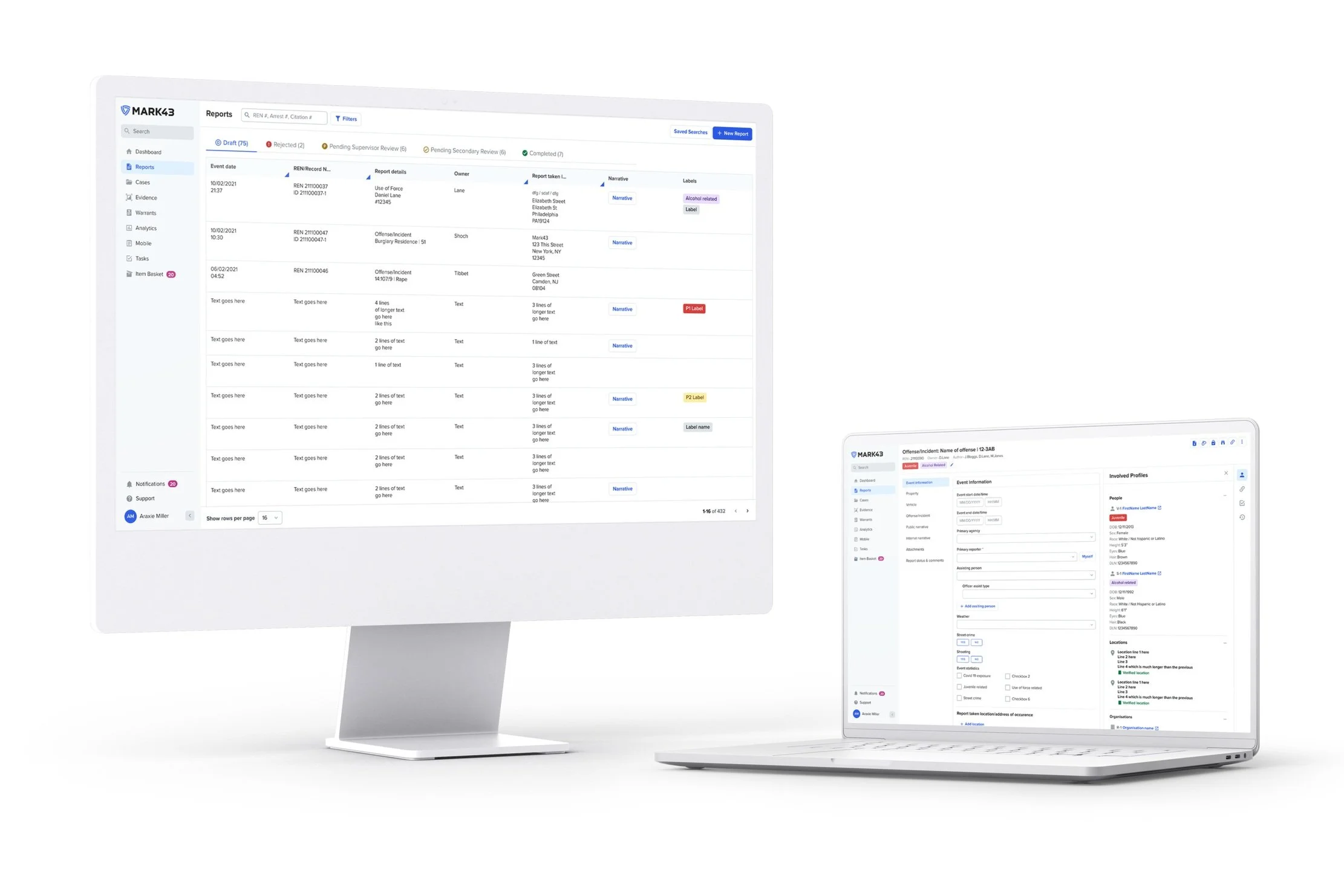
Desktop/Tablet
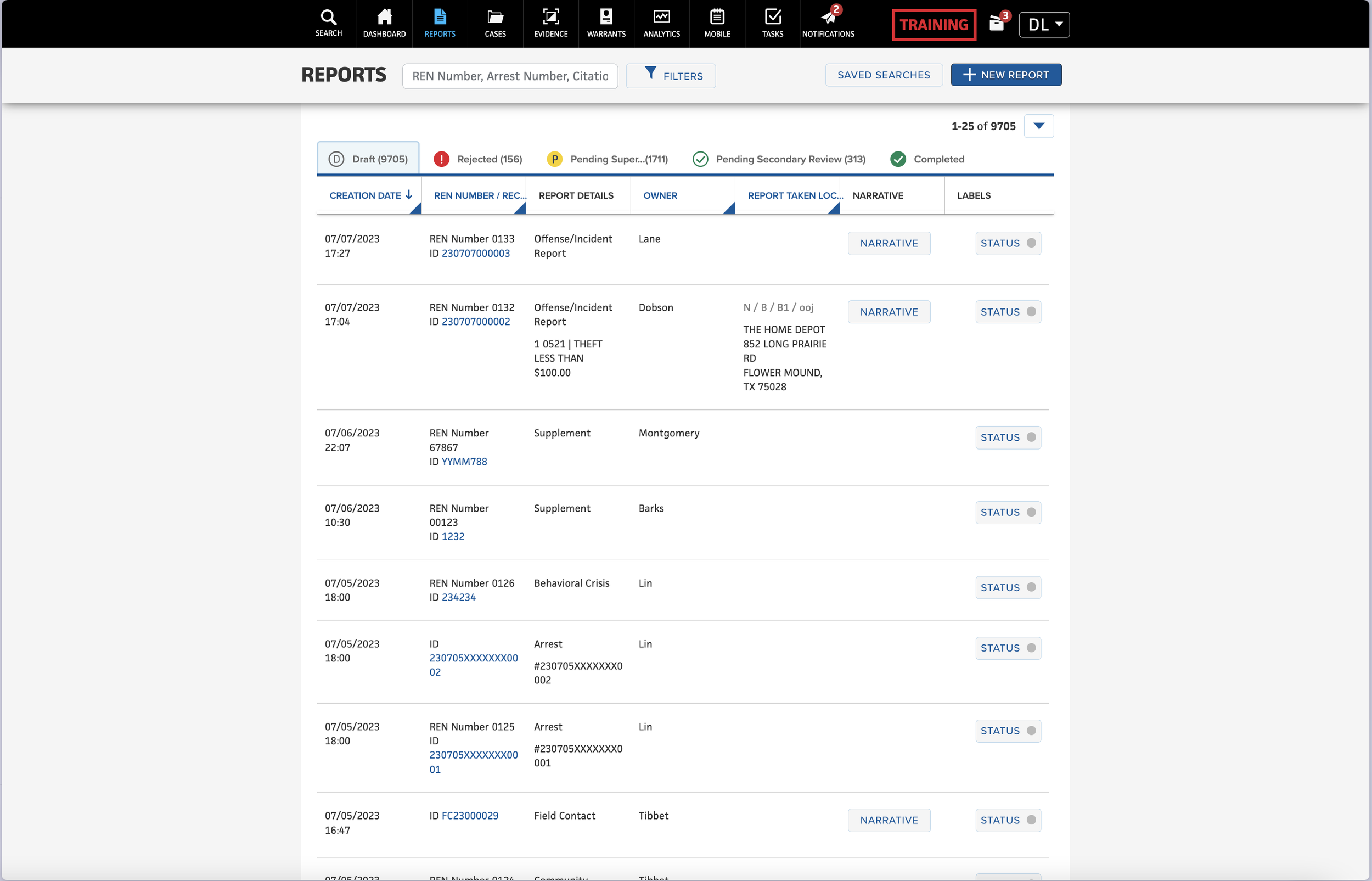
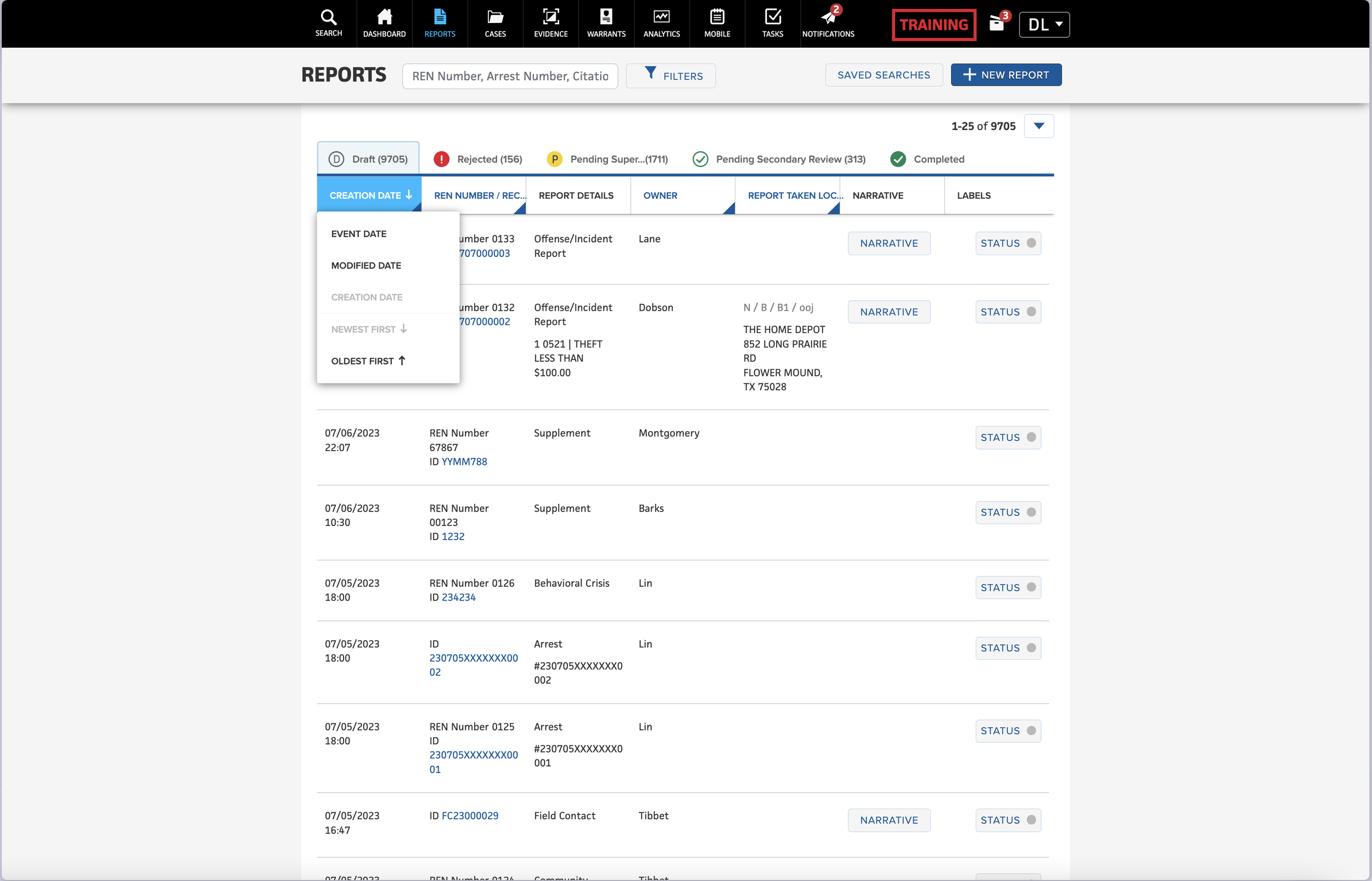
Filtering
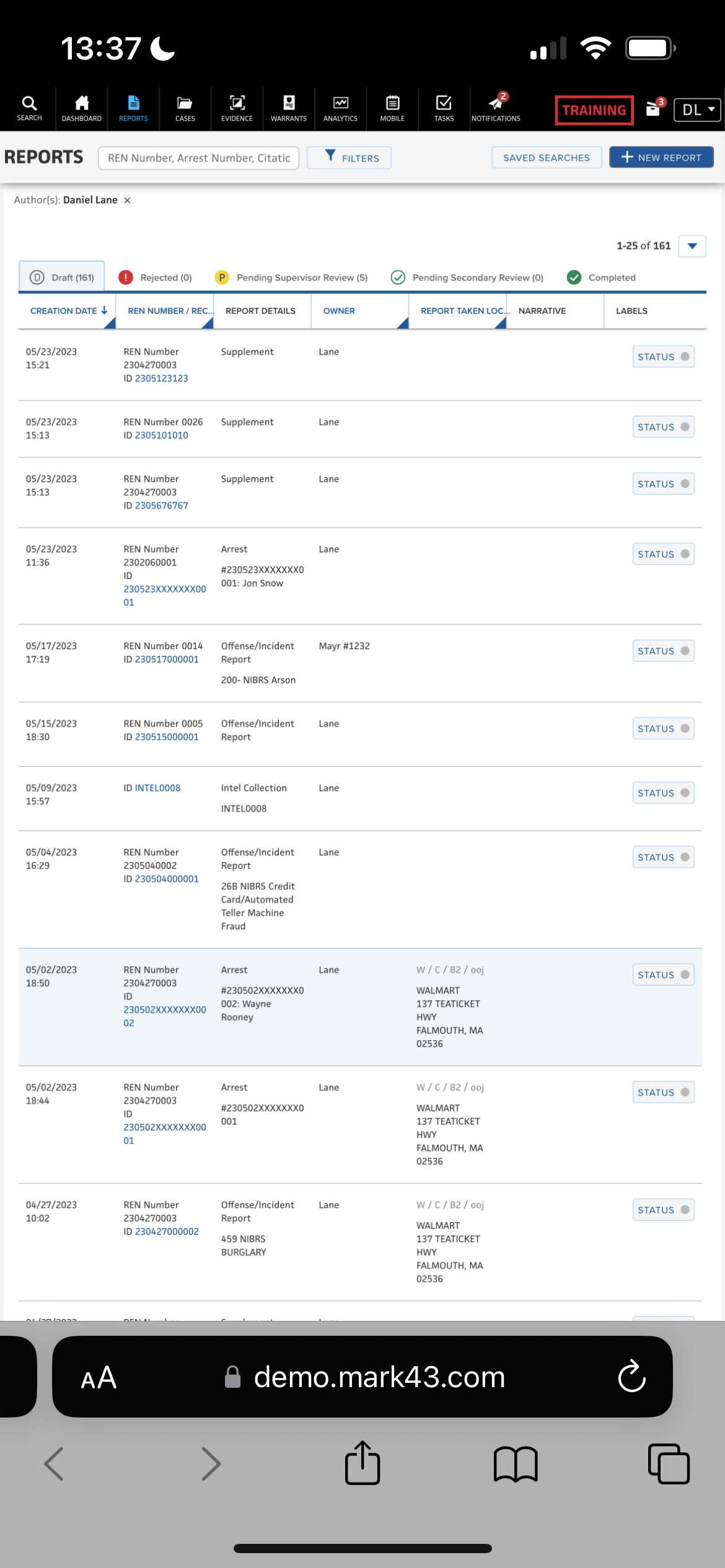
Desktop/Tablet
Default
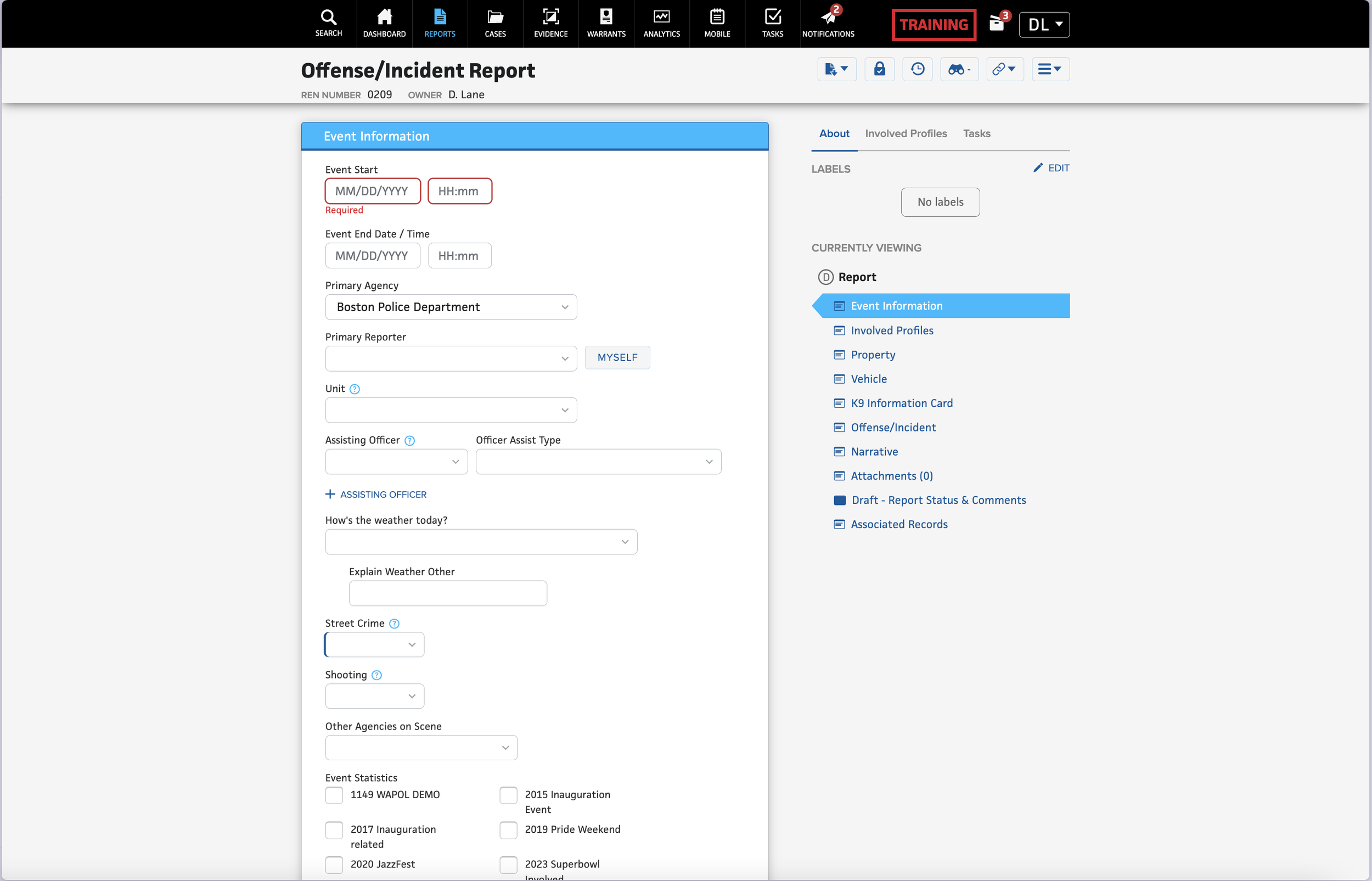
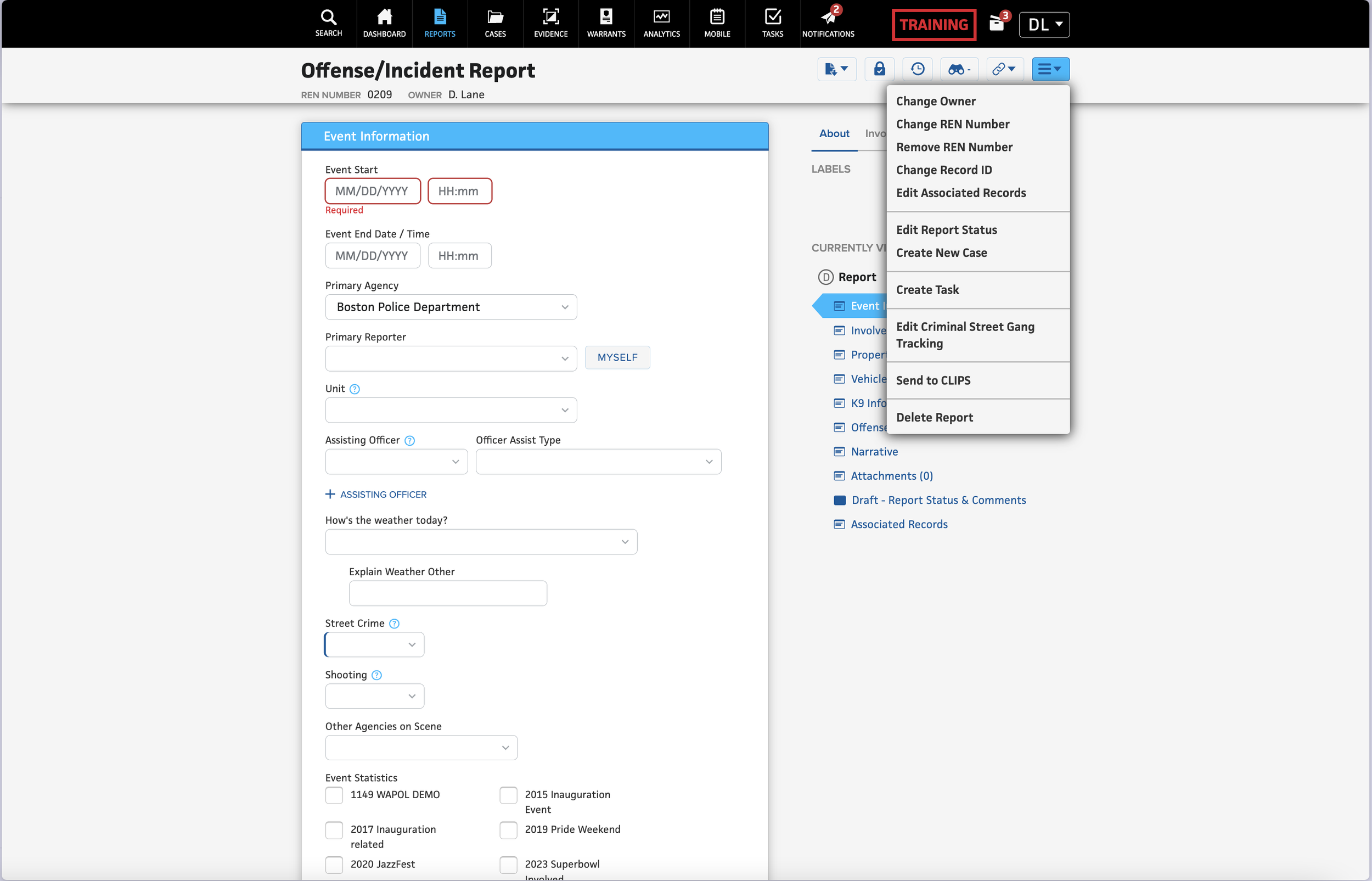
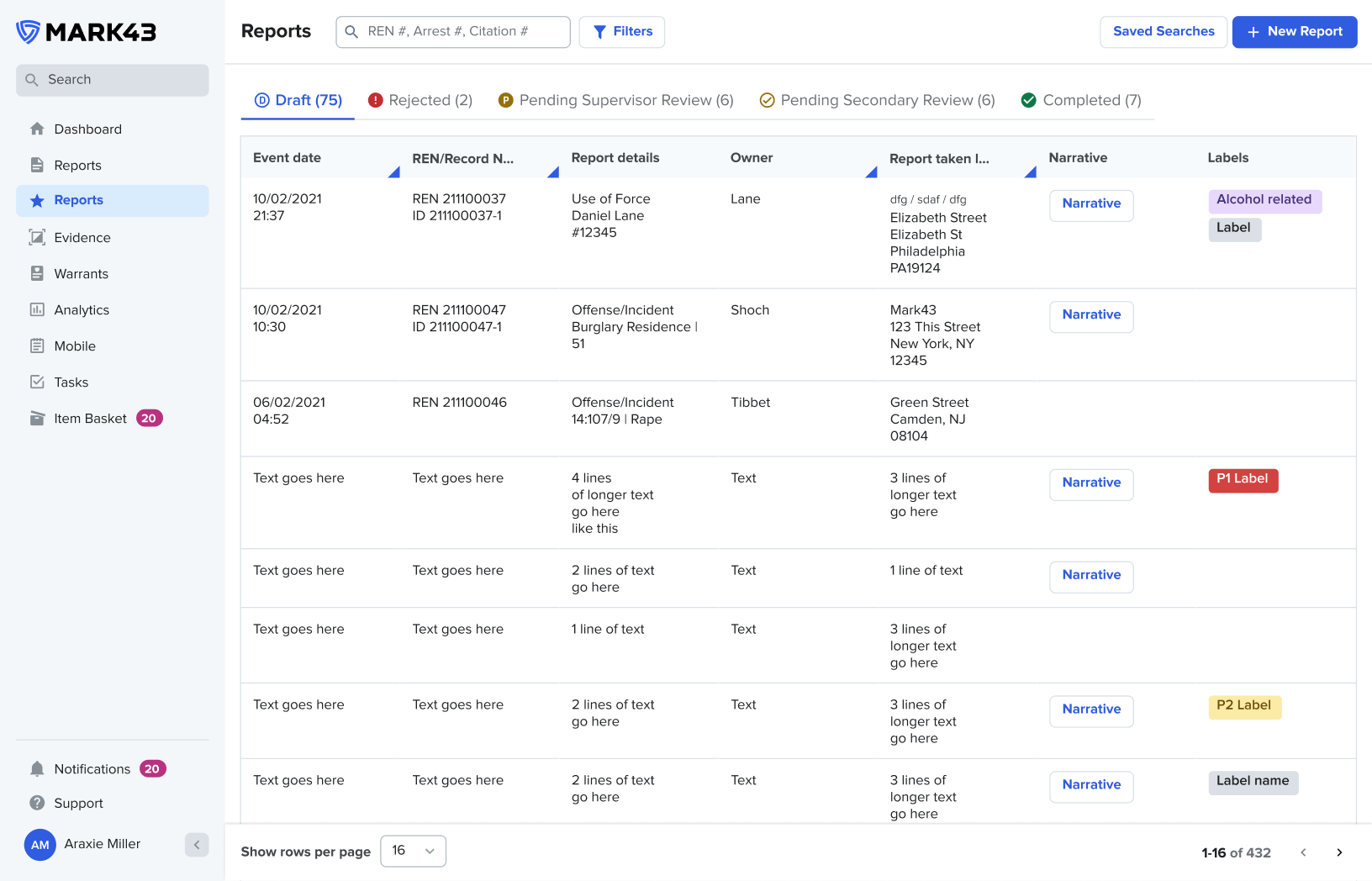
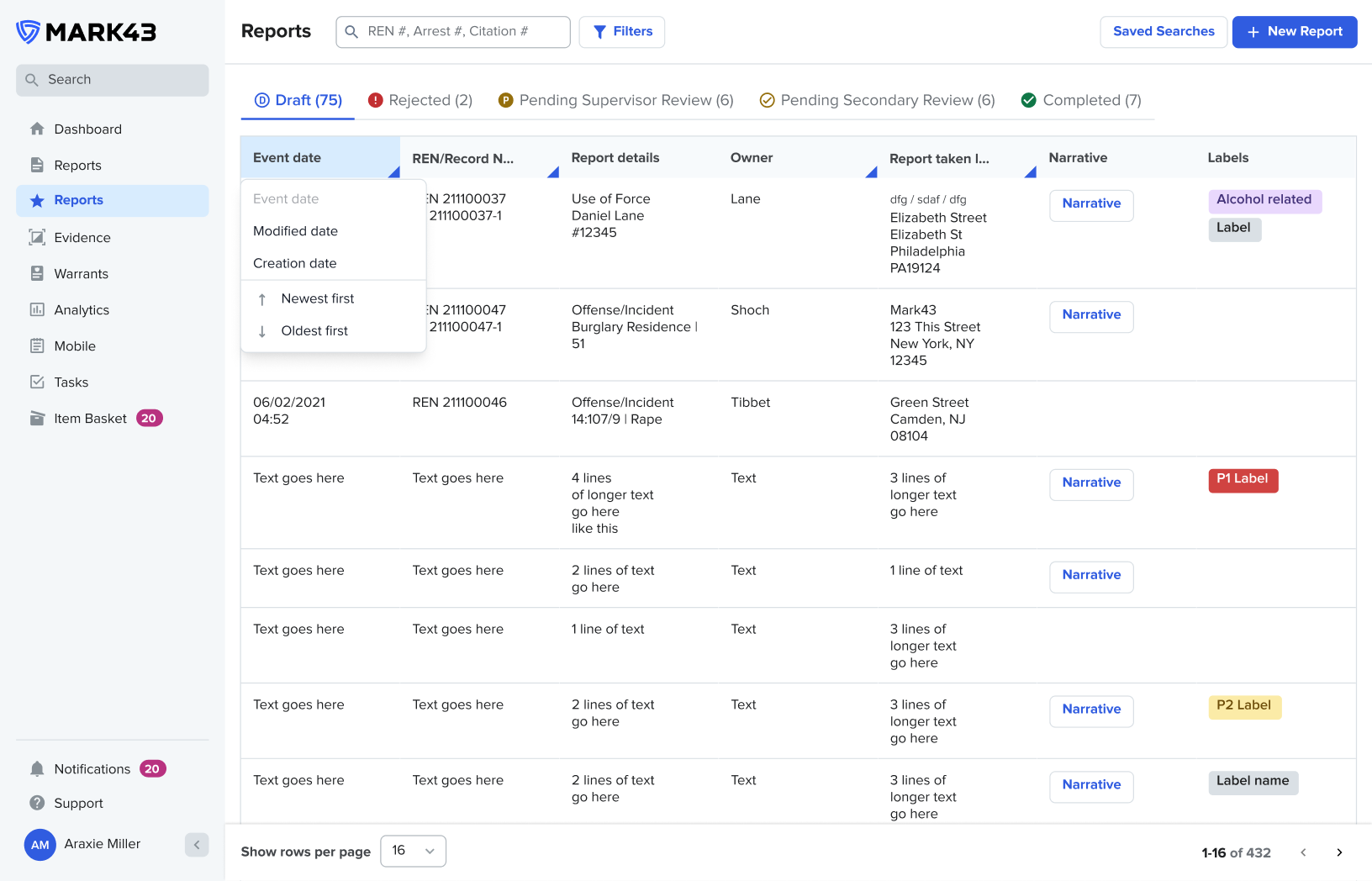
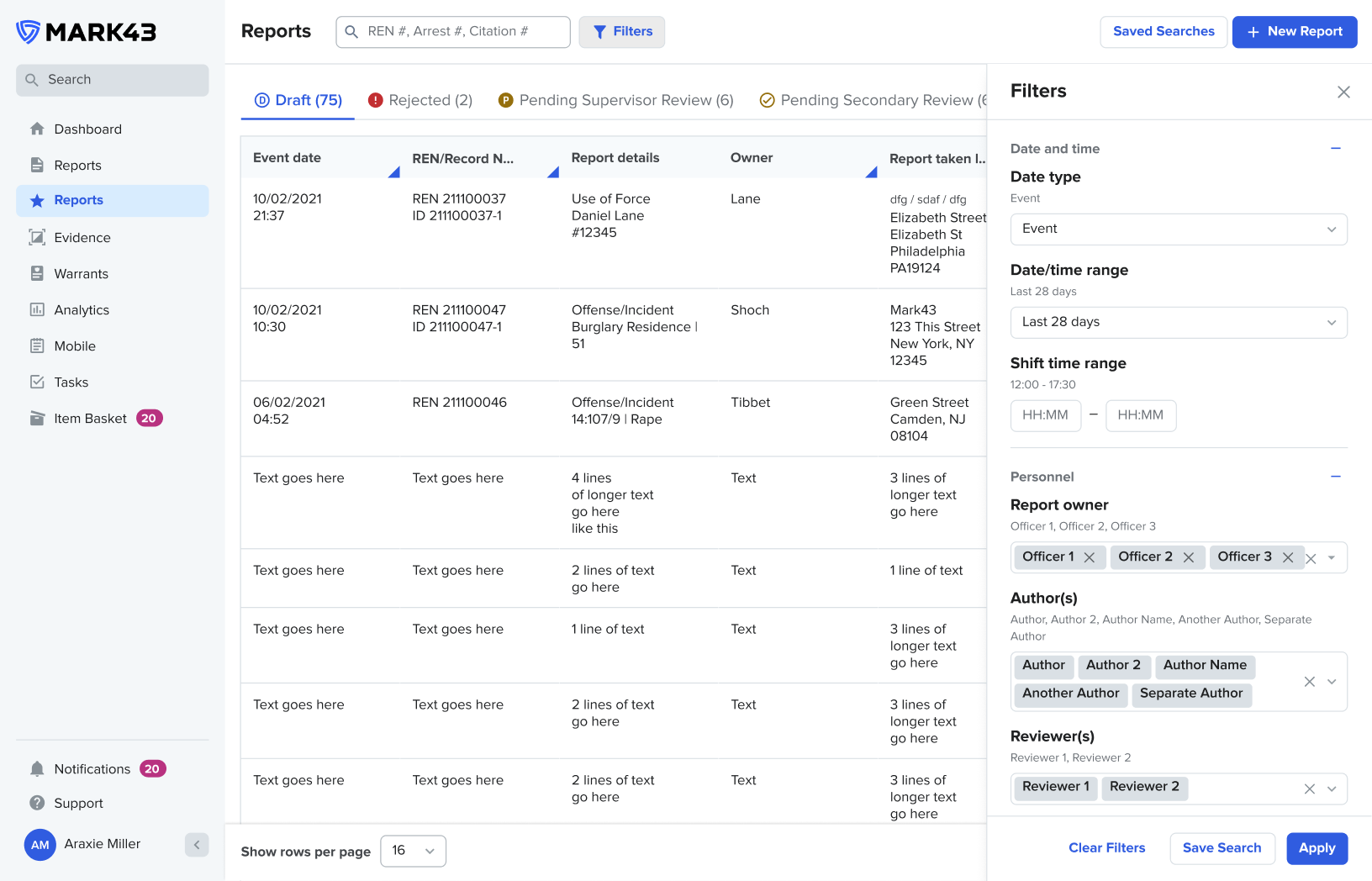
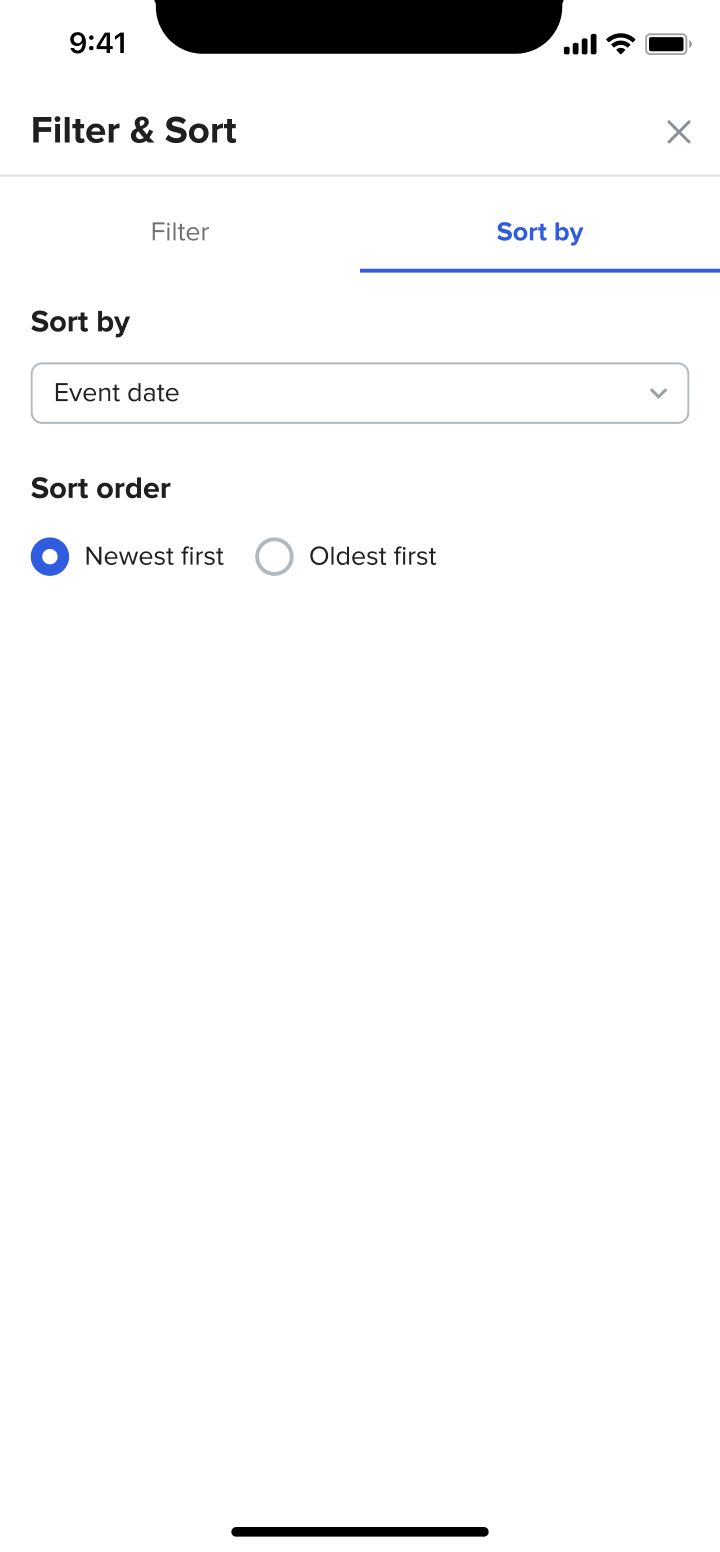
Filtering
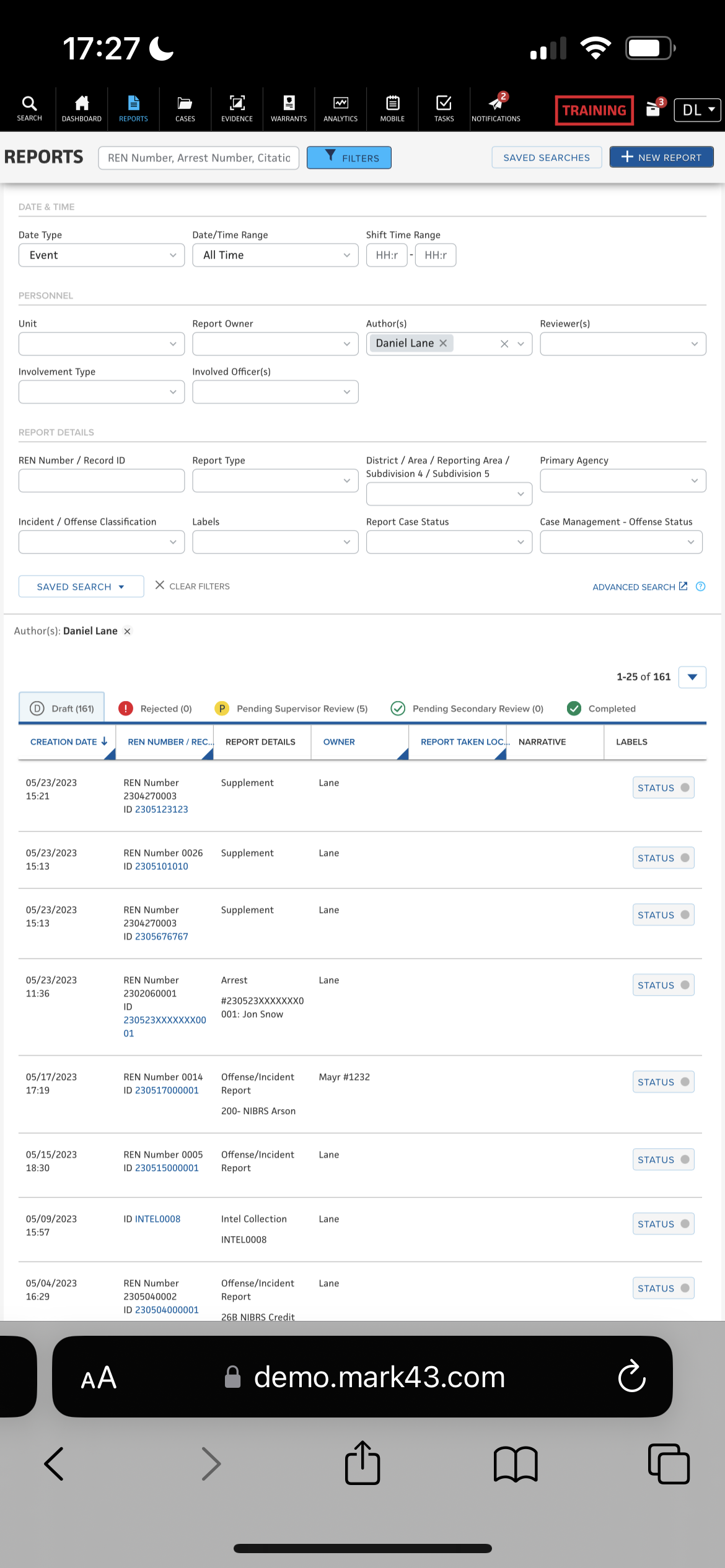
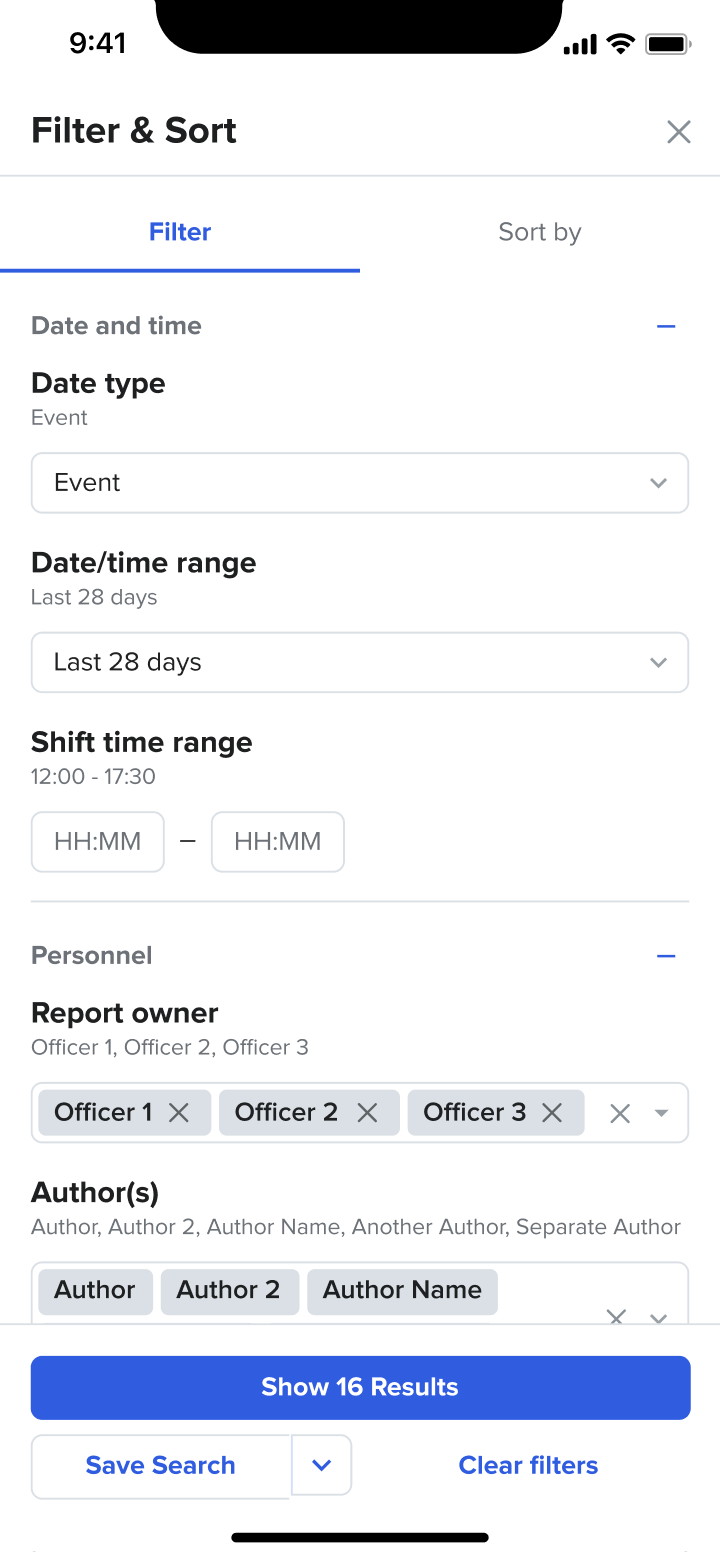
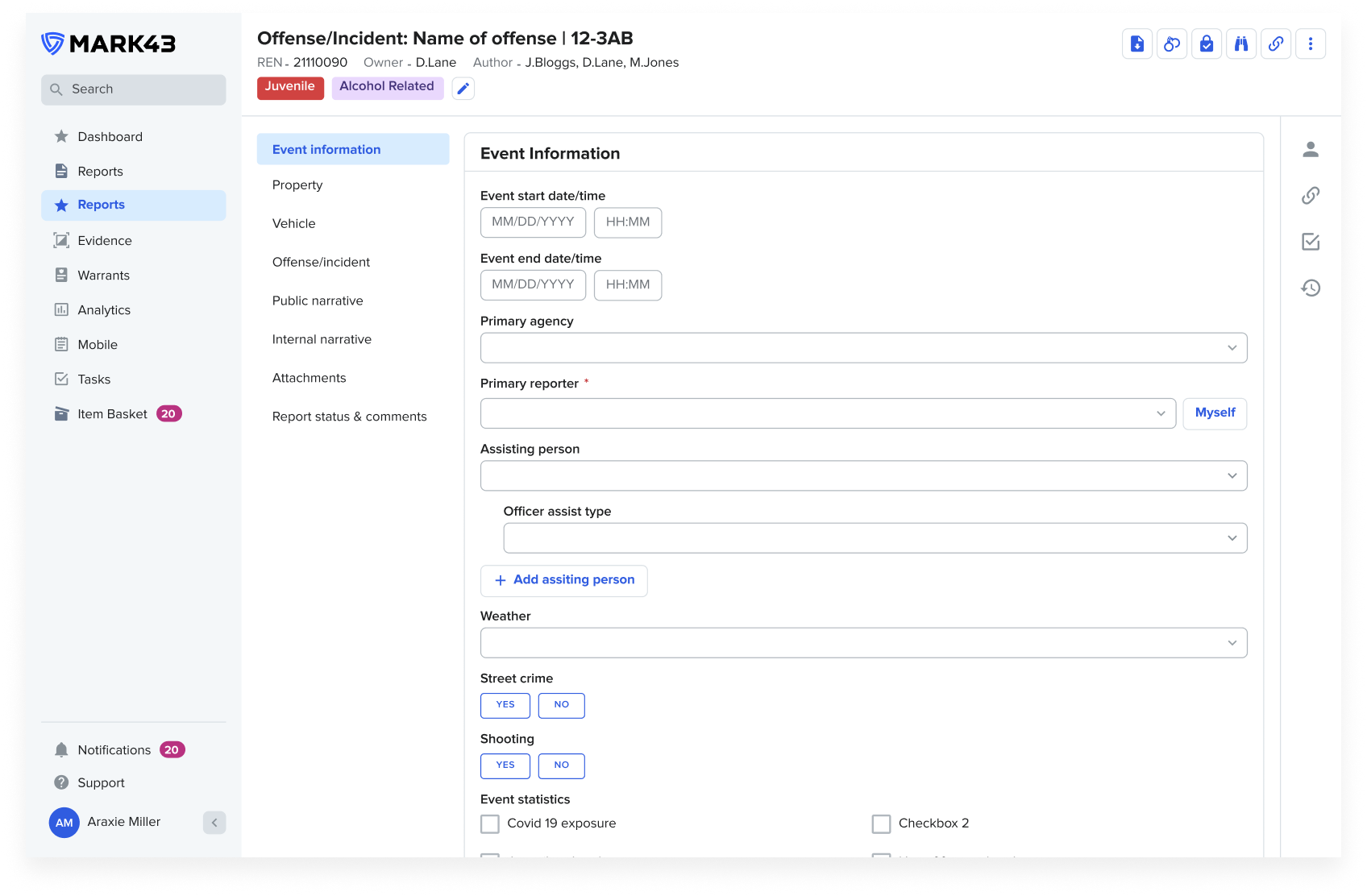
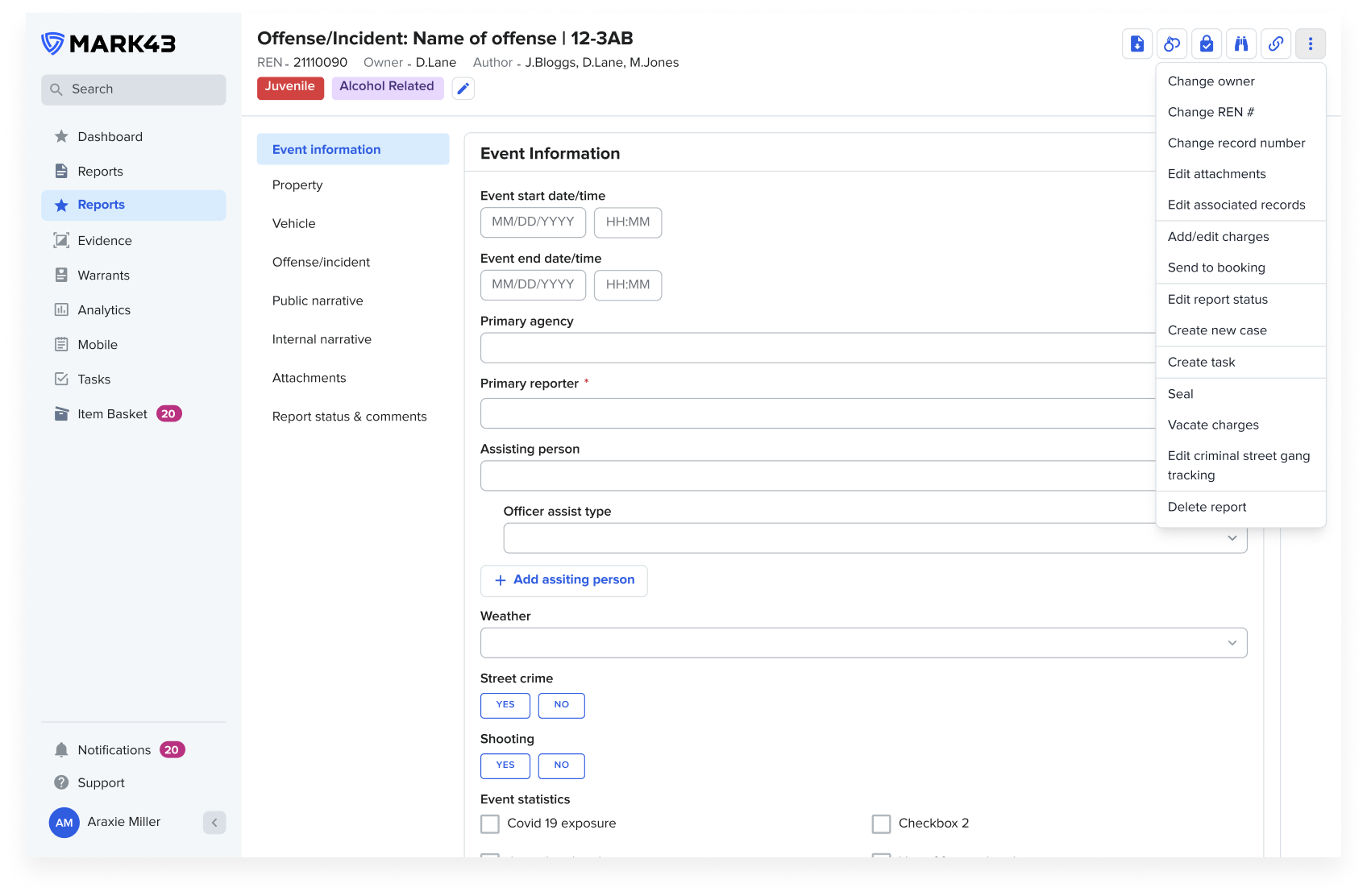
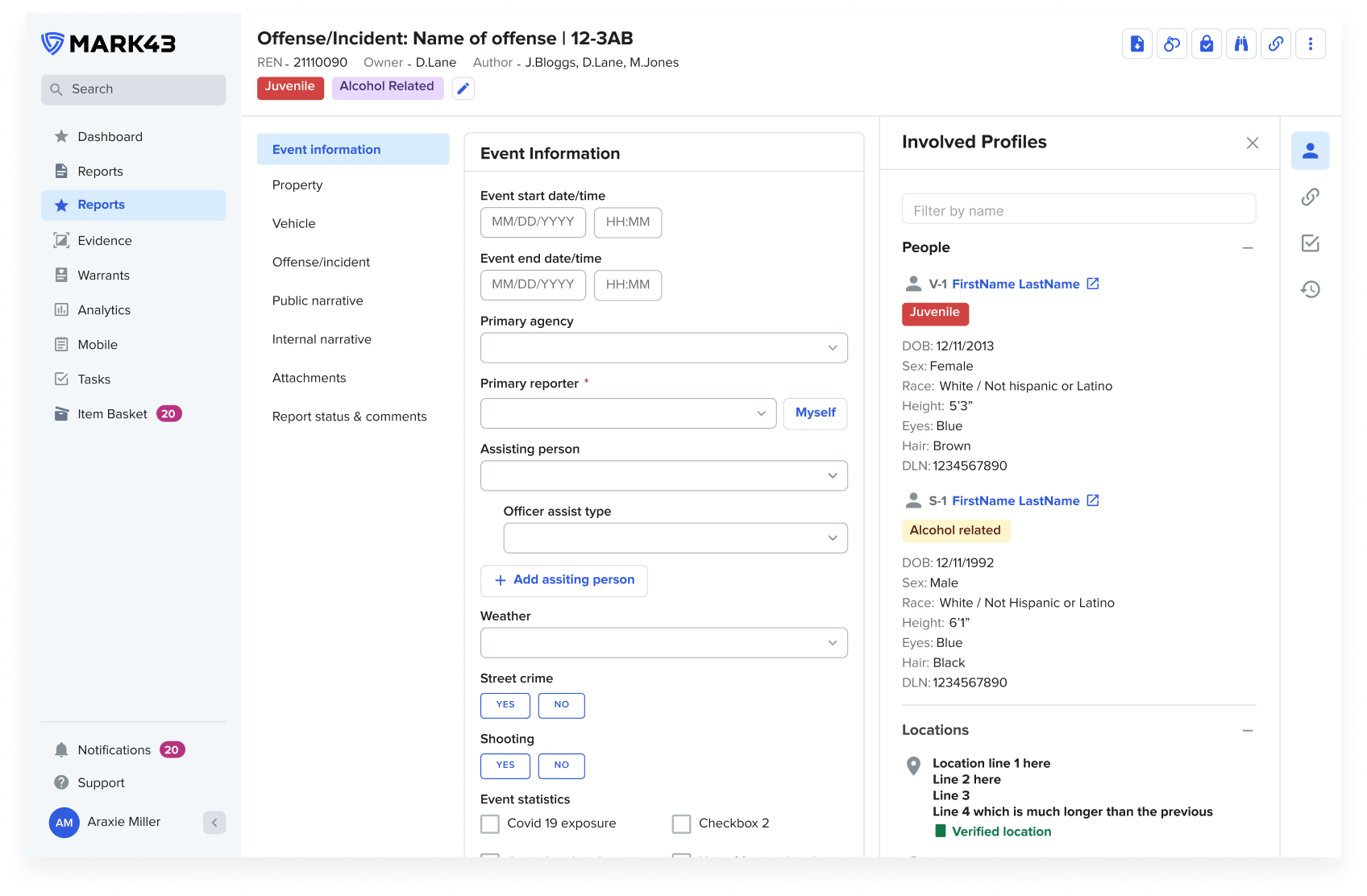
Screens
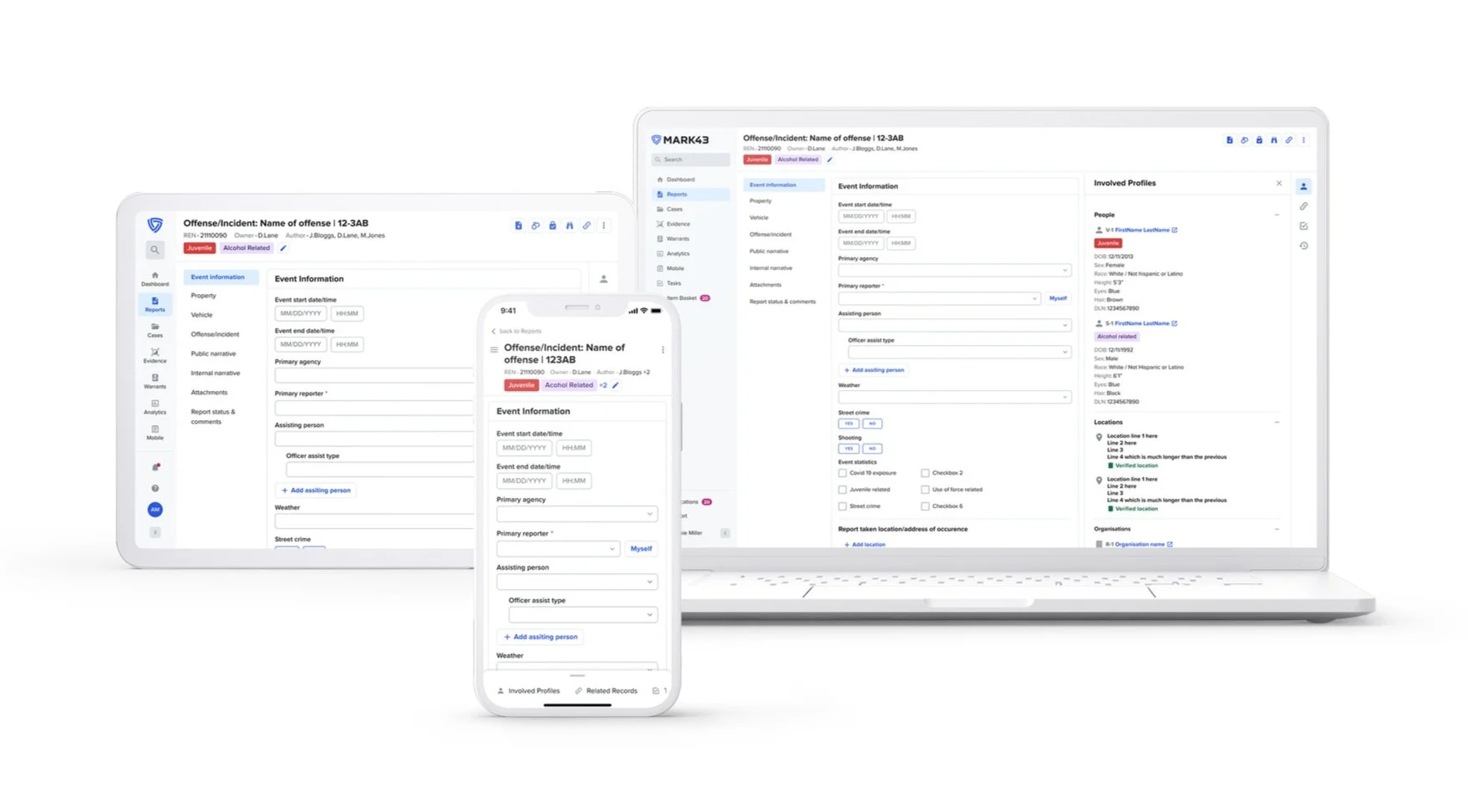
Outcomes
KPI - % decrease in time to complete a report.
KPI - % increase in field time for officers.
KPI - Increase of NPS score
Reflections
A key finding is that the whole report will not be written on a mobile device, however the benefits of being able to allow data capture and reduce double-keying provides a huge value prospect for bringing report writing into a mobile format. But being able to start it and capture data in the field to aid the report writing is key
It was clear from primary research and testing that different demographics have differing opinions. In general younger officers were enthusiastic, whilst older officers saw it as something else they need to learn. I would think about different ways to approach the introduction of new capabilities differently to cater for all
We found during testing that the device being used was extremely important to gathering insightful feedback. In future I will always make sure to present concepts and prototypes on the appropriate device
We also found that a number of officers were not familiar with parts of the mobile concept as they were not aware of the existing functionality. This lead to a reform in training methods across Mark43 to ensure users are adequately versed in the RMS capabilities
As a part of phase 2 I will be looking into;
Further mobile devices such as wearables to understand which workflows could benefit from them
Use of native mobile technologies we can leverage, such as image scanning, voice-to-text dictation and audio recording
Integrations to dispatch systems to further reduce duplicative data capture