
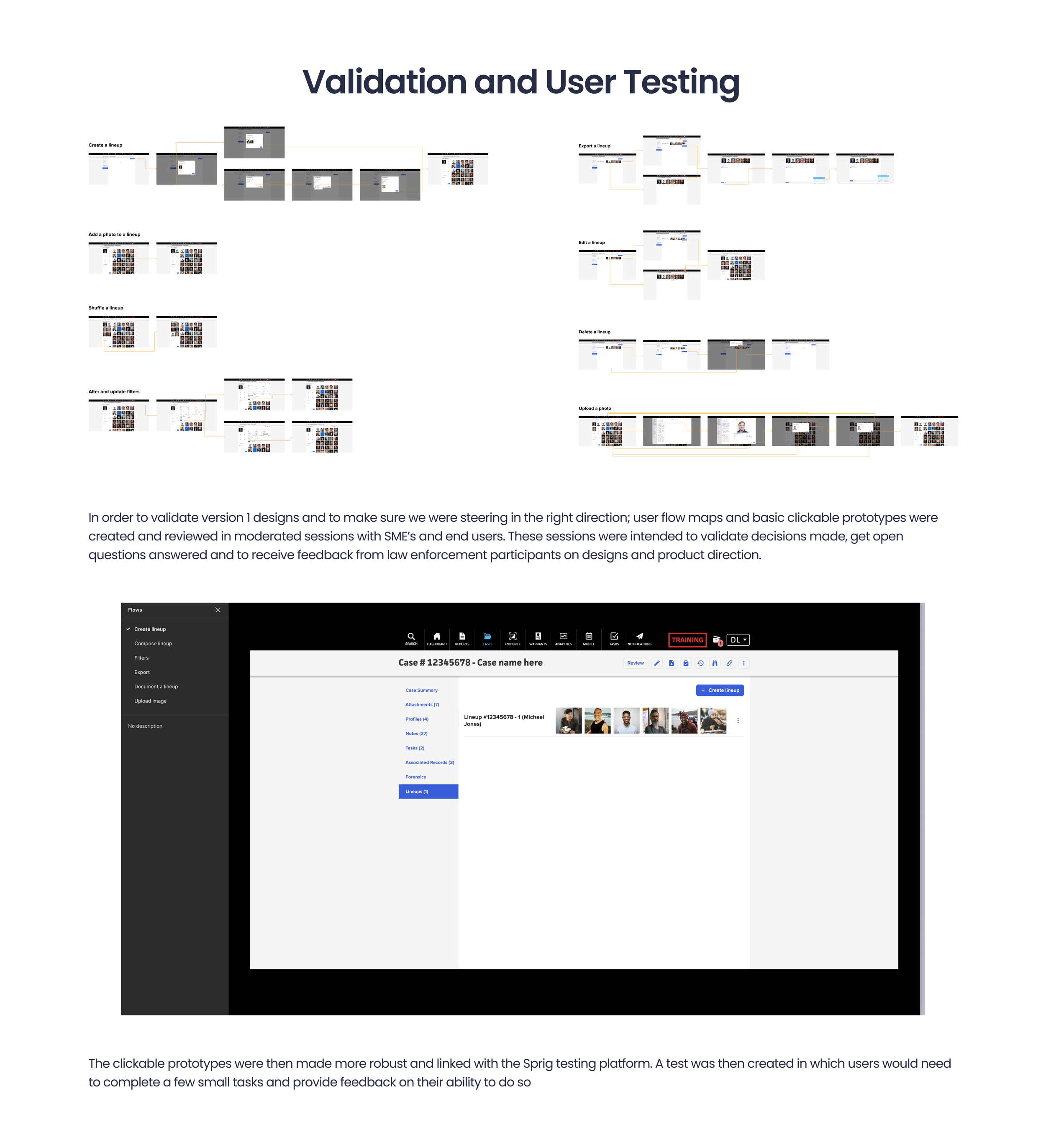
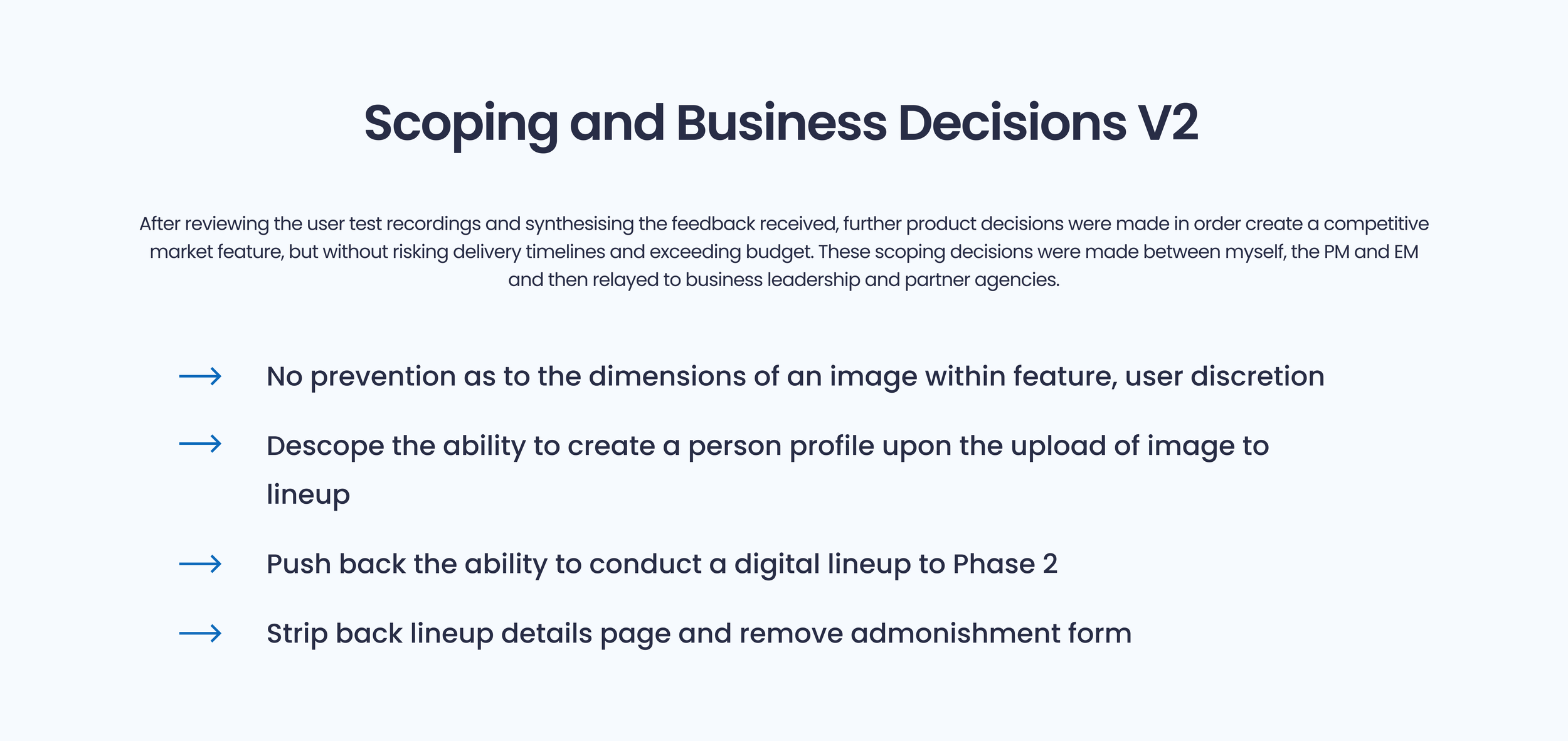
Screens
Create a Photo Lineup
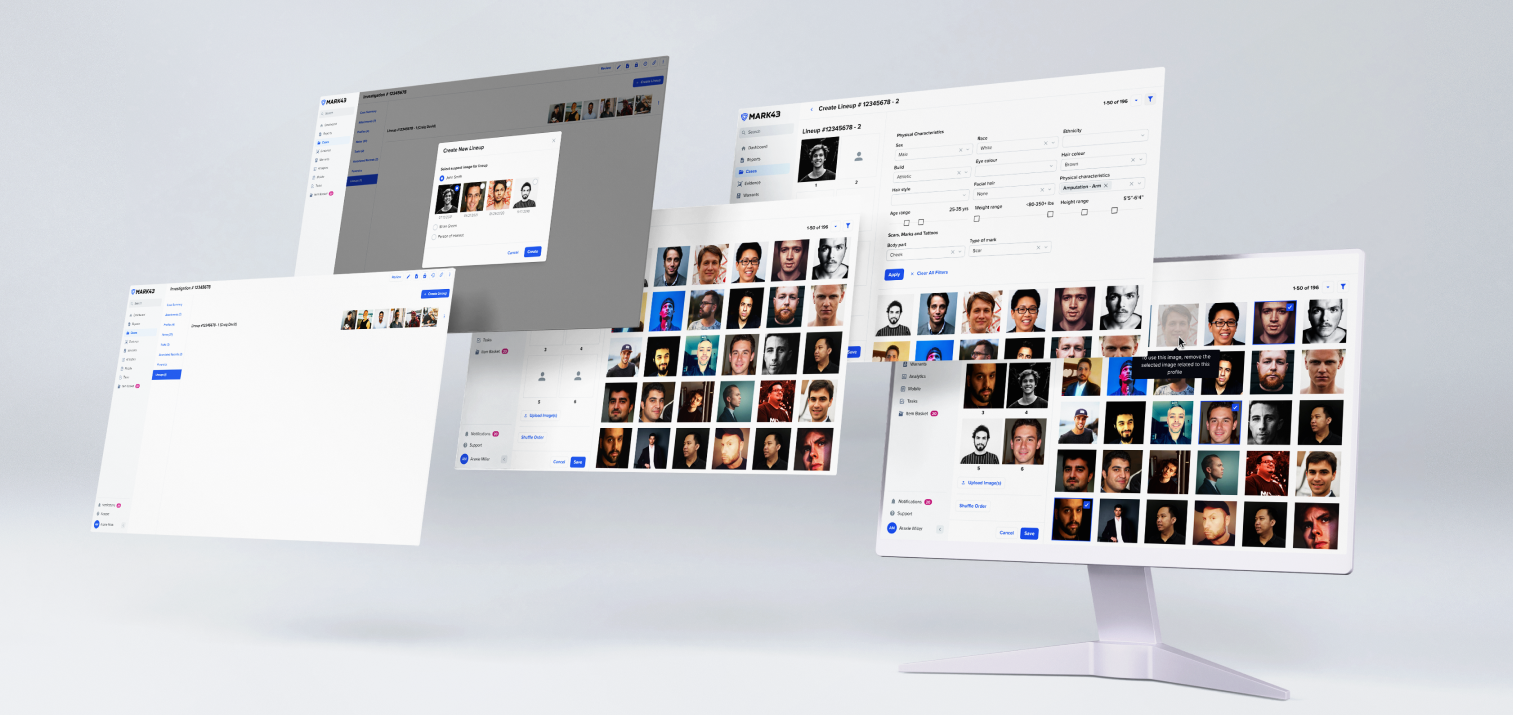
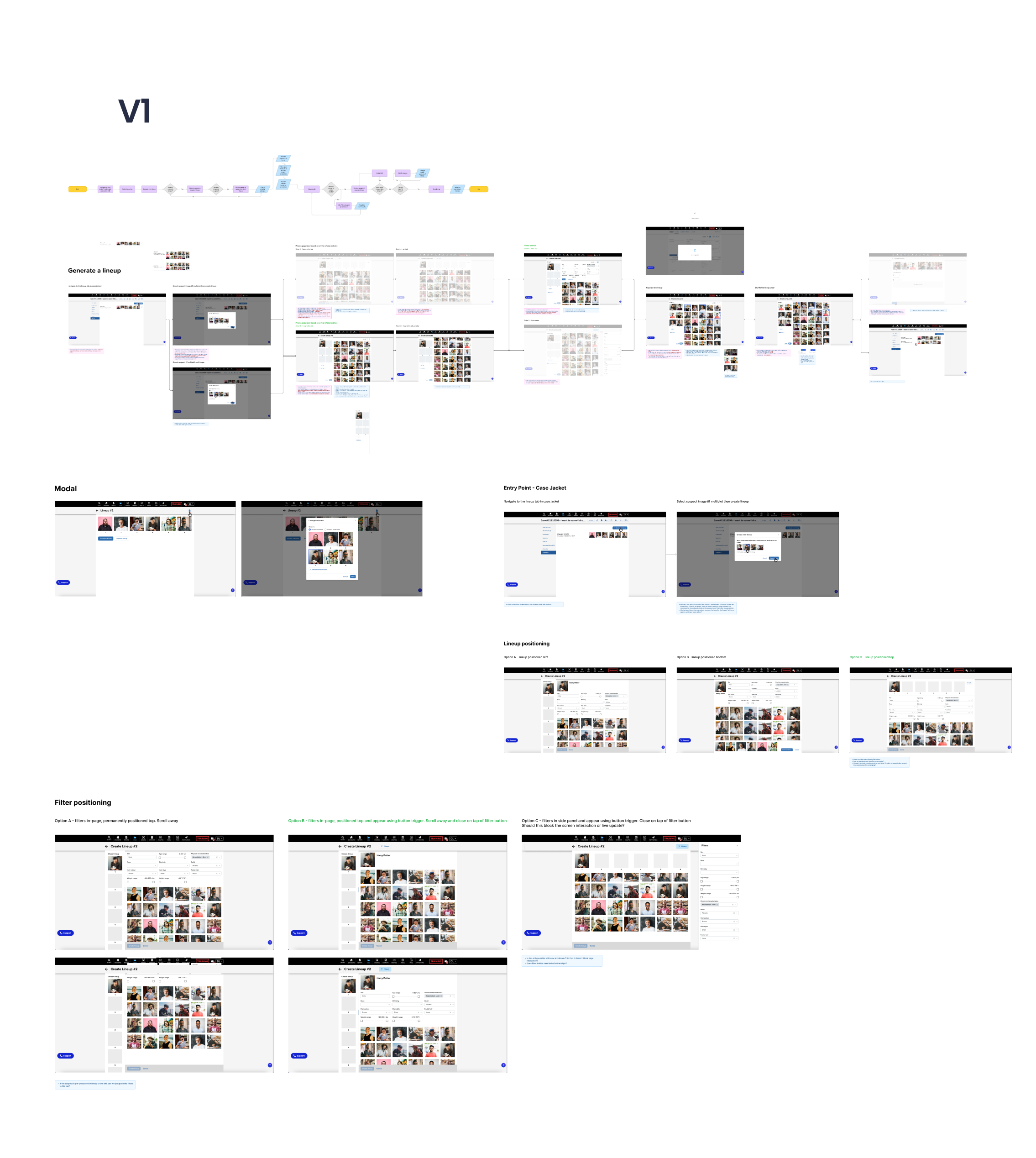
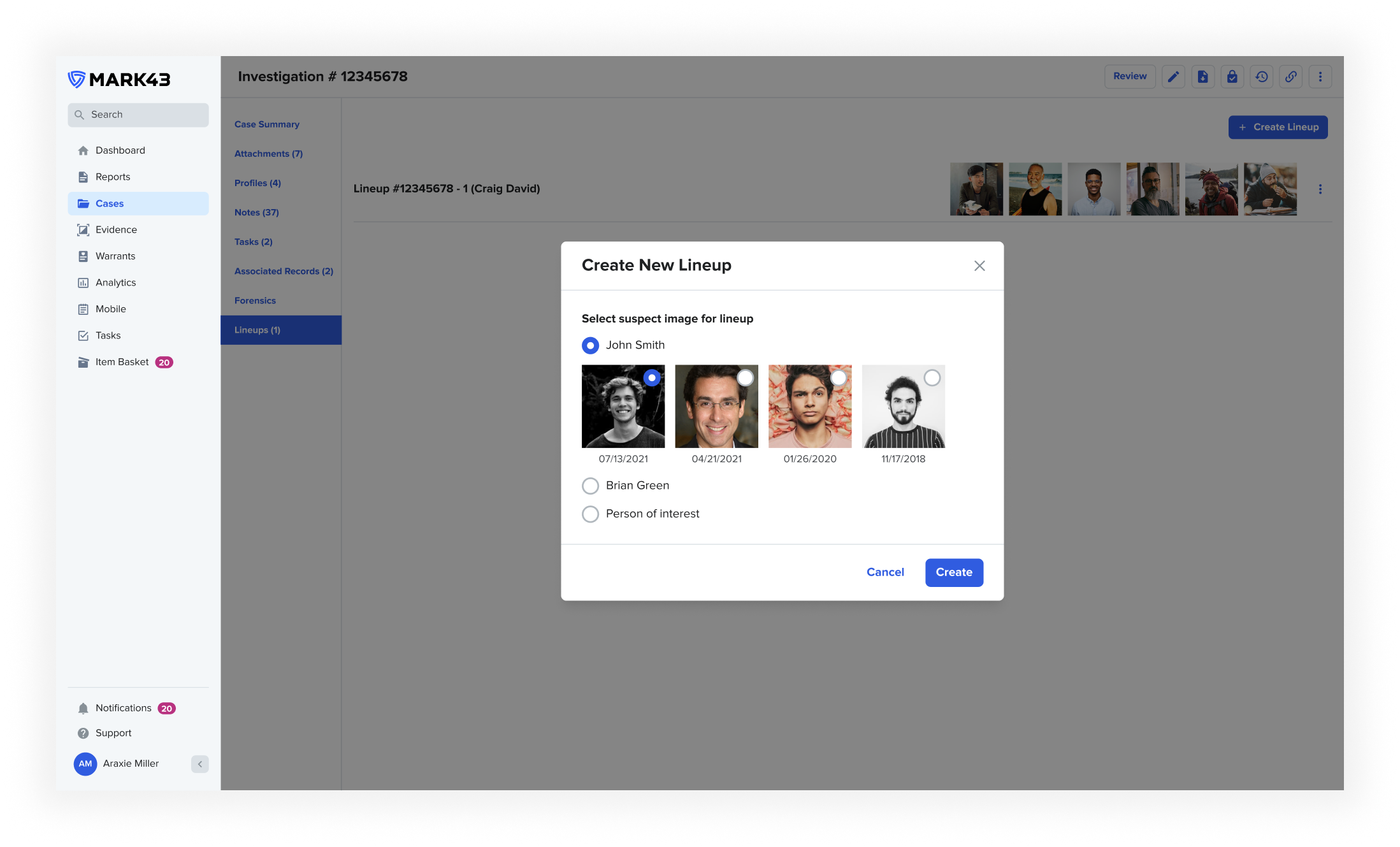
At the initial creation screen, users can choose to begin the photo lineup with an image of persons named as suspects or persons of interest within the Investigation. The options of available persons are scoped down to these involvement types to narrow the focus for the user. The user can then choose an image from those tied to the master profile. Investigators will typically choose the most recent, however there are instances they may wish to choose an older image. For example the date of the crime/offense or whether an older photo more accurately describes the given description of the suspect.
Empty Lineup
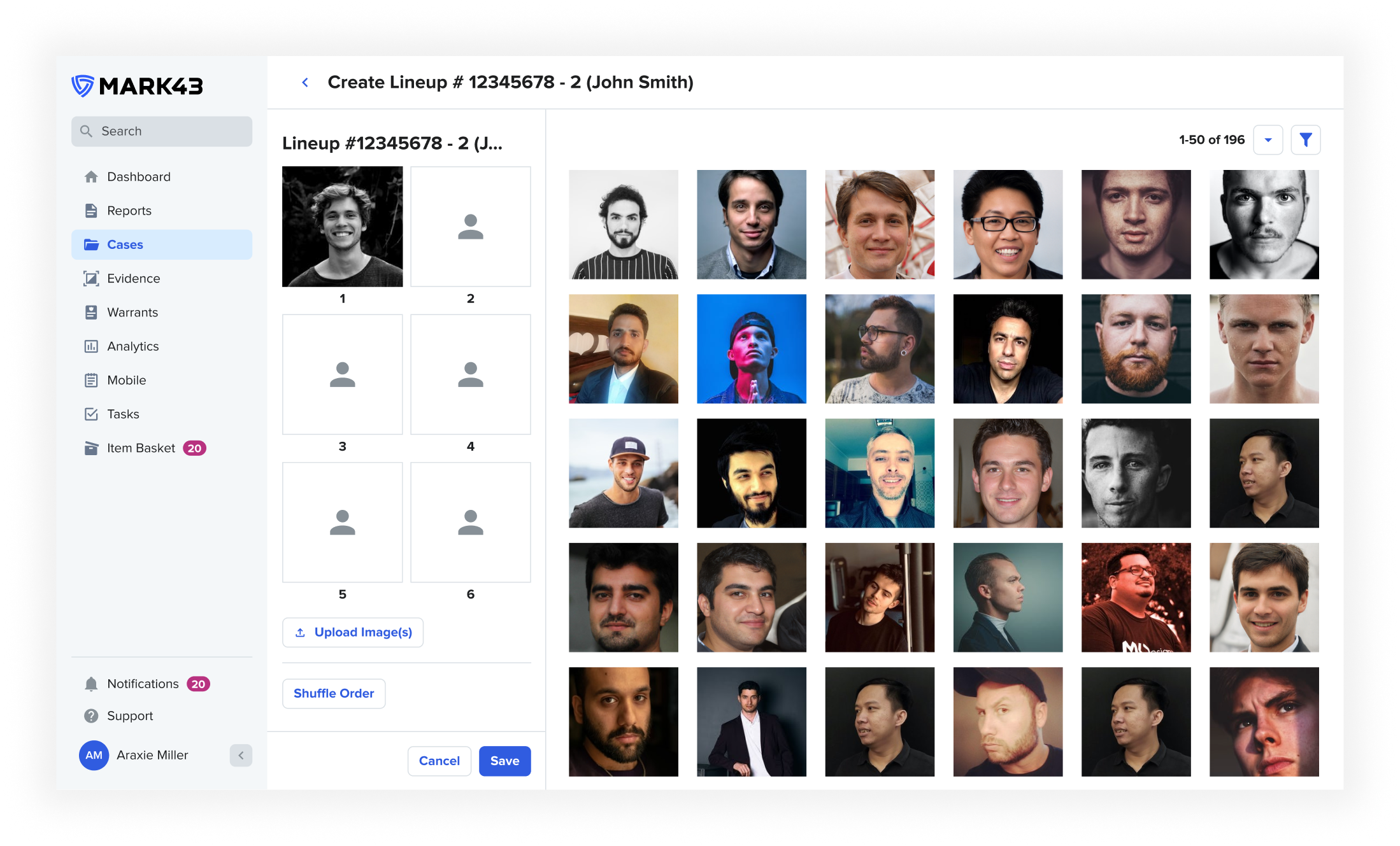
The image bank is populated by ‘similar’ images, based on physical characteristics of the chosen subject in the lineup. The parameters of these can be configured by each individual agency to suit their needs. Users can then select the images they deem the most suitable to compile their lineup. Discussions were made around automating this process, however this led to ethical concerns and after conversations with our end users, the decision was taken to lean on their training and expertise
Filters
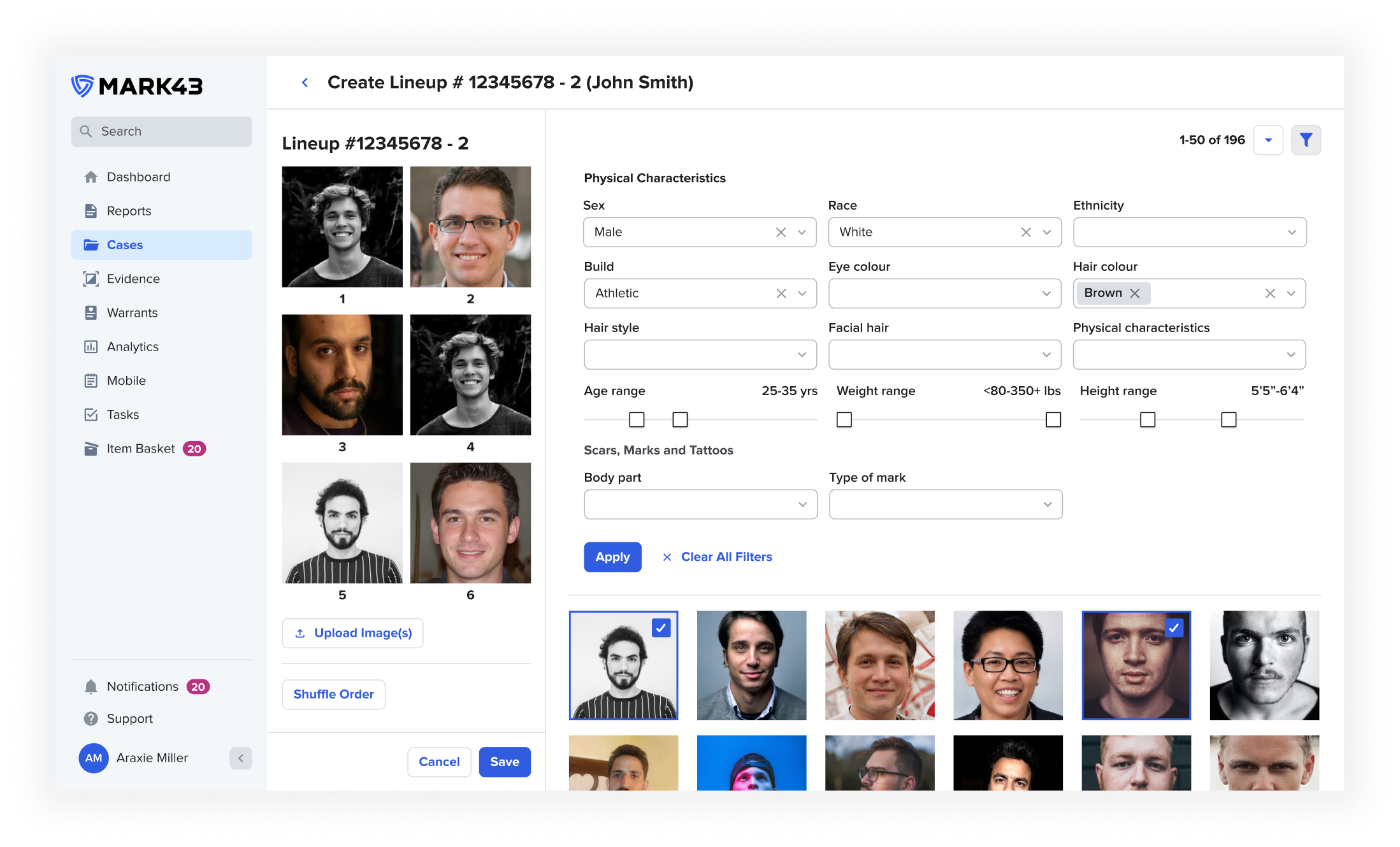
Although Mark43 can generate similar images based on characteristics upfront, there are also times that a user will need to expand or narrow the search results. Allowing for filtering of physical attributes means users can take control of the images they can select from and use their expertise to create a photo lineup that achieves the best results.
Populated Lineup
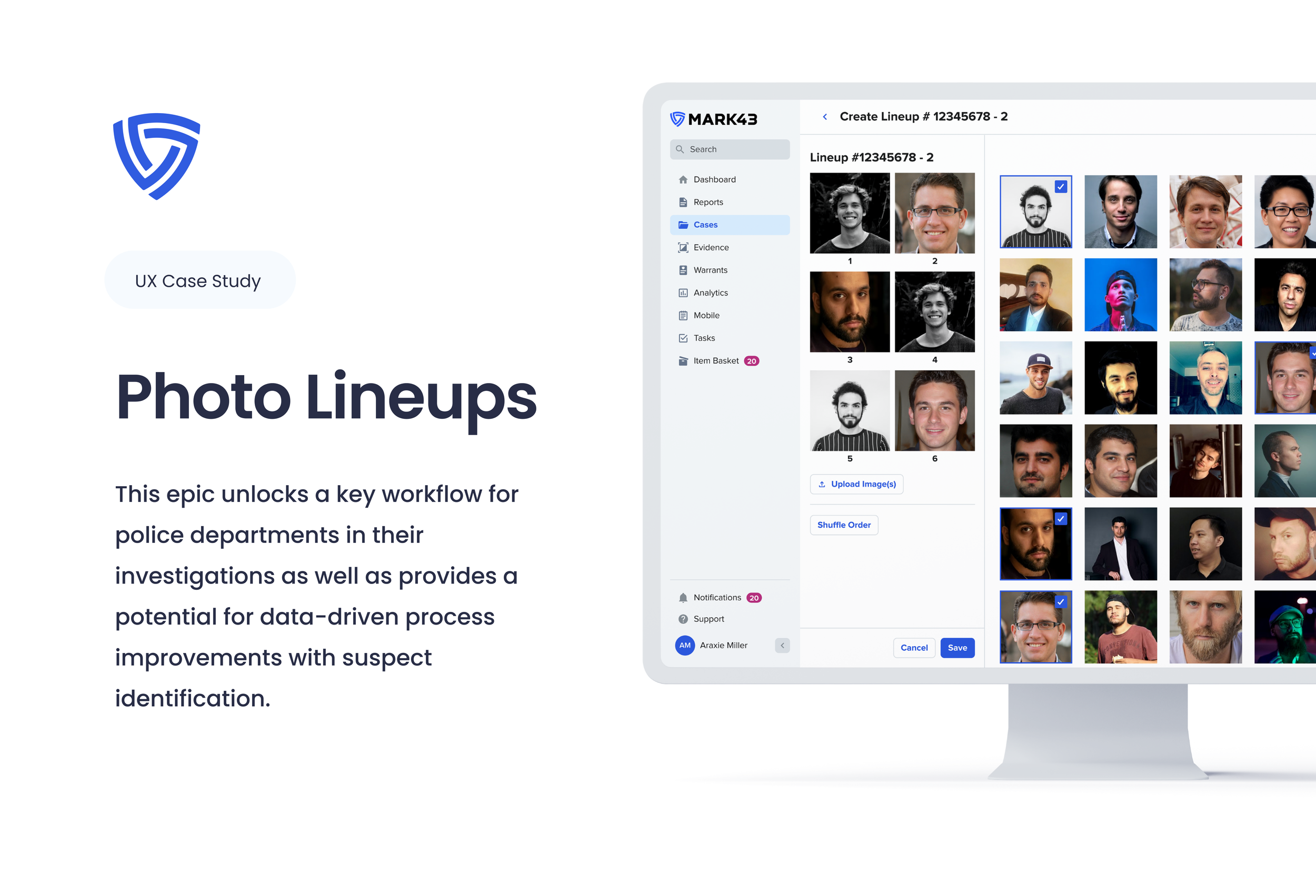
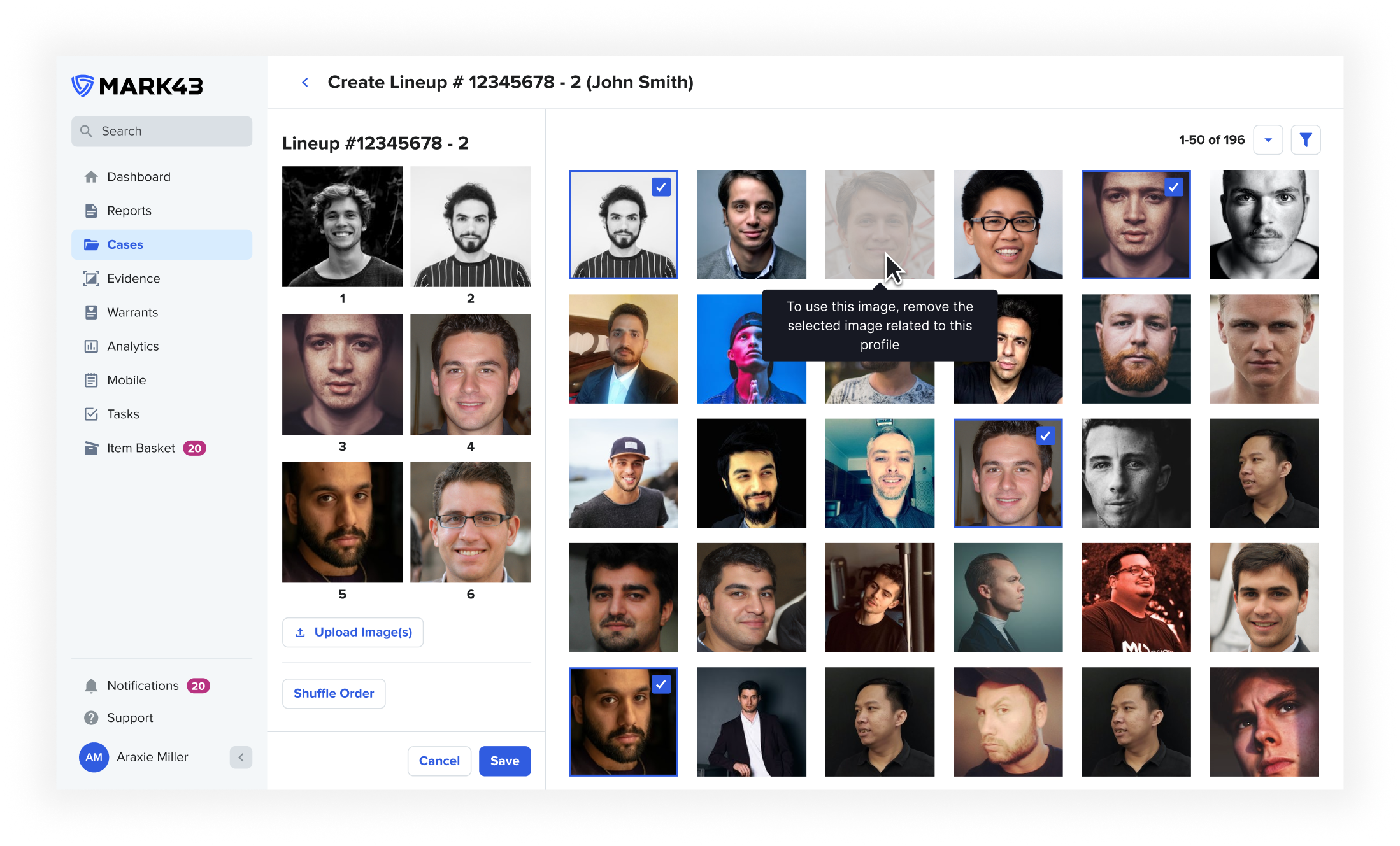
Users can create their desired photo lineup by selecting from images in the grid. They can choose to manually arrange the lineup in the order desired or utilise the shuffle feature to randomly create a new order, both of these are requirements in different states and jurisdictions. In order to prevent errors within the compilation, if a user selects an image of a profile, we then disable the selection of another image that is tied to the same profile. Users can also remove chosen images if they later find a more suitable one to replace it
Upload
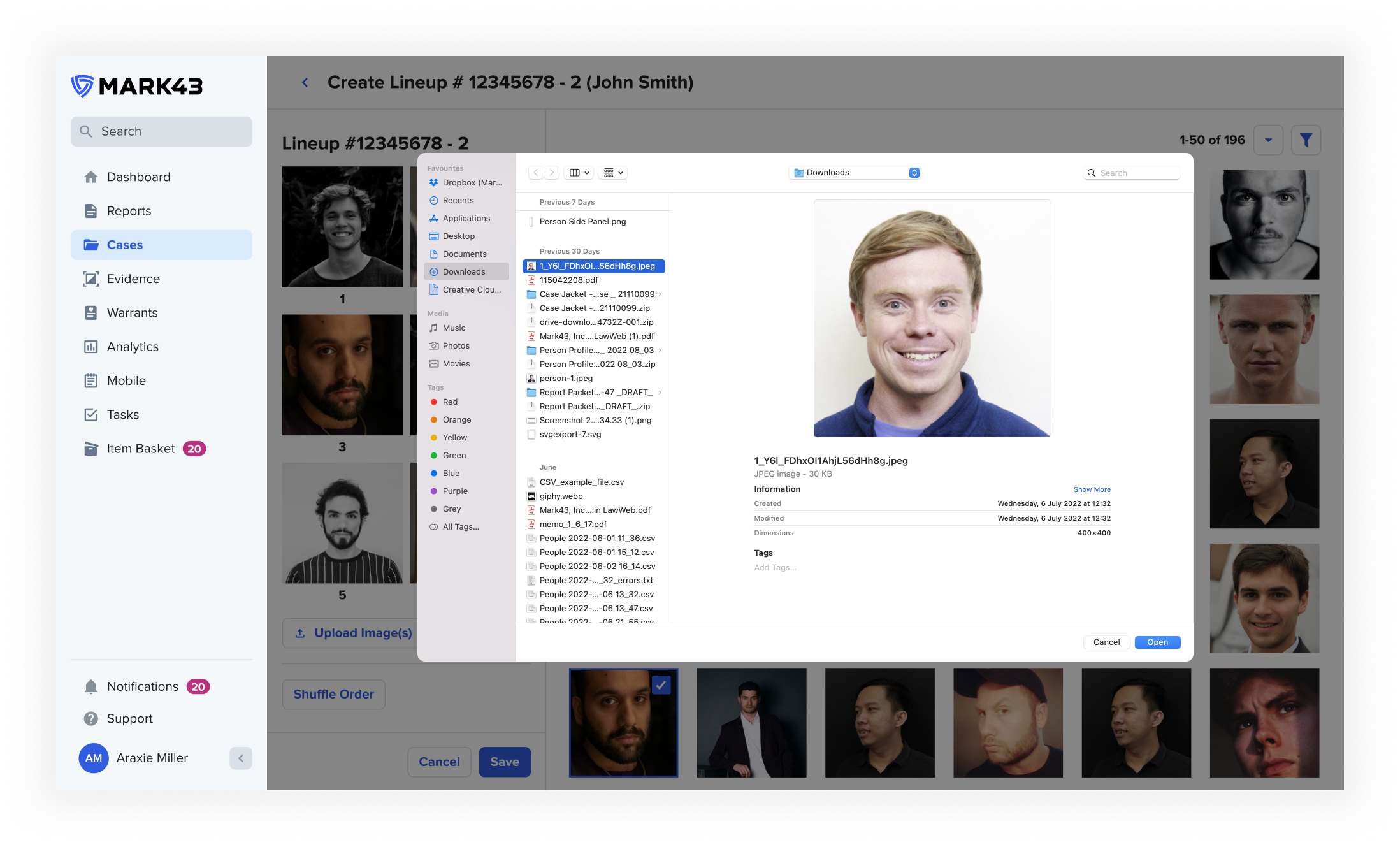
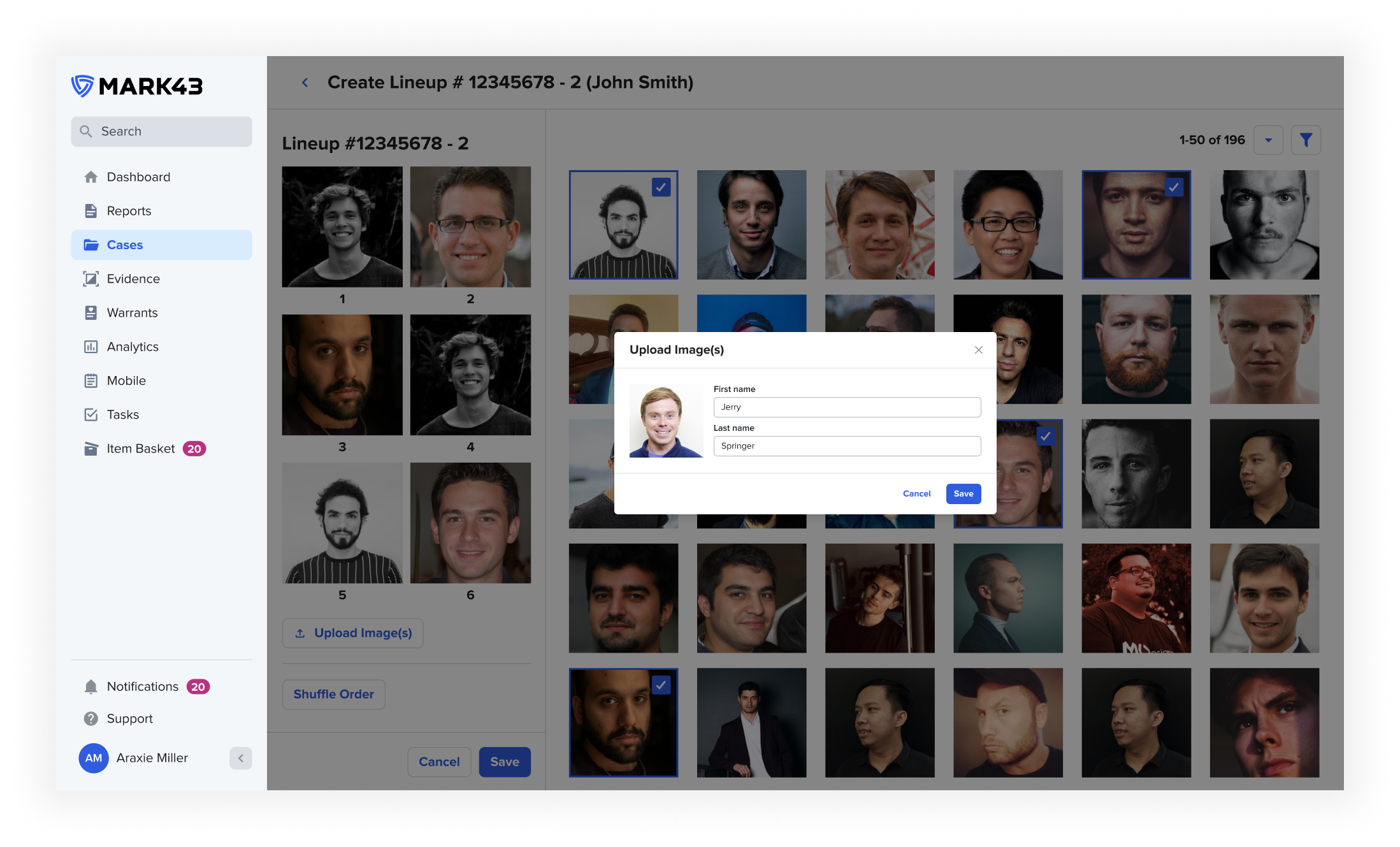
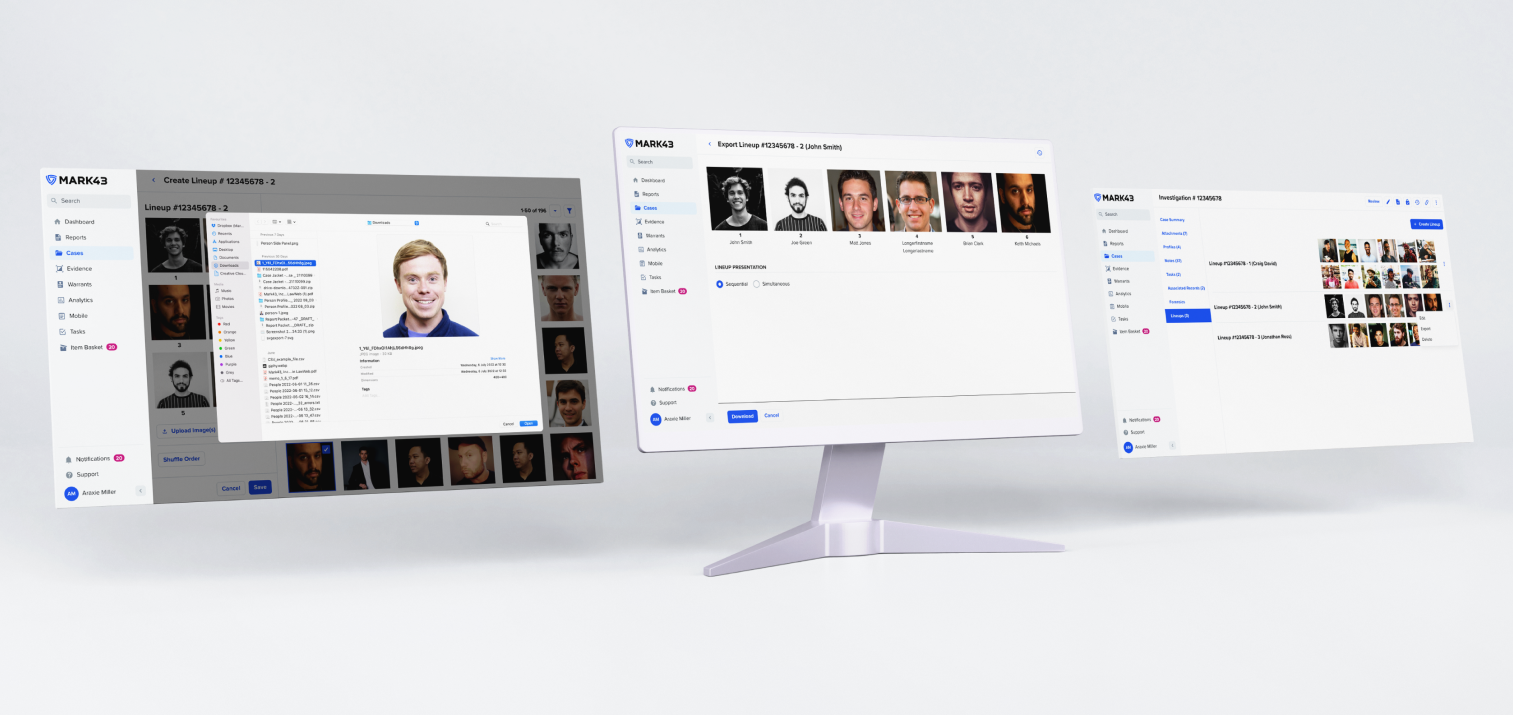
There may be circumstances in which users do not have access to the images in order for them to create the best lineup. This could be that they don’t have a large enough bank of images in the system, lack of integration with booking software or they simply do not have an image of the suspect on record. In these circumstances they may source images from elsewhere such as social media or even utilise stock imagery to populate the non-suspect images within the lineup. In order to allow for these use cases, the user can upload an image directly to the lineup from their file browser and enter the details of this person in accordance with their policy or jurisdiction requirements.
Export
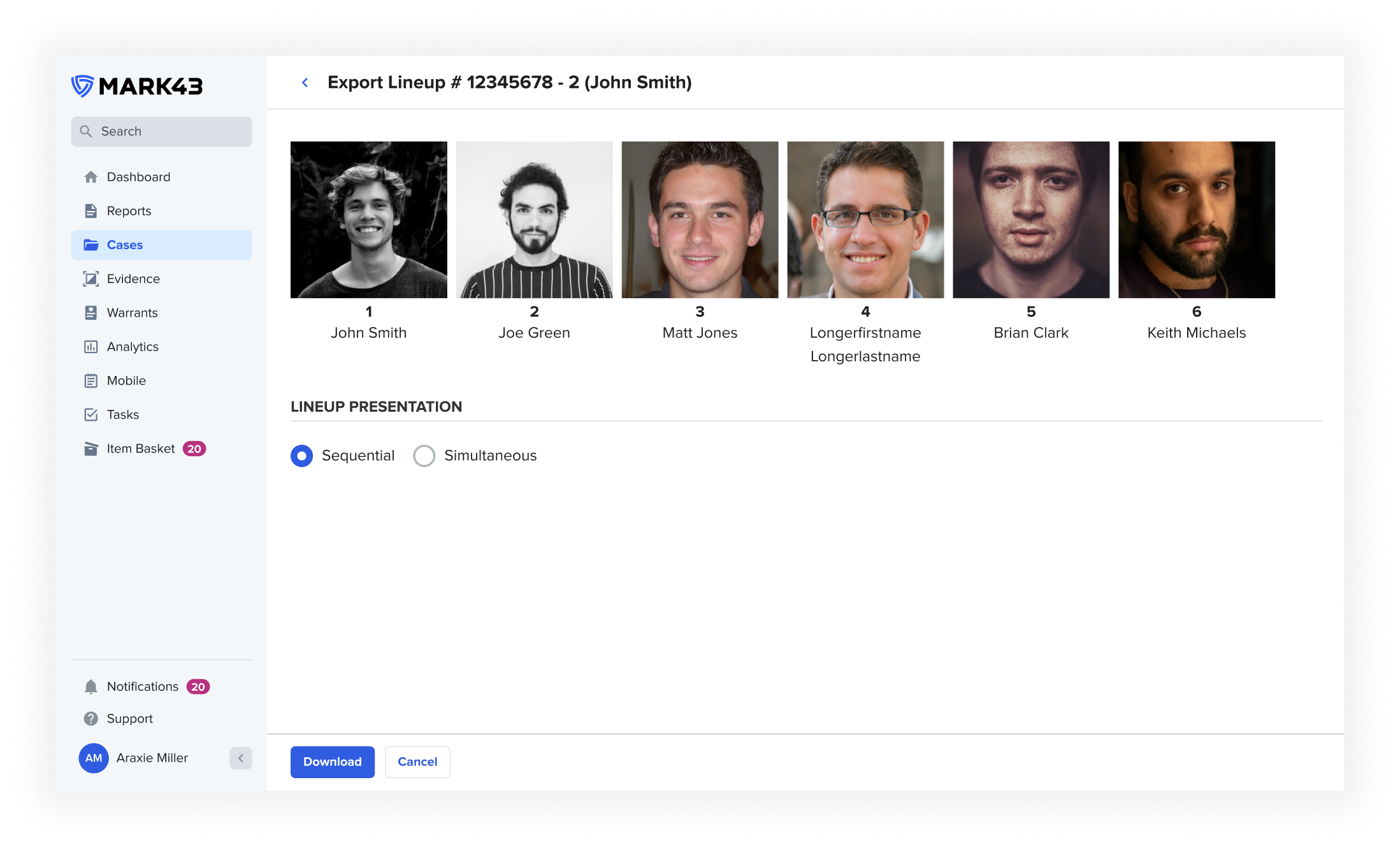
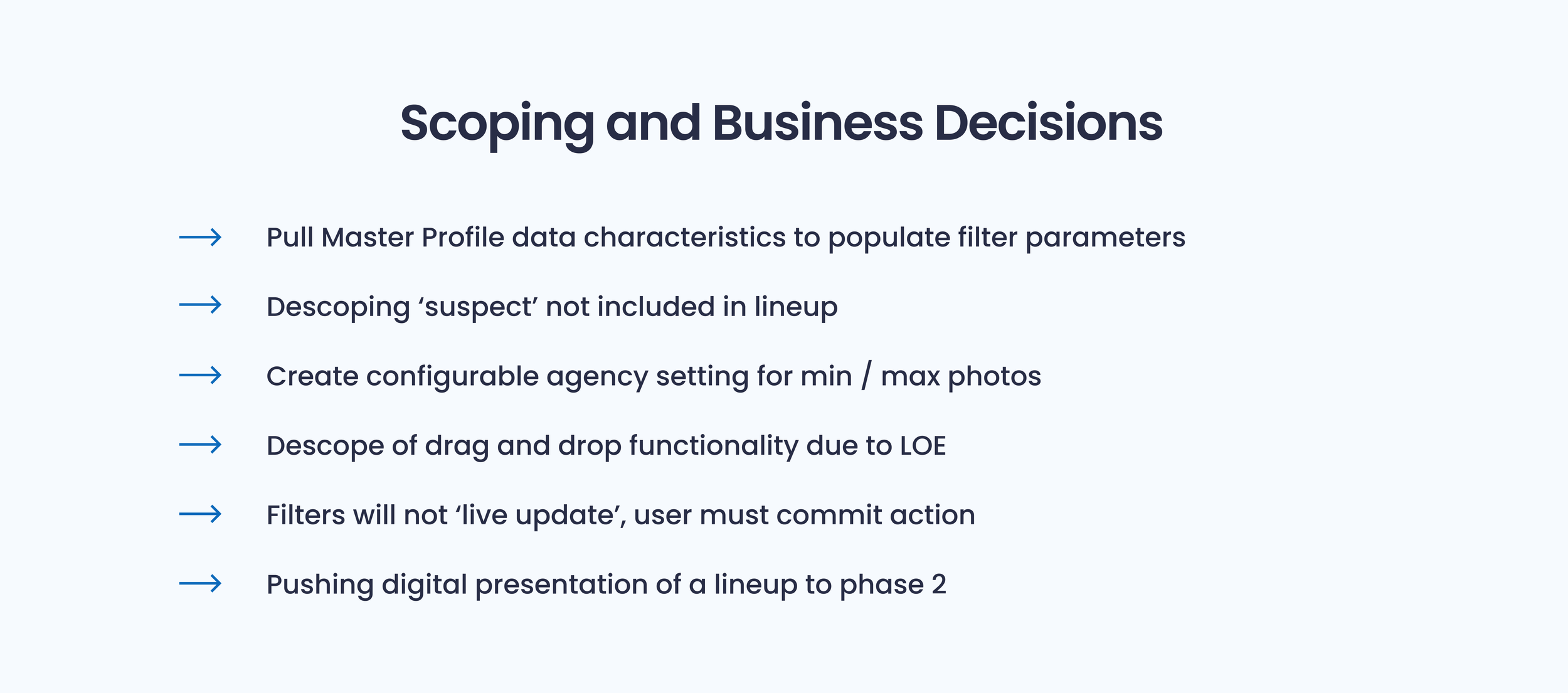
Phase 2 of this project intends to allow for the digital distribution and documentation of a lineup, however a lot of agencies are hesitant to do this and the conduction of a photo lineup typically takes place using printed hard copies. Different jurisdictions have different requirements as to how these are presented, sequential or simultaneous. For those agencies that use 1 particular method, these options will not be present. But for those that allow for officer discretion, the export options are presented and a user can export into the template chosen.